7 Reasons Autodesk Maya Is Essential for Character Design Pipelines
When people think about character design, they often focus on creative ideas, sketches, and imagination. But in reality, creating a character that actually works in animation or games takes much more than that. It depends heavily on the right character design software and a structured workflow.
That’s where Autodesk Maya comes in. It’s not the only software used in character creation, but it plays a central role in turning a static design into something that can move, perform, and exist in a real production environment. Let’s take a closer look.
How the Character Design Pipeline Works
Before we talk about Maya, it helps to understand how characters are actually created in a professional setup.
The process usually starts with concept art. Then artists move into high-detail sculpting, often using tools like ZBrush. After that, the model needs to be cleaned up, prepared for movement, rigged, animated, and finally rendered or exported into a game engine.
No single character design tool handles all of this perfectly. Instead, each software has a role, and Maya is the one that ties many of these stages together.
Why Autodesk Maya Is Essential for Character Design Pipelines
Autodesk Maya is widely used in character design pipelines for its strong modeling, rigging, and animation tools, helping artists create production-ready characters that meet industry standards and technical requirements.
1. Industry-Standard Software Used by Professionals
One of the biggest reasons Autodesk Maya is so important is its strong presence across the industry. From animation studios to VFX companies and game development teams, Maya is widely used as a core production tool.
Because of this, entire pipelines are often designed around it. Assets are structured to work seamlessly within Maya, and teams collaborate more efficiently using a shared system. If you’re aiming to work in a professional environment, learning Maya isn’t just helpful; it’s expected.
2. Precise and Controlled 3D Modeling
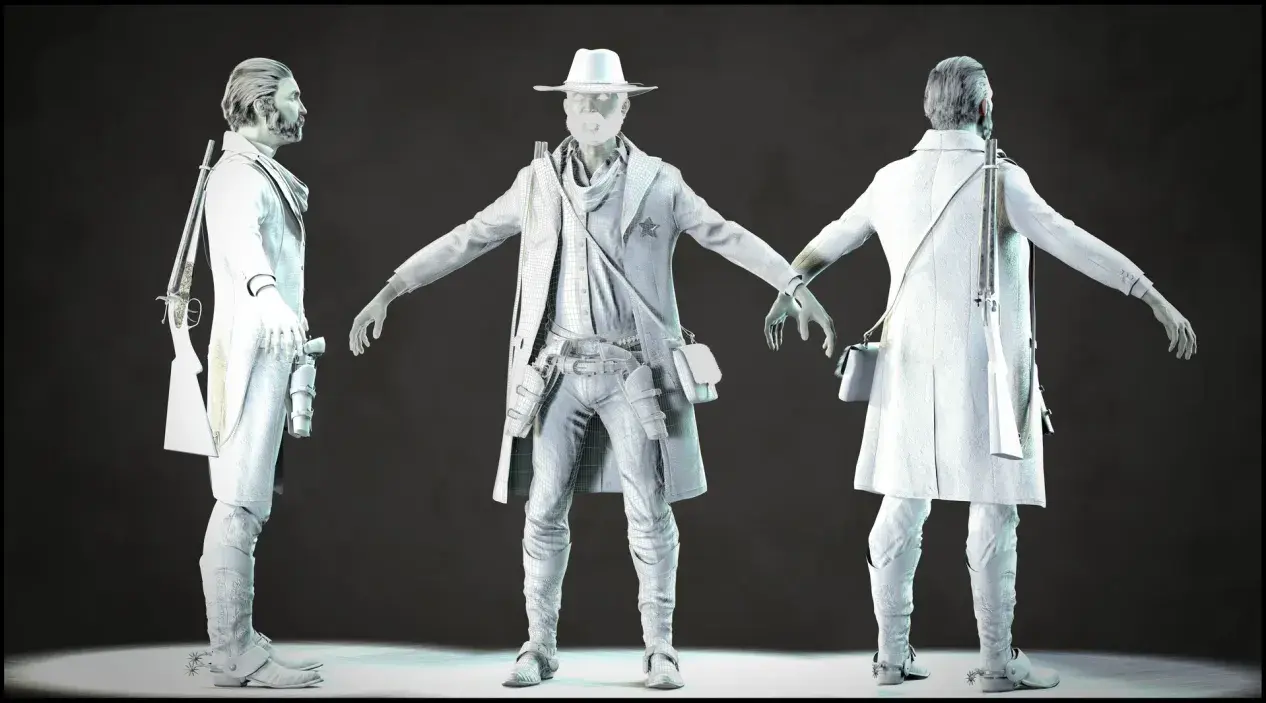
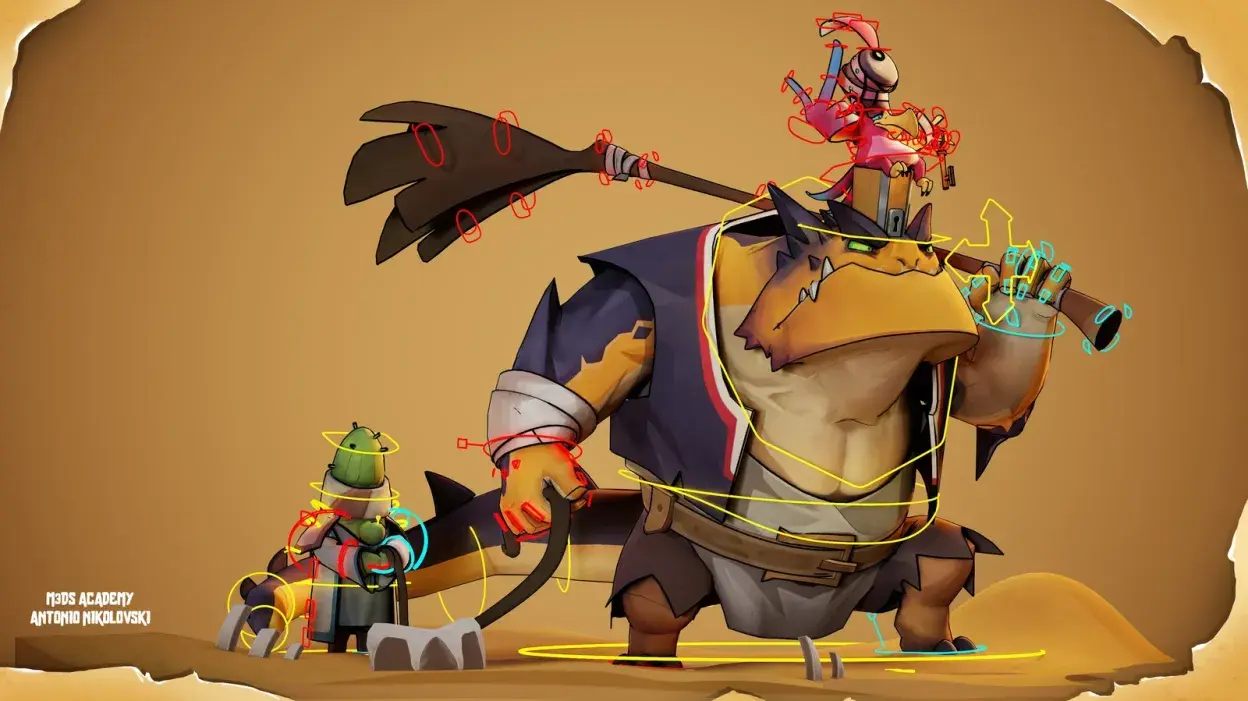
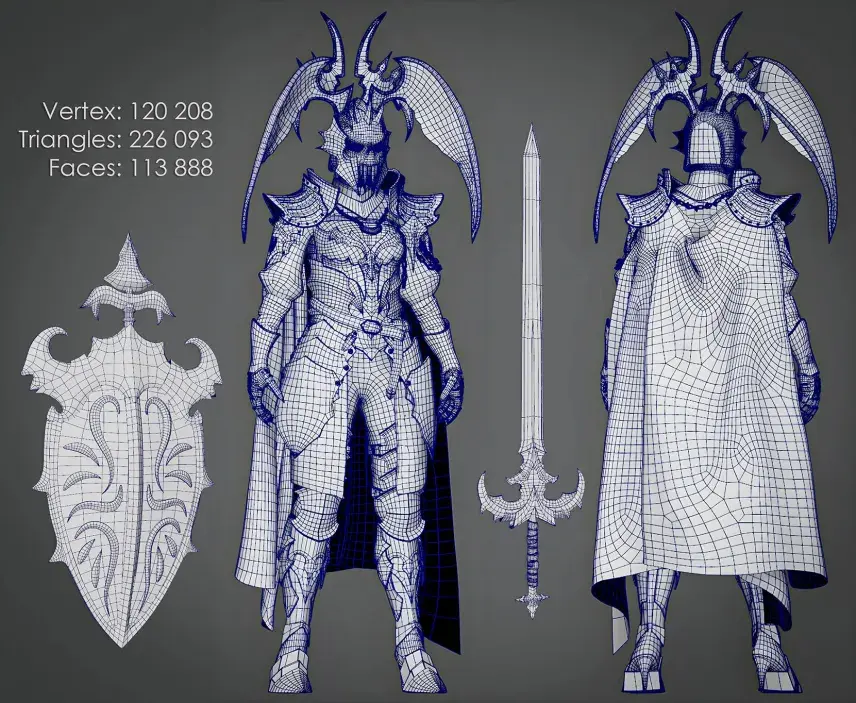
Every great character begins with a strong foundation. Maya offers precise control over modeling, allowing artists to create clean and well-structured geometry.
With its modeling tools, you can:
- Build proper edge flow for smooth deformation
- Maintain consistent polygon distribution
- Shape forms with high accuracy
This ensures your character is technically sound and ready for the next stages of production.
3. Advanced Rigging System
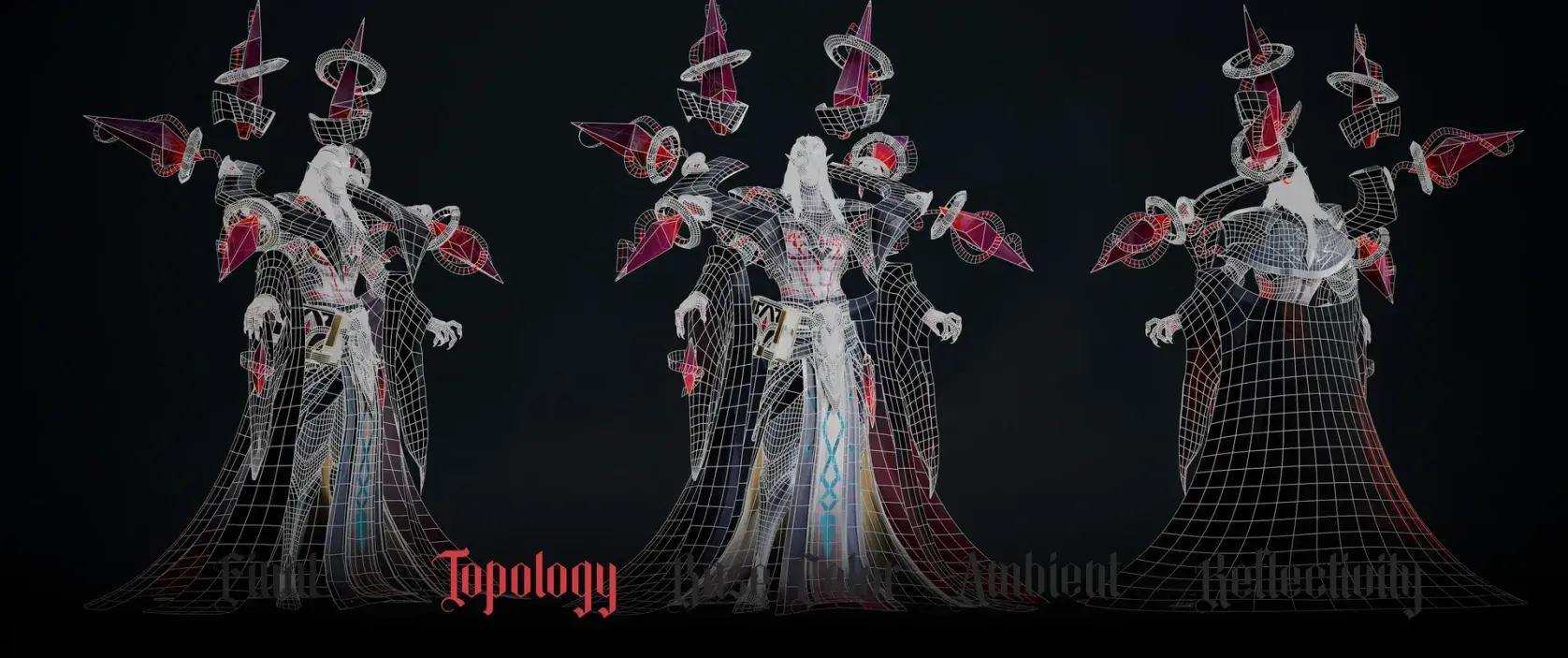
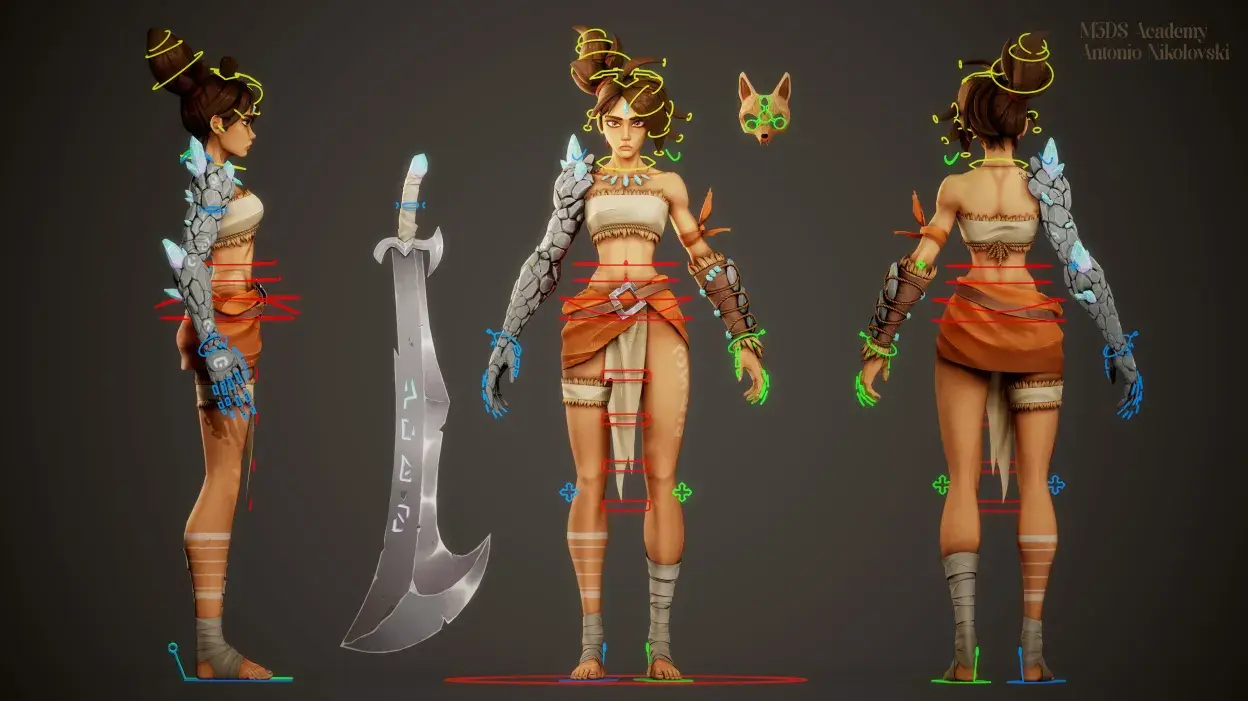
Rigging is what prepares a character for movement, and Maya provides one of the most advanced systems for this process.
Artists can create detailed control setups using:
- Joint and skinning tools
- Blend shapes for facial expressions
- A flexible node-based system
This allows for complex and production-ready rigs that can handle everything from simple movements to detailed performances.
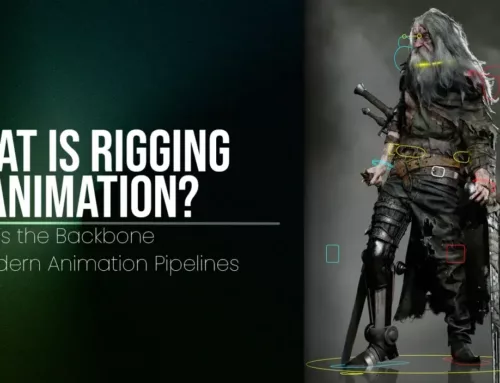
Learn: What Is Rigging in Animation? Why It’s the Backbone of Modern Animation Pipelines
4. Smooth Integration with Other Tools
Modern character workflows don’t rely on a single software. Maya works seamlessly with tools like ZBrush, where artists often sculpt high-detail models before bringing them into Maya.
Using formats like FBX or tools like GoZ, assets can move easily between software. This helps artists combine detailed sculpting with technical refinement without slowing down the workflow.
5. Professional Animation Capabilities
Once a character is rigged, animation brings it to life, and this is where Maya truly shines.
It offers:
- Powerful keyframe animation systems
- A Graph Editor for refining motion
- Tools for both realistic and stylized animation
These features give animators full control over movement, making it easier to create natural and expressive performances.
6. Game Engine and Rendering Readiness
After a character is complete, it needs to perform well in its final environment. Maya makes this process smooth by supporting exports to game engines like Unreal Engine and Unity.
It also includes the Arnold Renderer, which helps artists preview lighting, materials, and final output. This ensures that characters are not only well-built but also ready for real-time use or high-quality rendering.
7. Flexible for Different Character Styles
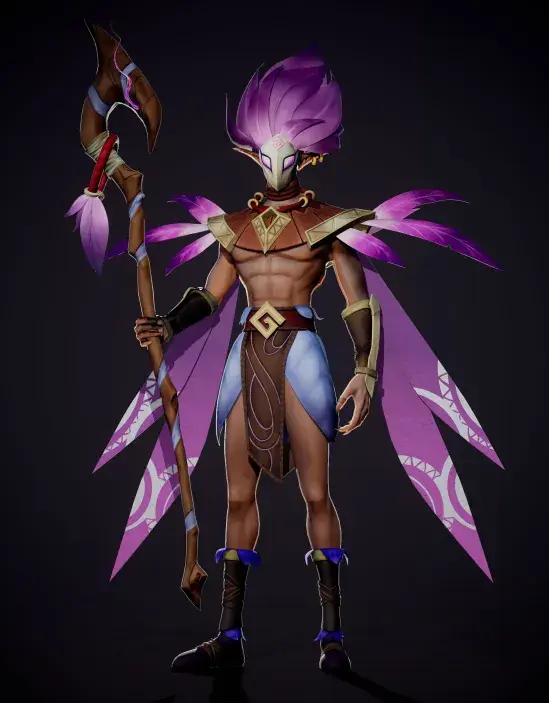
Different projects require different visual approaches, and Maya adapts easily to both realistic and stylized character creation.
- For realistic characters, it supports clean topology and accurate structure
- For stylized designs, it allows flexible shaping and creative exaggeration
This versatility makes Maya a reliable choice across a wide range of projects, from films to games.
Related Articles:
10 Mistakes to Avoid in Character Design
Learn Autodesk Maya for Character Design Pipelines with M3DS Academy
If you’re serious about building a career in character design, understanding how the full pipeline works is important. At M3DS Academy, our Autodesk Maya course is designed to teach workflows used in animation, gaming, and VFX.
The training covers character creation from modeling and texturing to rigging and animation. You’ll also work with tools like ZBrush, Substance Painter, and Unreal Engine, so you understand how different stages of the pipeline connect in real projects.
Our approach is practical and structured, helping you move from beginner to advanced level while working on real-world assignments. The focus is on building a strong portfolio and developing skills that match industry requirements.
Our academy has also built a strong global reputation for excellence in creative education. We were recently recognized by The Rookies as the best Creative Media School worldwide. Additionally, we have been ranked #4 among the top Game Development schools globally and named the #1 Creative Media and Game Development school in the United States, reflecting our commitment to quality training and student success on an international level.
Ready to get started?
Take the next step in your creative journey by mastering Autodesk Maya with expert guidance. Book your free trial at M3DS Academy today and experience hands-on learning designed to help you become a confident, job-ready character artist.