Unreal Engine vs Unity: Which Should You Learn
Are you wondering which game engine to learn first: Unity or Unreal Engine? Choosing the right one can shape your skills, career, and the games you create. If you’re starting your first project or planning your next focus, your decision will influence your learning path, career opportunities, and the type of games you develop.
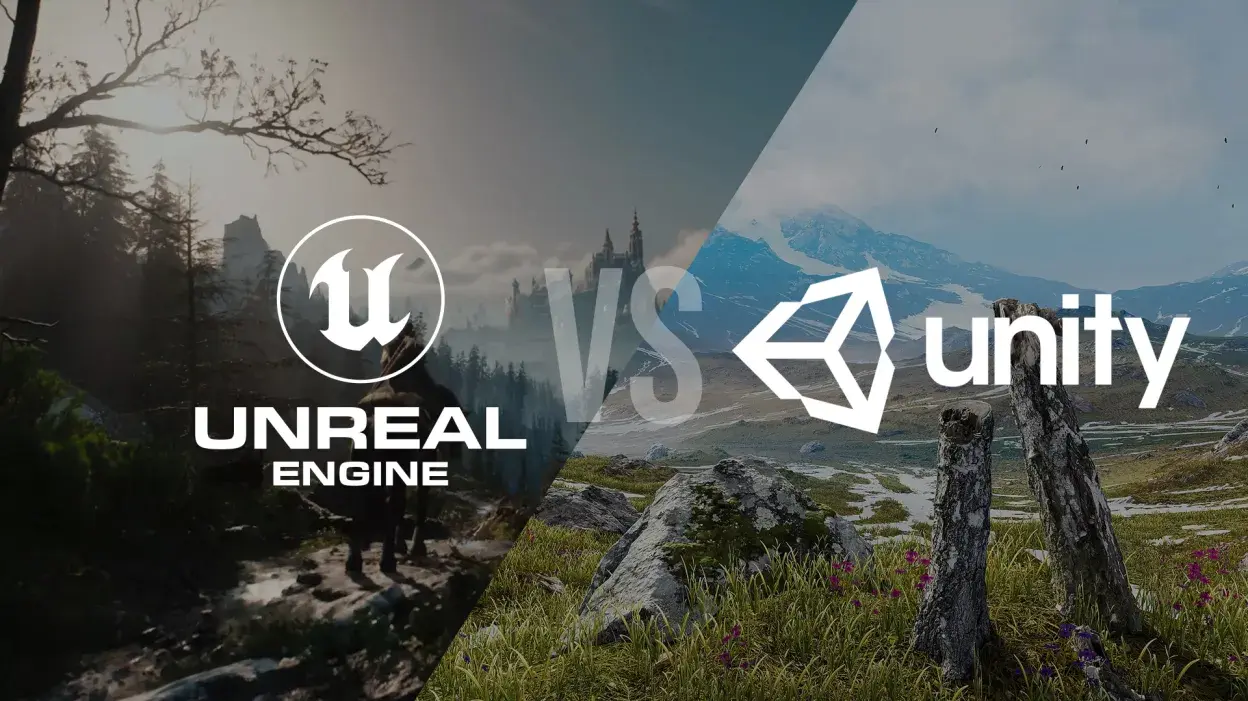
Both Unity and Unreal Engine are powerful and widely used, but each excels in different areas and serves distinct developer communities. In this article, we compare the two engines, highlight who each is best suited for, and discuss factors to consider before making your choice.
What Are Game Engines, And Why Does Choice Matter?
A game engine is a software framework designed to make game development faster, easier, and more organized. Engines handle core functionality like graphics rendering, physics simulation, sound, input, animation, and deployment, allowing developers to focus on the creative parts of building games rather than reinventing the wheel.
Unity and Unreal Engine both fulfill these roles, but in different ways:
- Unity is often heralded for its flexibility and accessibility, particularly for 2D, mobile, and indie games.
- Unreal Engine is known for stunning visuals and AAA-caliber graphics, alongside deep customization and performance.
Want to Master Unreal Engine as an Artist? Enroll at M3DS Academy and Start Creating Stunning 3D Visuals Today!
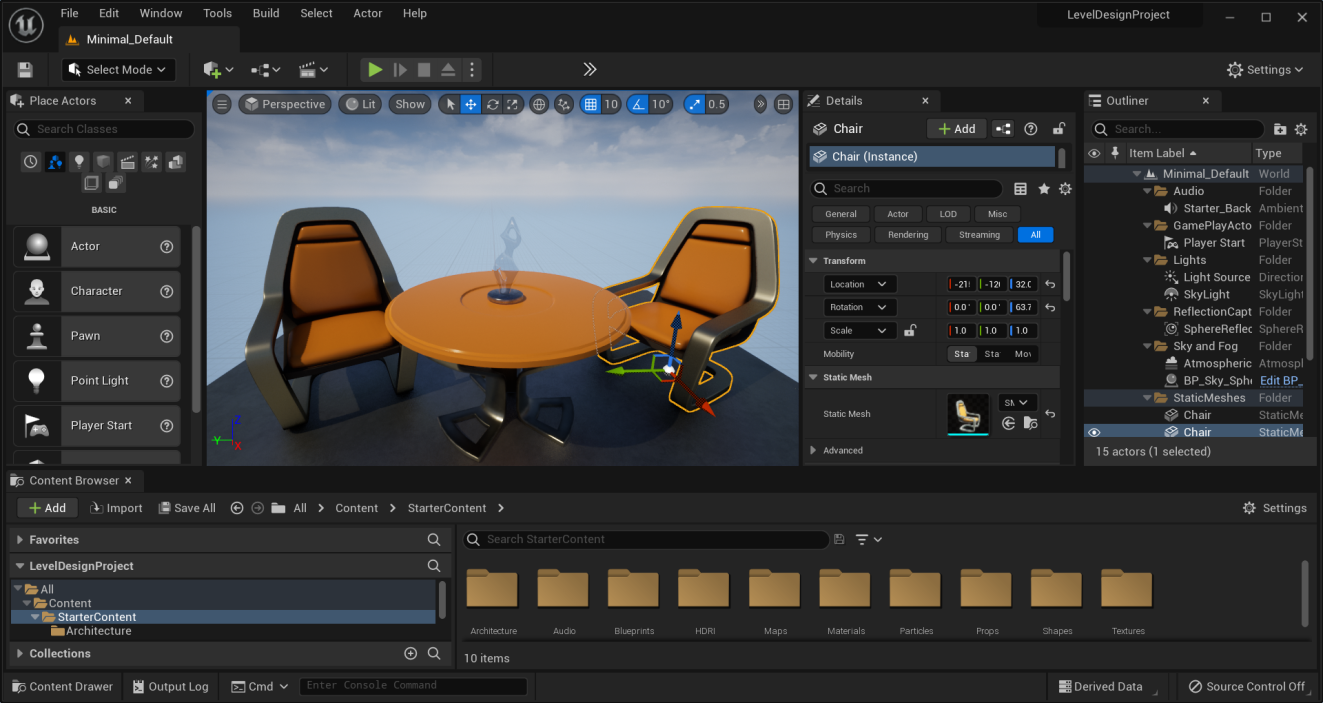
Unity vs Unreal Engine
When it comes to game development, choosing between Unity and Unreal Engine often depends on the type of project, your experience level, and your long-term goals. Both engines are powerful, widely used, and constantly updated, but they shine in different areas.
| Feature | Unity | Unreal Engine |
| Project Size & Team | Best for small to medium projects and solo developers or small teams. Ideal for indie and mobile games. | Designed for medium to large, high-budget projects. Best for large teams working on AAA or cinematic games. |
| Learning Curve & Programming | Easier to learn; uses C#, making rapid prototyping accessible for beginners. | Steeper learning curve; uses C++, offering high performance and deep customization. Blueprint visual scripting helps reduce coding complexity. |
| Graphics & Tools | Flexible graphics; relies on third-party assets; good for 2D and 3D games. | Industry-leading visuals with robust built-in tools for 3D, physics, multiplayer, cinematics, and real-time rendering. |
| Career & Applications | Opens opportunities in indie studios, mobile games, AR/VR, educational apps, and small teams. | Opens doors to AAA game studios, cinematic and open-world projects, architectural/automotive visualization, and virtual production. |
| Platform Support | Supports 25+ platforms, including mobile, web, consoles, and AR/VR devices. | Focused on high-end PC, consoles, VR, and cinematic pipelines. |
| Pricing & Licensing | Free for personal use; paid plans for larger studios. | Free to use; 5% royalty after $1M gross revenue per project. |
Salary Note: Unreal roles tend to pay higher due to project scale and technical demands, while Unity offers easier entry-level opportunities.
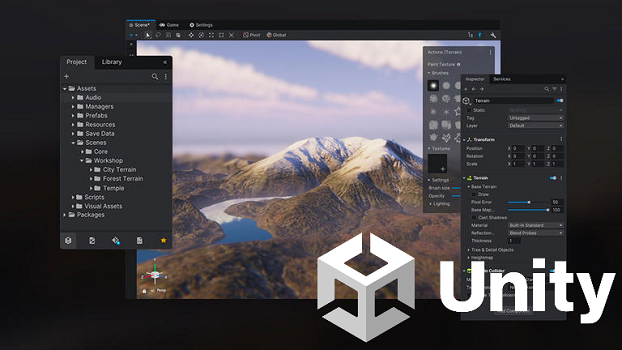
Unity: The Beginner-Friendly Engine
Unity’s popularity stems from its accessibility and broad reach. It’s the engine of choice for many independent developers, hobbyists, mobile creators, and educational environments.
Why Unity Is Great
- Beginner-Friendly and Easy to Learn: Unity uses C#, a language that is easier to pick up for newcomers compared to C++, which is used in Unreal. Beginners often find Unity’s interface intuitive and helpful for prototyping quickly.
- Broad Platform Support: Unity supports more than 25 platforms from web and mobile to consoles and AR/VR devices, making it versatile for developers targeting multiple audiences.
- Strong 2D Workflow: Unity excels in 2D game development with dedicated tools (Sprite Editor, Tilemaps, 2D physics), a rare edge over Unreal, which is more 3D-oriented.
- Massive Asset Store: The Unity Asset Store boosts productivity with thousands of ready-to-use assets, plugins, and tools, particularly valuable for small teams or solo developers.
- Lightweight and Flexible: Unity is efficient for projects that must run on lower-end hardware or across a wide range of devices.
Unreal Engine: The AAA Powerhouse
Unreal Engine, developed by Epic Games, has earned a reputation for delivering the most visually impressive games and interactive experiences. Many big studios use Unreal for Hollywood-level visuals, open worlds, and cinematic sequences.
Why Unreal Is Powerful
- Industry-Leading Graphics: Unreal’s rendering system (including tools like Lumen and Nanite) consistently delivers photorealistic visuals, making it a top choice for AAA games and high-end VR experiences.
- Blueprint Visual Scripting: Blueprints allow developers to create complex gameplay mechanics without writing code, a huge boon for designers or artists who don’t want to dive into C++.
- Deep Customization and Source Access: Unreal provides full access to its C++ source code, offering unparalleled control for optimization and customization.
- Built-in Advanced Tools: Unreal provides robust tools for multiplayer, physics, cinematics, real-time rendering, and more. It’s also widely used beyond games for architectural visualization, film, and interactive simulations.
- Growing Developer Incentives: Epic’s programs (like reduced royalties for games launching on the Epic Games Store) can improve the financial outlook for developers using Unreal.
Related Articles:
Top 10 Unreal Engine Plugins Every Artist Should Know


Professional Unreal Engine Training for Game Development Careers
Planning to build a career in high-end game development using Unreal Engine? M3DS Academy focuses on Unreal Engine training designed around professional production workflows. Our Unreal Engine course covers Blueprint visual scripting, environment creation, lighting, real-time rendering, asset optimization, and performance management.
We emphasize hands-on projects so learners gain practical experience with Unreal Engine tools used in studio environments. Our structured learning approach helps develop technical confidence and supports long-term career growth in game development and real-time industries.
Join M3DS Academy and start building job-ready Unreal Engine skills today.
Unity and Unreal Engine are not competitors in quality, but tools built for different development needs. Unity prioritizes flexibility, accessibility, and speed, while Unreal focuses on power, visuals, and large-scale production.
The best engine to learn is the one that aligns with your immediate goals. Skills gained in either engine game design principles, problem-solving, optimization, and pipeline thinking transfer across platforms and engines over time.