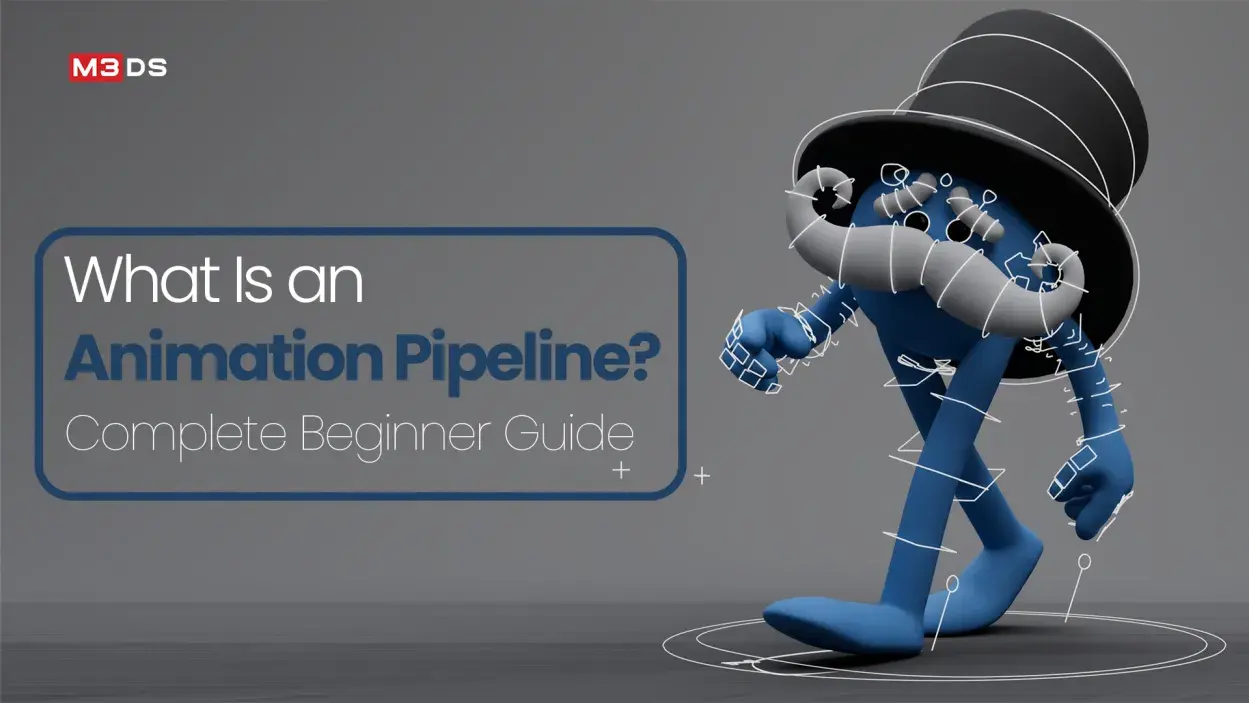
What Is an Animation Pipeline? Complete Beginner Guide
Animation has become one of the most exciting and lucrative fields in the creative industries, from movies and TV shows to video games and virtual reality experiences. If you are a beginner aspiring to enter this industry, understanding the animation pipeline is crucial.
This guide breaks down the animation production pipeline in a simple, structured way, helping you understand its importance and the steps involved in creating professional-quality animations.
What Is an Animation Pipeline?
An animation pipeline is a step-by-step workflow that ensures the creation of animated content is efficient and organized. It provides a clear framework for artists and technical teams to work together, maintain consistency, and meet deadlines. While pipelines vary slightly across studios, the basic stages remain consistent.
The pipeline helps teams manage complex projects by breaking the work into stages, each with specific responsibilities. This prevents confusion, saves time, and reduces the chances of errors.
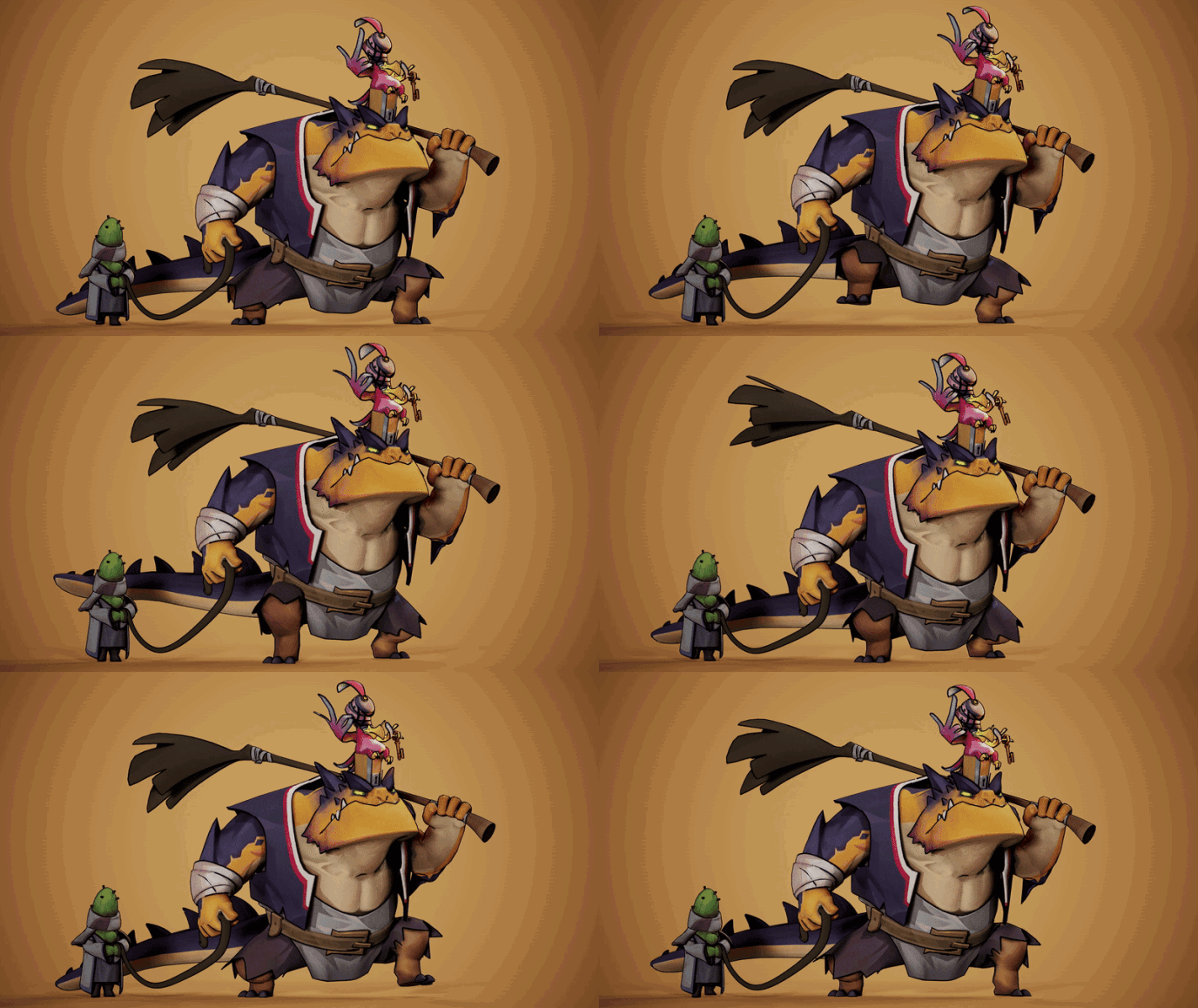
Why the Animation Pipeline Is Important
- Organization: The pipeline keeps production organized by clearly defining tasks and responsibilities.
- Efficiency: It ensures every team member knows what to do and when, reducing wasted time.
- Quality Control: Each stage is checked before moving to the next, preventing mistakes from piling up.
- Collaboration: Large projects often involve multiple departments; the pipeline ensures smooth communication.
Without a well-defined pipeline, animation projects can become chaotic, time-consuming, and expensive.
Complete Animation Pipeline: From Idea to Final Output
It covers every stage of production, guiding projects from initial concepts and story planning to final rendering and compositing, ensuring an efficient workflow and professional-quality animations.
Pre-Production: Blueprint for Animation
Pre-production is the foundation of any animation project. This phase focuses on planning, designing, and preparing all the elements needed before the actual animation work begins. It ensures that the production phase runs smoothly and reduces errors that can occur if tasks are done without proper planning.
1. Concept and Idea Development
Every animation project begins with an idea or a concept. This could be a short film, a game animation, or a commercial. In this step, creators brainstorm the storyline, main characters, and the overall theme of the animation.
- Story Outline: A summary of the plot is written to guide the animation’s structure.
- Character Ideas: Early sketches of characters are created to define their appearance, personality, and unique traits.
- Environment Concepts: The world or setting where the animation takes place is designed with rough sketches or mood boards.
2. Scriptwriting
Once the concept is defined, the next step is writing the script. The script includes dialogues, actions, scene descriptions, and camera movements. A clear script helps animators and other team members understand the story and plan the animation accordingly.
- Scene Breakdown: The script is divided into scenes, and each scene is detailed with actions and timing.
- Dialogues and Sound Effects: Text for characters’ dialogues and any required sound effects are noted for synchronization later.
3. Storyboarding
Storyboards are visual representations of the script, similar to a comic strip. They show key frames, character positions, camera angles, and important actions. Storyboarding is a critical step in visualizing the animation before production begins.
- Key Frames: These are the main poses or moments that define the sequence of the scene.
- Camera Plans: Storyboards indicate camera movements, zooms, and pans for each shot.
- Scene Timing: Rough timing of each shot is noted to maintain flow and pacing.
Want to master motion and timing in Maya? Follow this bouncing ball keyframe animation tutorial for hands-on practice.
4. Animatics
After storyboarding, the next step is creating an animatic. Animatics are simplified, timed versions of the storyboard with rough motion and basic sound. They give a preview of timing, pacing, and scene transitions, helping the team make adjustments before full production begins.
5. Design and Asset Preparation
Before entering production, all necessary assets are designed and created. This includes characters, props, backgrounds, and textures.
- Character Design Sheets: Detailed sheets show different poses, facial expressions, and costume details.
- Environment and Prop Designs: Backgrounds, props, and other scene elements are finalized.
- Color Palettes: Colors are chosen for characters and environments to maintain visual consistency.
Wondering how to choose the right online 3D animation school? Follow these tips to start your career on the right path.
Production: Bringing Ideas to Life
The production stage is where the animation actually comes to life. This is the most time-consuming part of the pipeline and involves several specialized tasks. The production phase uses the assets and plans from pre-production to create the animated scenes.
1. Modeling
In 3D animation, modeling involves creating the digital representation of characters, props, and environments. Each model must be accurate, proportionate, and ready for texturing and rigging.
- Character Modeling: The final 3D version of the character is built, including details like facial features, clothing, and accessories.
- Environment Modeling: Digital sets and background elements are modeled for the scenes.
- Prop Modeling: Smaller objects that interact with characters or the environment are created.
2. Texturing
Texturing adds color, surface details, and materials to 3D models. It defines how objects look under lighting and how realistic they appear in the final render.
- Material Creation: Wood, metal, fabric, and other materials are applied to models.
- Texture Mapping: 2D images are wrapped around 3D models to give them surface detail.
- UV Unwrapping: Models are prepared for accurate texture placement without distortion.
3. Rigging
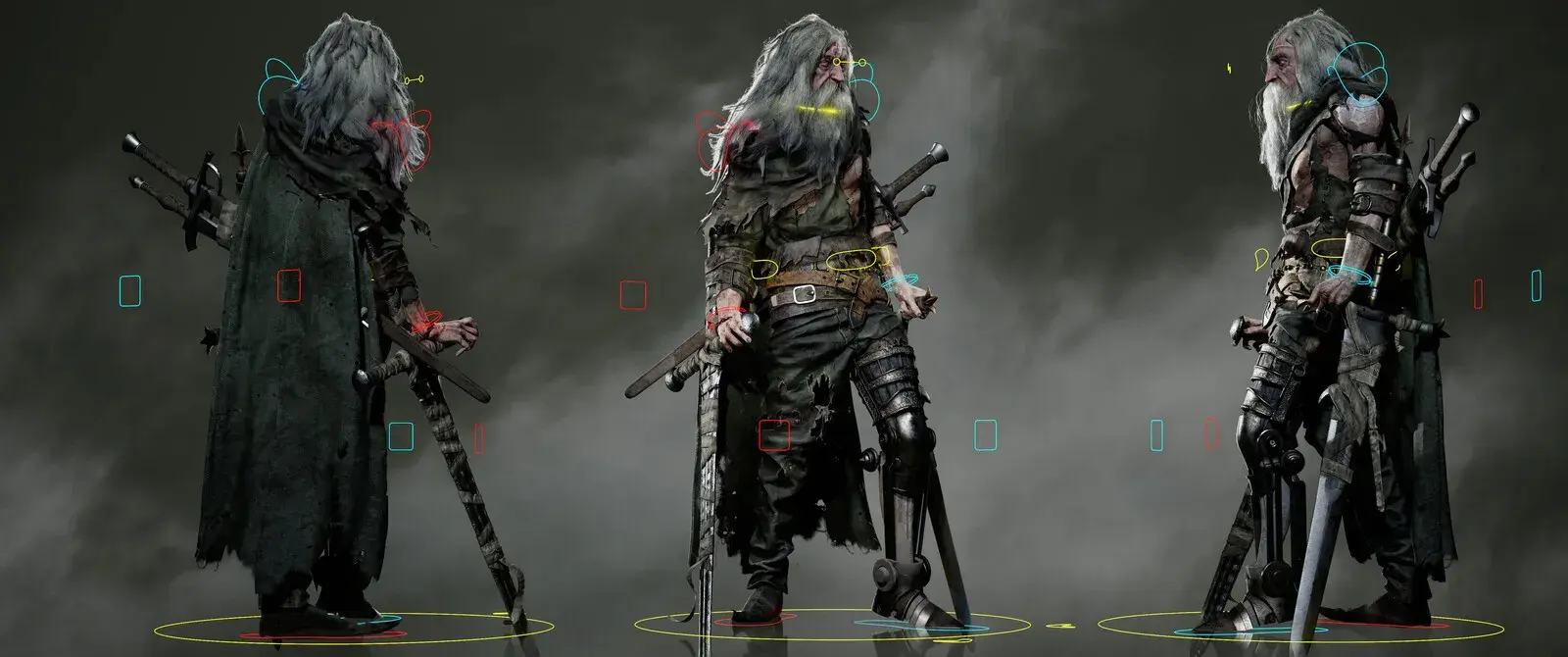
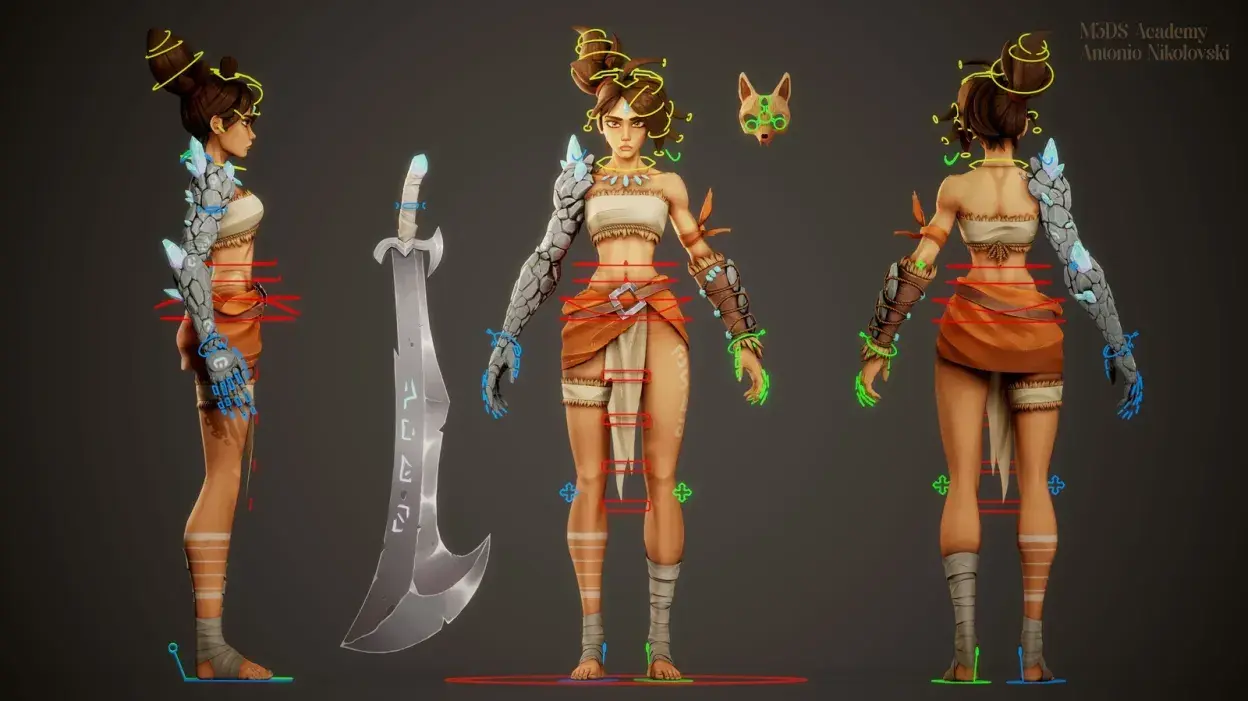
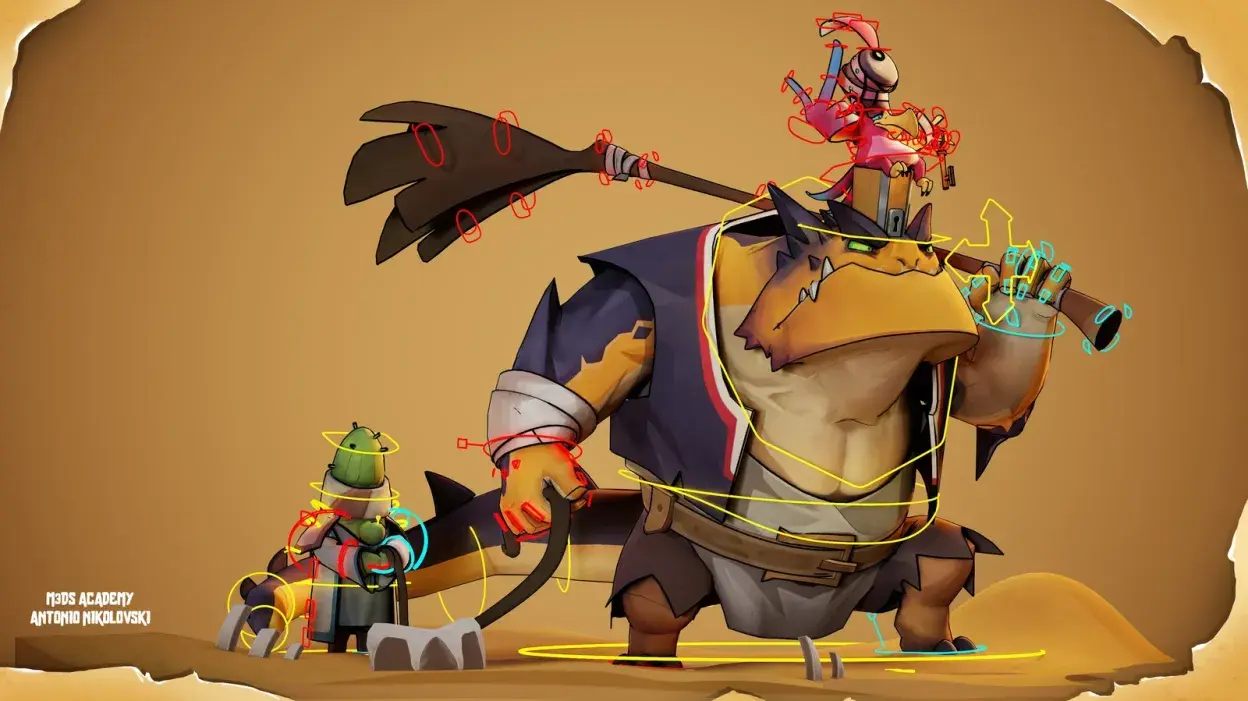
Rigging is the process of creating a skeleton for characters or objects so that they can move naturally. A rig includes bones, controls, and constraints that allow animators to pose and animate characters. Without proper rigging, characters cannot move smoothly or realistically.
4. Animation
Animation is the core of the production stage. Animators use rigged characters and assets to create motion according to the storyboard or animatic.
- Keyframe Animation: Main poses are set at specific frames to define movement.
- In-Betweening: Additional frames are created to smooth transitions between key poses.
- Facial Animation: Expressions and lip-syncing are applied to match dialogue.
5. Lighting and Rendering
Lighting gives depth, mood, and realism to the animation. Rendering is the process of generating final images or sequences from 3D models, textures, and lighting.
- Scene Lighting: Light sources are placed to highlight characters and set the tone.
- Shadow and Reflection Setup: Shadows, reflections, and ambient lighting improve realism.
- Rendering Settings: Final resolution, frame rate, and effects are configured for output.
Confused about which animation style suits your project? Here are 5 key styles to create unforgettable visuals.
Post-Production: Polishing and Finalizing
Post-production is the final stage where the animation is polished, edited, and prepared for release. It ensures that the project is visually appealing, seamless, and ready for distribution.
1. Compositing
Compositing involves combining rendered elements into a single cohesive image or video. This may include characters, backgrounds, visual effects, and additional layers.
- Layer Integration: Separate passes, like shadows, reflections, and effects, are combined.
- Color Correction: Colors are adjusted for consistency and visual appeal.
- Effects Addition: Smoke, fire, or particle effects are added to enhance scenes.
2. Sound and Music
Sound plays an important role in animation. Dialogue, sound effects, and background music are added in post-production.
- Voice Over Integration: Recorded dialogues are synchronized with character lip movements.
- Sound Effects: Footsteps, object movements, and environmental sounds are included.
- Background Music: Music is added to complement the animation’s mood and pacing.
3. Editing and Final Output
Editing finalizes the animation, ensuring proper timing, smooth transitions, and scene continuity. After editing, the animation is exported in the required format for distribution.
- Scene Sequencing: Scenes are arranged according to the storyboard and script.
- Transitions and Cuts: Smooth transitions between scenes maintain viewer engagement.
- Exporting: The final animation is saved in formats suitable for platforms such as video, games, and social media.
Related Articles:
2D and 3D Animation – Definition & Differences
Learn Animation Pipeline and 3D Skills with M3DS Academy
Turn your imagination into stunning 3D worlds and animations! At M3DS Academy, we provide online courses in 3D art, animation, and game development designed for beginners and aspiring professionals.
Learn the complete animation pipeline, including pre-production, 3D modeling, texturing, rigging, character animation, lighting, rendering, and post-production. You can also specialize in environment design, VFX, character art, and game development using industry-standard tools like Maya, ZBrush, and Unreal Engine.
With daily one-on-one mentorship from experienced industry professionals, students gain hands-on guidance and work on real projects to build strong, portfolio-ready skills. Our alumni have launched careers at well-known studios, reflecting the practical, career-focused training we provide.
Join M3DS Academy today and start building your career in 3D animation and game development!
Best Tools for Animation Pipeline
| Tool | Purpose / Use in Animation Pipeline | Notes |
|---|---|---|
| Autodesk Maya | Modeling, Rigging, Animation | Industry-standard software used in films, games, and TV. |
| Blender | 3D Modeling, Animation, Rendering | Free and versatile tool, great for beginners and professionals. |
| Nuke | Compositing, Visual Effects | Node-based compositing software is widely used in high-end VFX pipelines. |
| ZBrush | Character Sculpting | Specialized in creating high-detail models and textures. |
| Unreal Engine | Real-time Rendering, Game Animation | Used for cinematic-quality visuals and interactive environments. |
The animation pipeline is the backbone of professional animation. Understanding each stage from pre-production to post-production helps beginners organize, plan, and execute projects efficiently.
By mastering the pipeline, you focus more on creativity while ensuring high-quality results, whether for films, TV, or games.