How to Become a 3D Environment Artist
If you’ve ever looked at a game or animated film and thought, “Wow, I wish I could create worlds like that,” then you’re already thinking like a 3D Environment Artist.
From realistic cities to fantasy landscapes, environment artists are the people behind the worlds we explore in games, films, and virtual experiences. The good news? You don’t need a traditional degree to get started; you just need the right direction, consistent practice, and a strong portfolio.
Here’s a complete guide to help you start your journey.
What Does a 3D Environment Artist Do?
A 3D Environment Artist creates digital worlds, including buildings, forests, roads, props, and lighting setups. Their role is to make these environments feel believable, immersive, and visually appealing. But it’s not just about how things look; it’s also about storytelling.
Every element in a scene can add meaning, whether it’s a broken wall that hints at history, lighting that sets the mood, or small props that bring realism and detail. In the end, you’re not just creating models, you’re building complete experiences.
Check out: Digital Environment Design: Unreal Engine Blueprint Techniques
Skills Required to Become a 3D Environment Artist
To become a good environment artist, you need a mix of creative and technical skills.
Some of the key ones include:
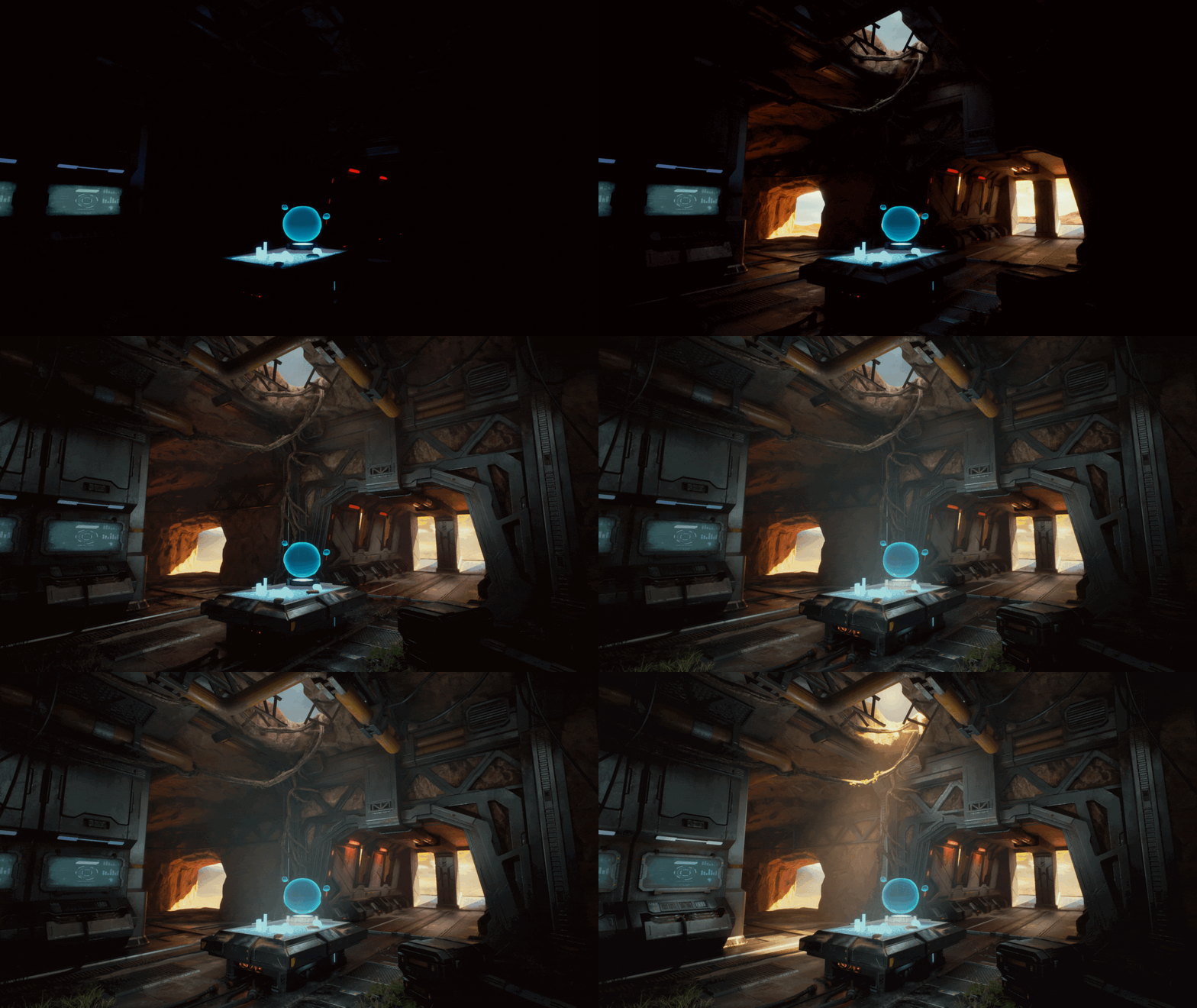
- Understanding of lighting and composition
- Basic modeling and texturing skills
- Attention to detail
- Ability to observe real-world environments
- Problem-solving mindset
- Understanding of game pipelines
These skills develop gradually as you keep practicing and working on projects.
Step 1: Understand the Fundamentals of Art
Before jumping into software, you need a strong base in art fundamentals. This is something many beginners ignore, but it makes a huge difference.
Focus on:
- Composition (how elements are arranged)
- Lighting and shadow
- Color theory
- Perspective
- Shape and form
You don’t need to become a traditional artist, but understanding these basics will instantly improve your 3D work.
Step 2: Learn the Right Tools
Now comes the technical side. As a 3D Environment Artist, you’ll work with industry-standard software. Instead of trying everything at once, focus on a few core tools.
Here are the most important ones:
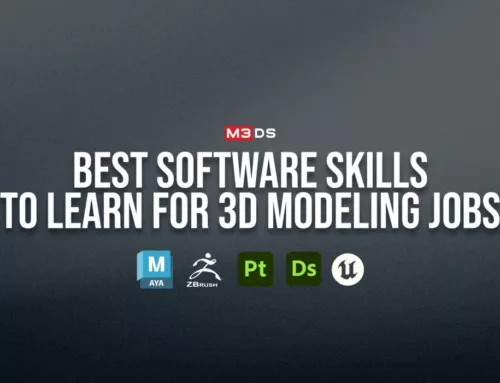
- 3D Modeling Software: Autodesk Maya or Blender
- Sculpting Tool: ZBrush (for sculpting details)
- Texturing Tool: Substance Painter (for surface details)
- Game Engines: Unreal Engine or Unity (for building real-time environments)
Step 3: Follow a Structured Learning Path
One of the biggest mistakes beginners make is learning without a clear direction. When your learning is not structured, it’s easy to feel stuck.
Instead, follow a structured roadmap:
- Learn basic modeling
- Move to texturing
- Understand lighting
- Build small environments
- Create complete scenes
This step-by-step approach helps you avoid confusion and builds confidence over time.
Note: Guided learning or a structured course can be especially helpful, as it provides a clear path and saves time figuring things out on your own.
Get to know: Best 3D Modeling Online Courses for Beginners
Step 4: Study Real-World References
This is one step many people skip, but it’s one of the most important. Before creating anything, take time to observe real environments. Look at how things are built, how materials behave, and how lighting affects a scene.
You can:
- Study real locations around you
- Observe details like wear, damage, and imperfections
- Analyze how light changes mood
- Collect reference images for your projects
This habit will improve your work more than you expect because you move from guessing to truly understanding.
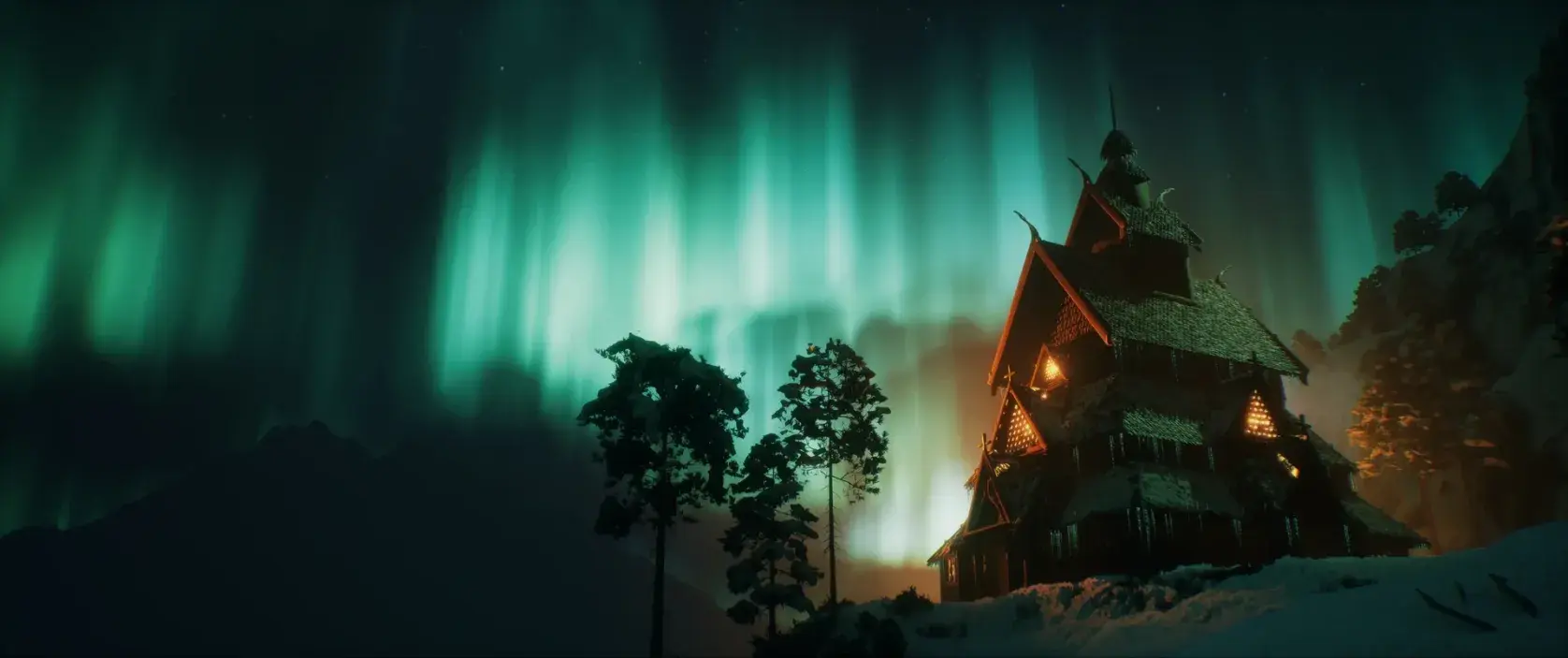
Step 5: Practice with Real Projects
This is where real growth happens. Instead of just watching or learning, focus on creating your own work. Begin with simple ideas and make sure to complete each project.
Project ideas:
- A small room
- A street corner
- A forest scene
Then slowly move to wider environments.
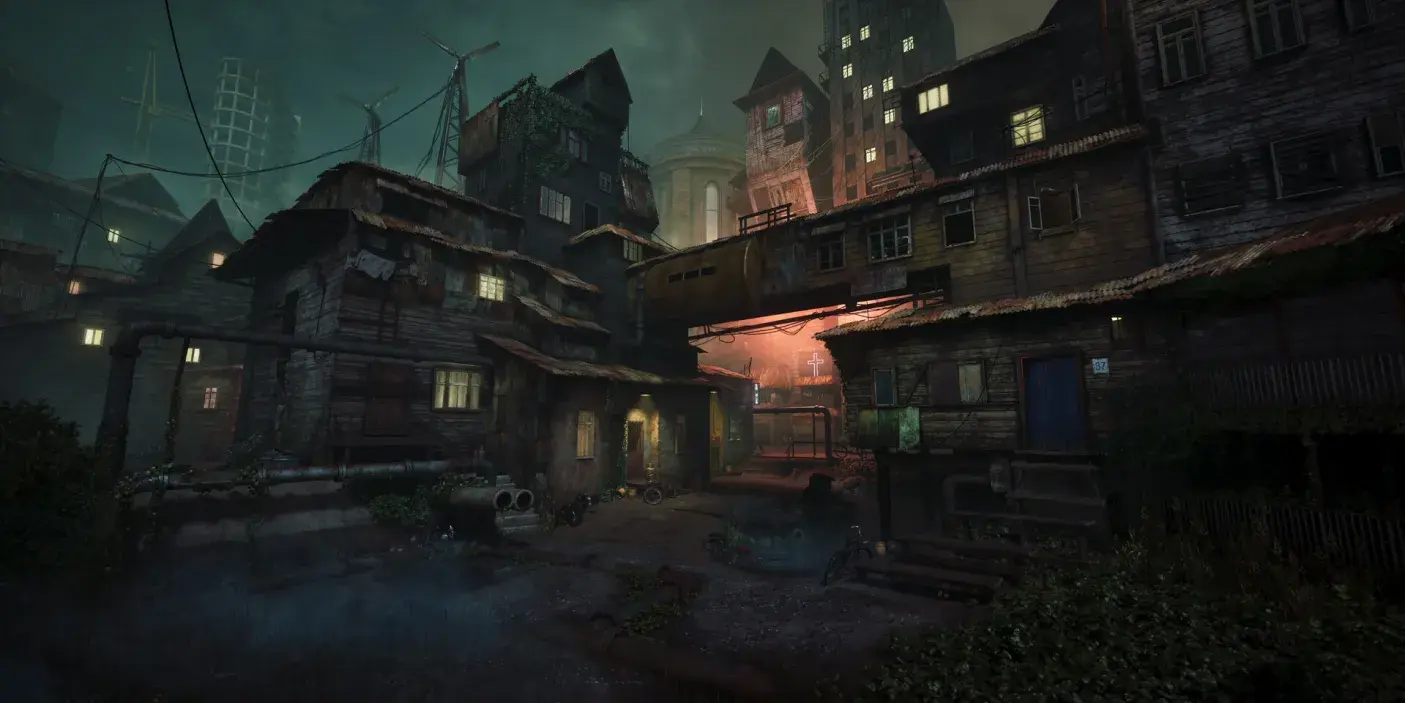
Step 6: Learn Optimization and Game Pipelines
Creating beautiful environments is important, but making them work in real-time is just as important.
You’ll need to understand:
- Low-poly modeling
- UV mapping
- Texture optimization
- Level of Detail (LOD)
- Game engine workflows
This is what separates hobbyists from professionals.
Step 7: Stay Consistent and Keep Improving
This field rewards consistency more than talent. Some days you’ll feel frustrated. Some projects won’t turn out how you imagined. That’s normal.
The key is to keep going.
- Practice regularly
- Learn from feedback
- Study real-world references
- Improve one skill at a time
Progress in 3D art is slow but very rewarding.
Related Articles:
Comparing 3D Tools: Maya vs Blender vs 3ds Max
3D Artist Roadmap: Beginner to Professional
3D Art vs Game Development: Which Career Path Is Right for You?
How to Build a Strong Portfolio
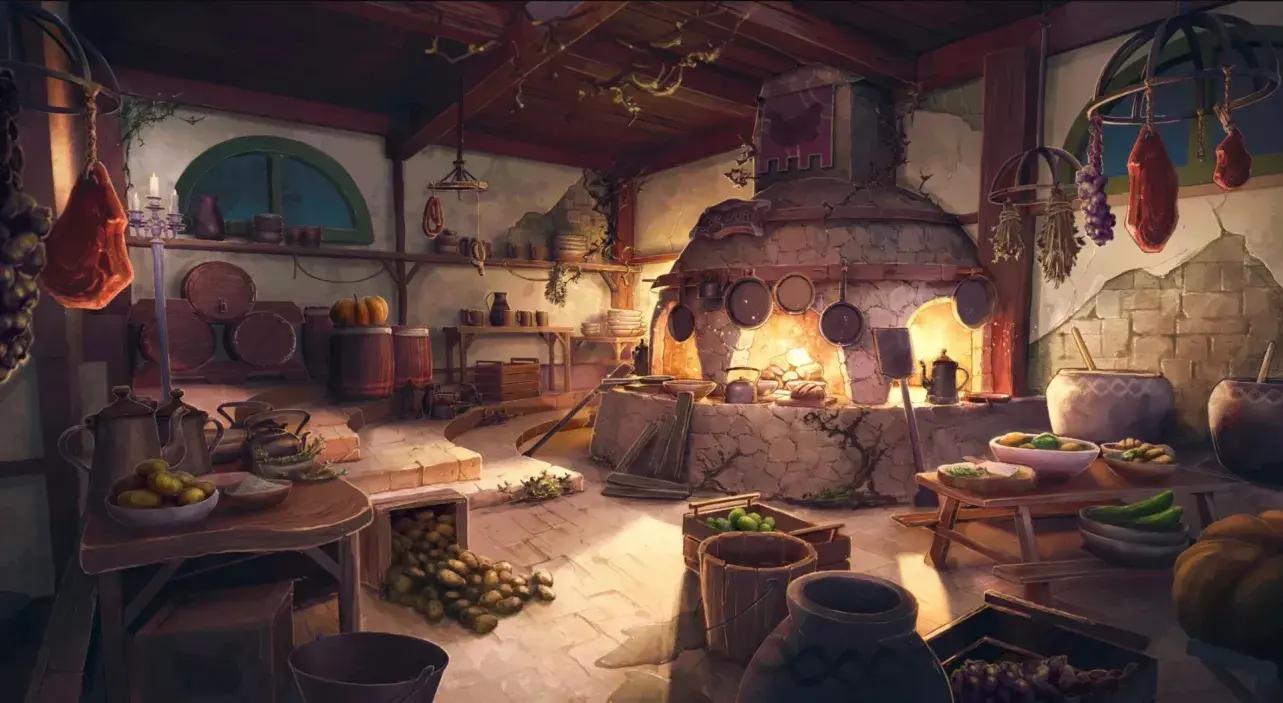
Your portfolio is the most important part of your career as a 3D Environment Artist. Studios don’t care as much about degrees; they care about what you can create.
A strong portfolio should showcase your ability to build complete environments, not just random models. Instead of uploading many average projects, focus on creating 3–5 high-quality pieces that demonstrate your skills.
Make sure each project includes proper lighting, textures, and composition. Adding breakdowns like wireframes, texture maps, and lighting passes can also make your work stand out.
Platforms like ArtStation and Behance are commonly used to showcase portfolios. Keep your presentation clean and professional.
The Best Online School in the US for 3D Artists & Game Developers
Start Your 3D Environment Artist Journey with the Right Guidance
If you’re serious about becoming a 3D Environment Artist, having the right guidance can save you months or even years of confusion. At M3DS Academy, we provide a specialized 3D Environment Artist course designed around real production workflows.
Our program includes 150+ classes, hands-on assignments, and daily 1-on-1 mentorship to help you improve faster. You’ll learn industry-standard tools like Maya, ZBrush, Substance Painter, and Unreal Engine while building complete environments from start to finish.
With a strong focus on portfolio development and practical learning, we ensure you gain the skills, confidence, and industry readiness needed to launch your career in environmental art.
Join M3DS Academy and craft stunning worlds with expert guidance.
FAQs
Q1. Do I need a degree to become a 3D Environment Artist?
No, a degree is not required. What matters most is your skills and the quality of your portfolio. Many studios hire artists based on their work rather than formal education.
Q2. How long does it take to learn 3D environment art?
The time varies depending on your pace and practice. With consistent learning and hands-on projects, it can take anywhere from 6 months to 2 years to become proficient.
Q3. What career opportunities are available for 3D Environment Artists?
A career in 3D environment art opens doors to multiple industries. You can work as a Game Environment Artist, a 3D Artist in film and animation, an Architectural Visualization Artist, or take on freelance 3D projects. With the growing demand for digital content, skilled environment artists have opportunities in games, films, advertising, and virtual experiences.