
Make your ideas playable.
Start building with
Unreal Engine Blueprints.
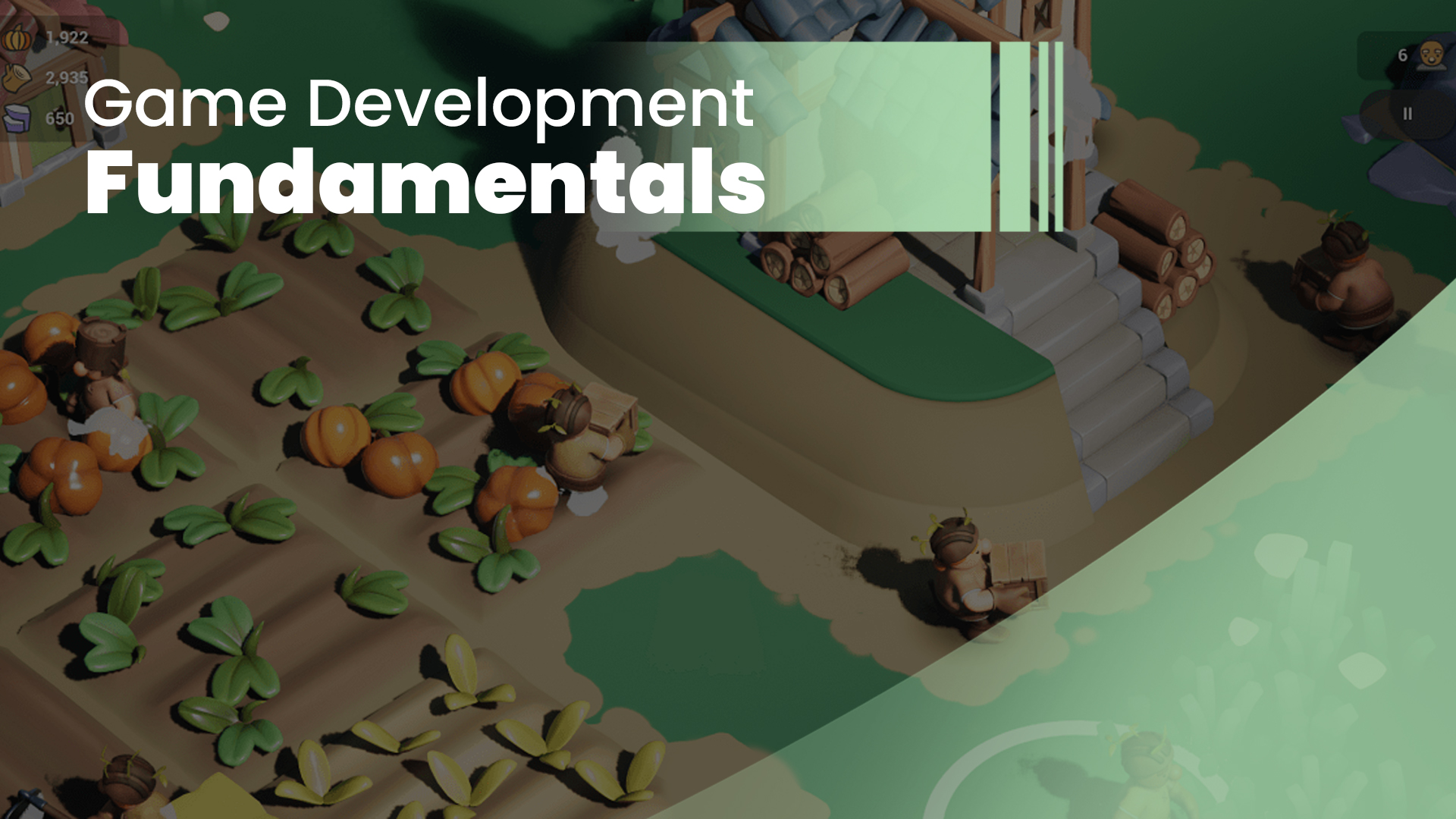
Begin with Unreal Engine navigation and project setup, then learn Blueprint visual scripting through practical interactions. Explore player controls, UI, game logic, and reusable systems while practicing testing and debugging. Bring the foundations together in one guided playable mini-game.
Connect Blueprints, player controls, UI, and level design through hands-on Unreal Engine exercises.
BUILD YOUR FIRST PLAYABLE GAME IN UNREAL ENGINE
See where your
game development journey starts.
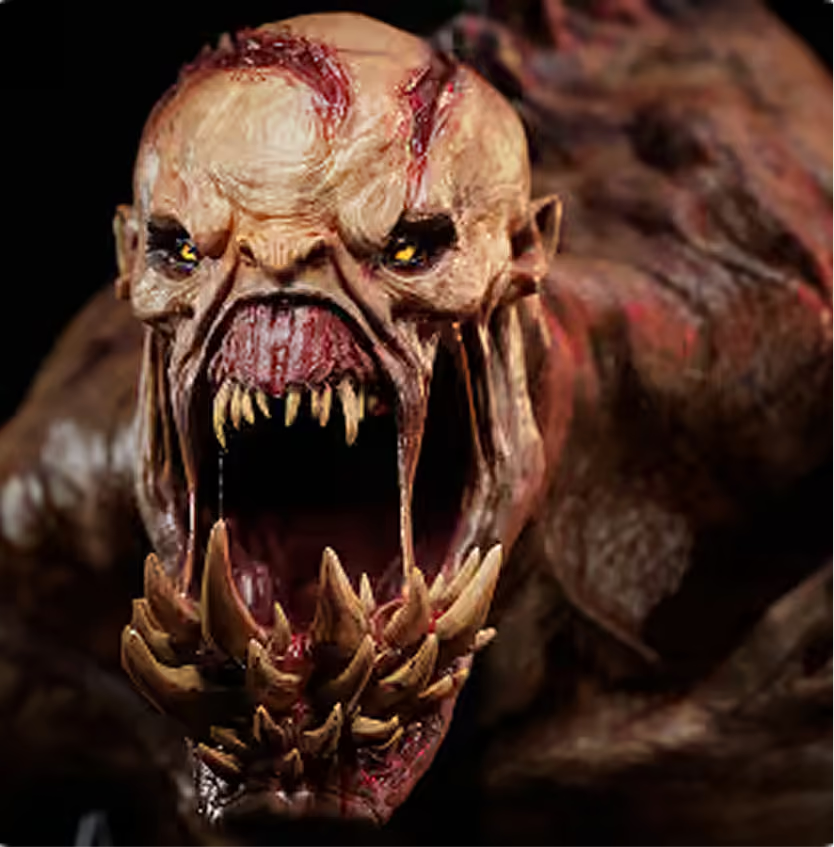
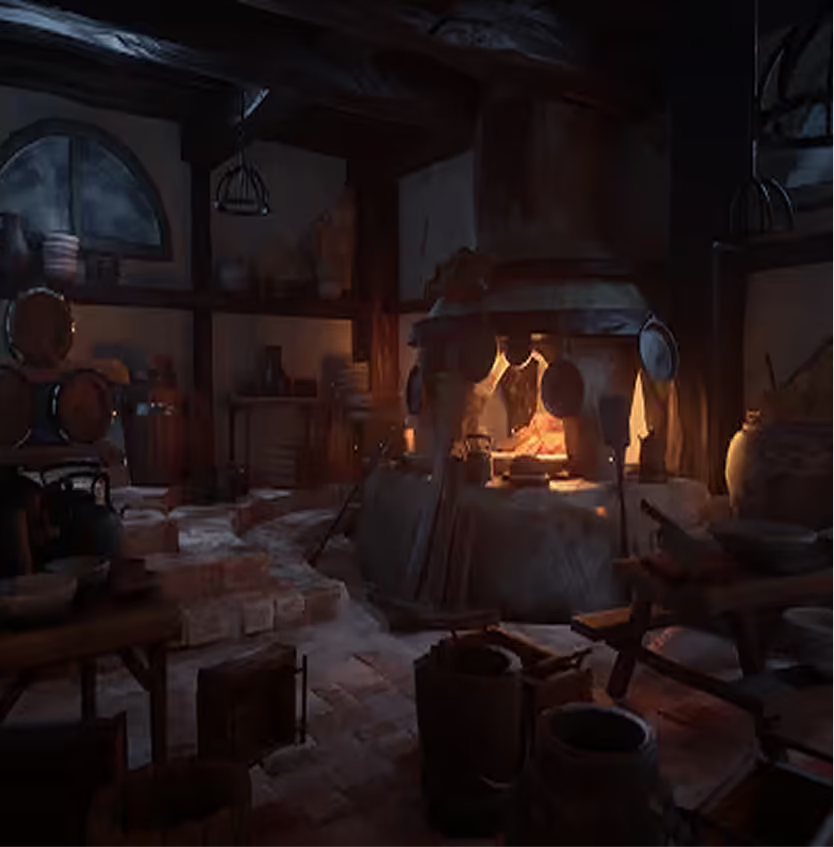
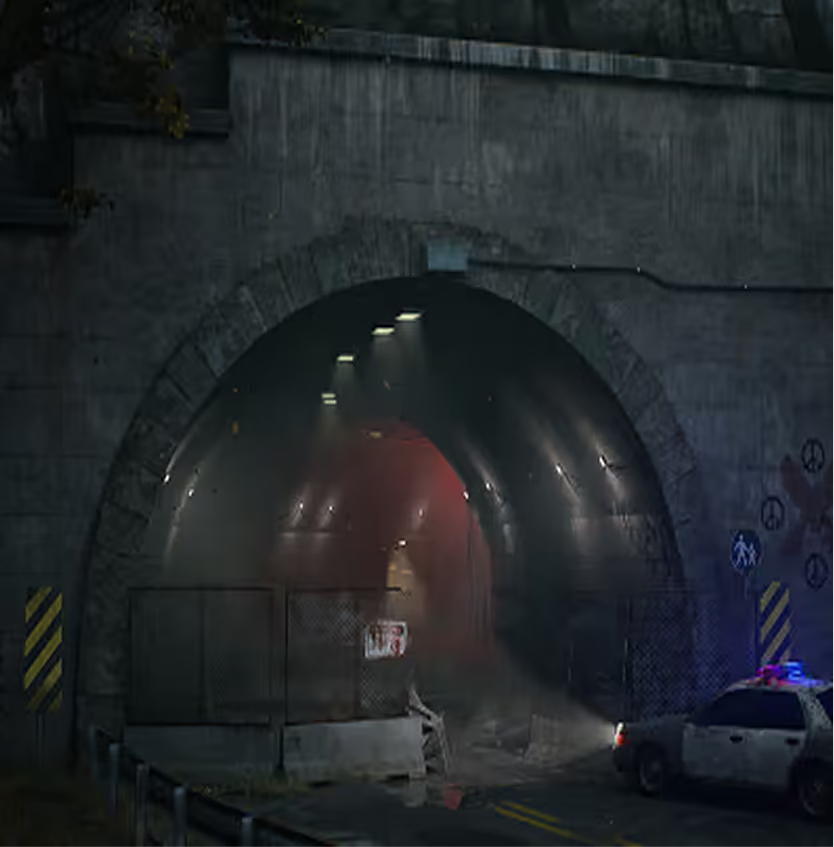
From zero experience to AAA creature artist.
“I started at M3DS Academy with no previous 3D experience. The Academy gave me a strong foundation and a clear direction, but I still had to put in the work. I kept learning, applying mentor guidance, and building my portfolio to the standards expected by the industry.
Today, I work on AAA games I genuinely love and share my sculpting process through official Maxon ZBrush streams. M3DS helped me find my path and understand how to keep moving forward. That foundation, combined with the work I put into it, became the start of my career. Now I’m continuing to grow as an artist, a professional, and through my own personal brand.”
Marko Lazov
at M3DS Academy
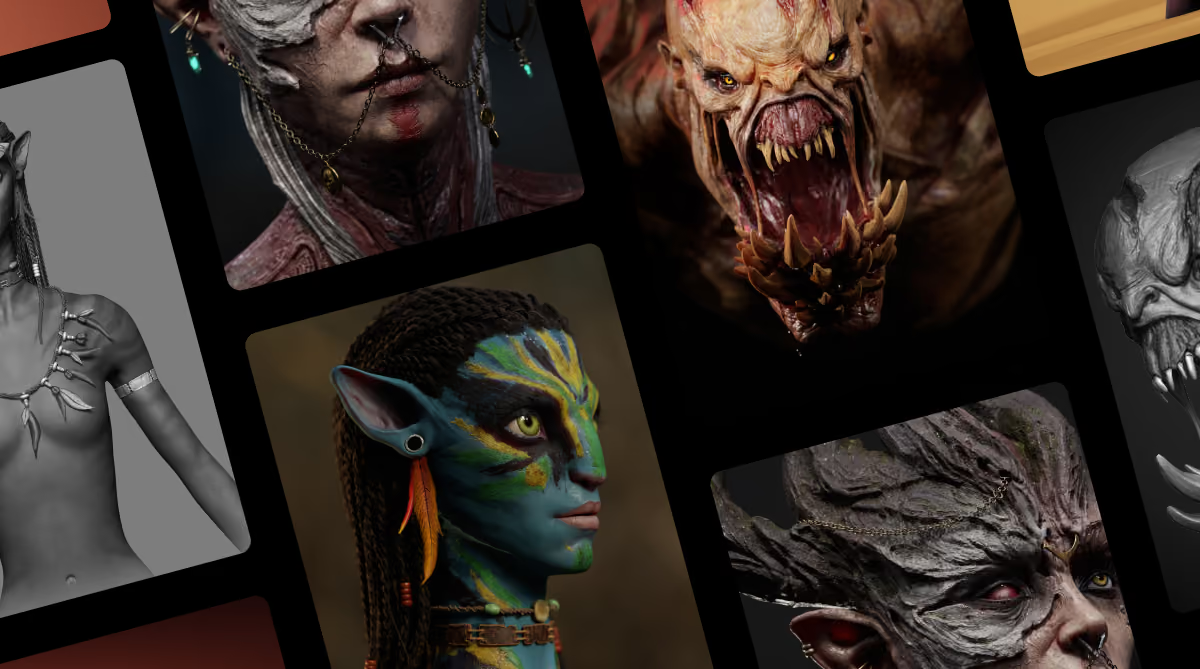
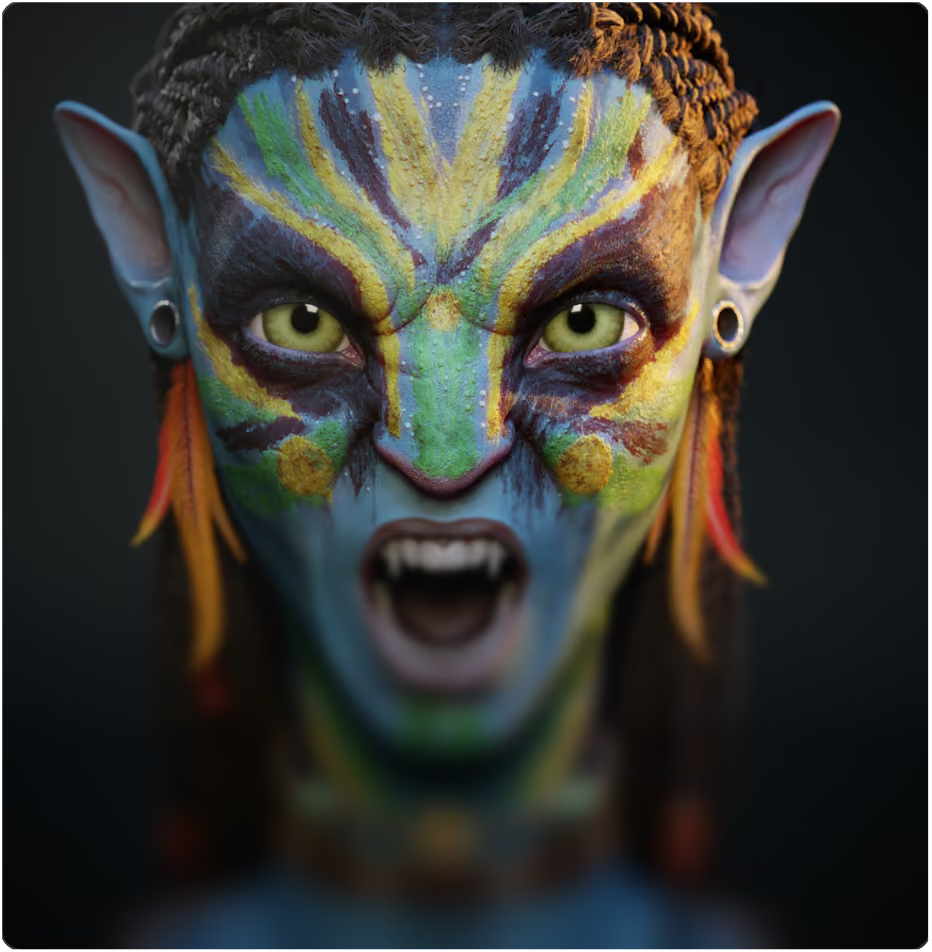
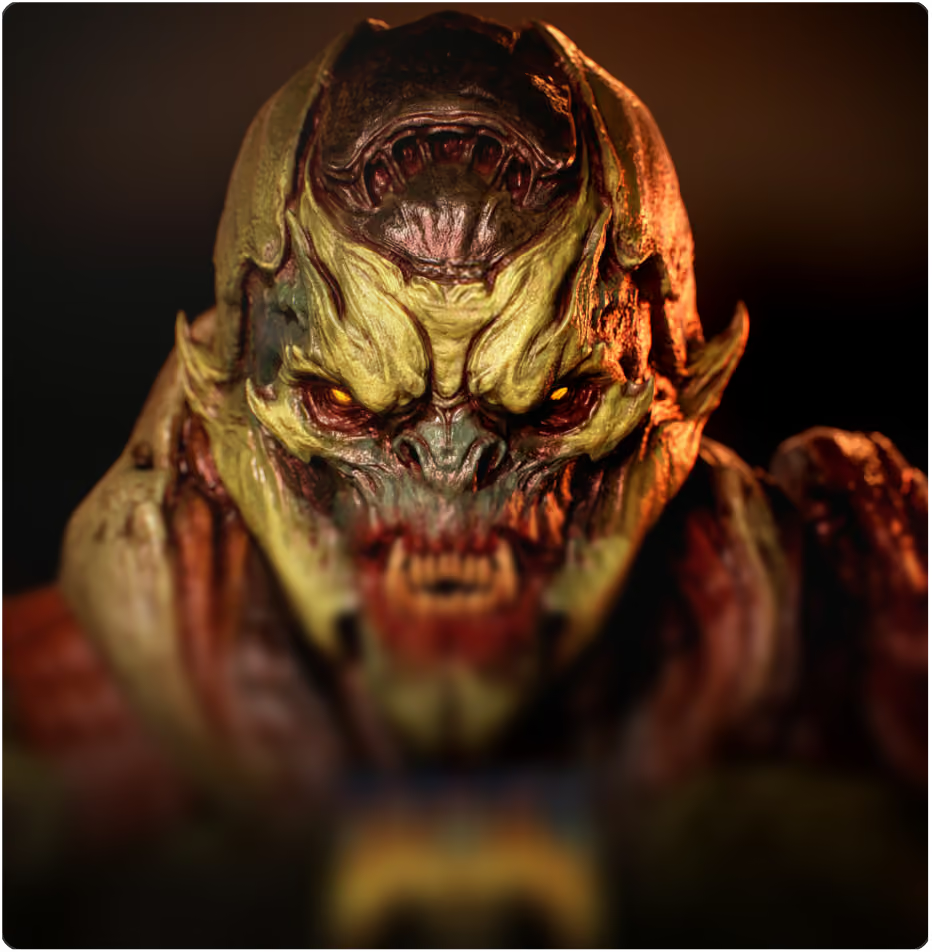
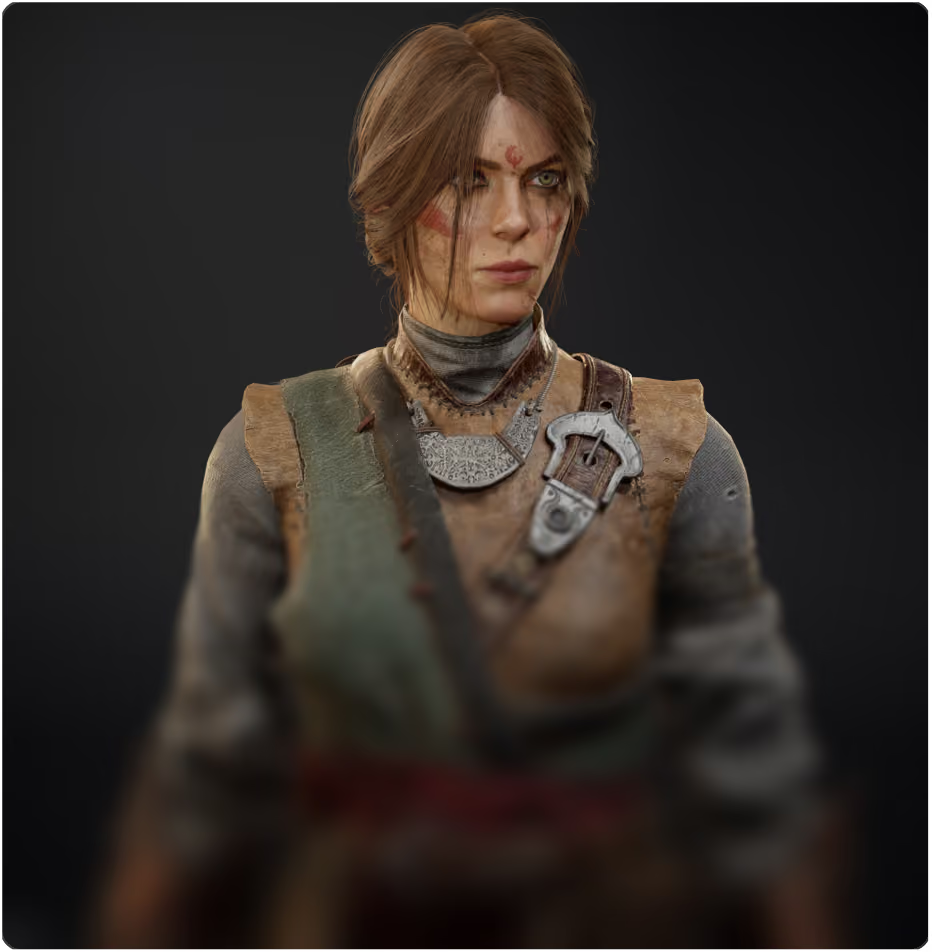
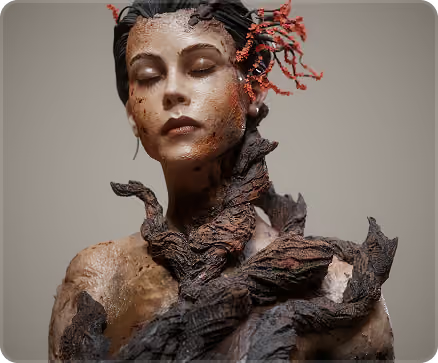
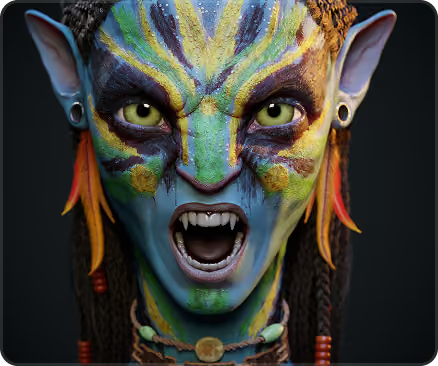
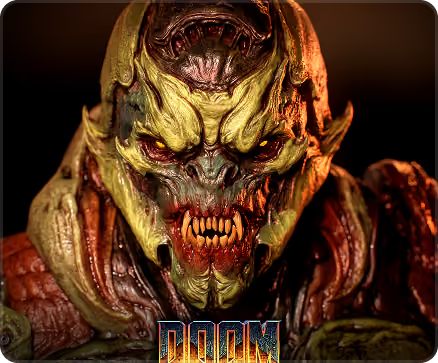
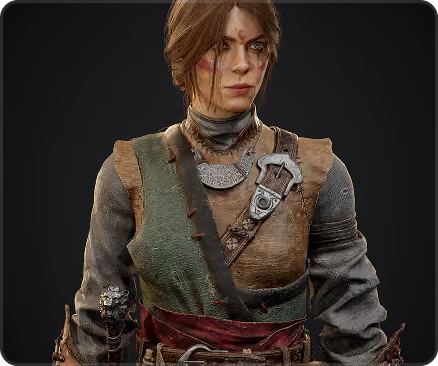
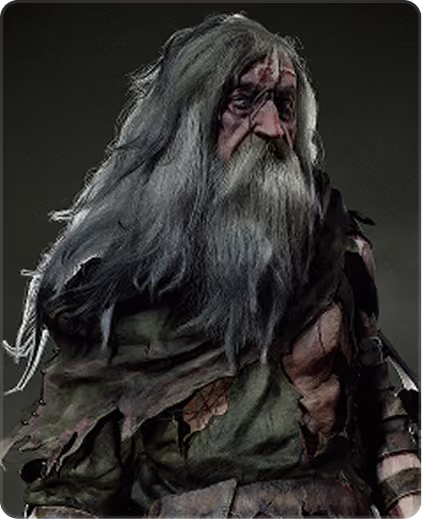
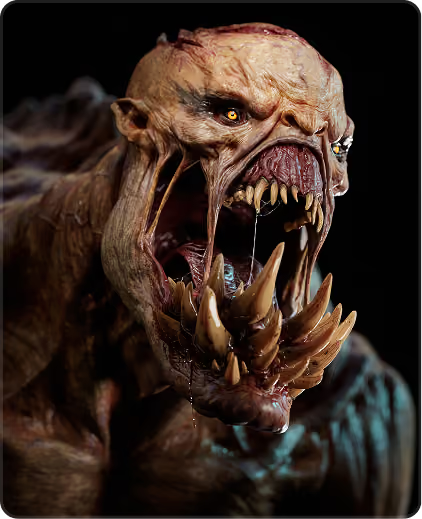
Character and creature ART by Marko Lazov.
Daily 1-to-1 mentorship.
Your team. Your whole journey.
12-hour
1-to-1
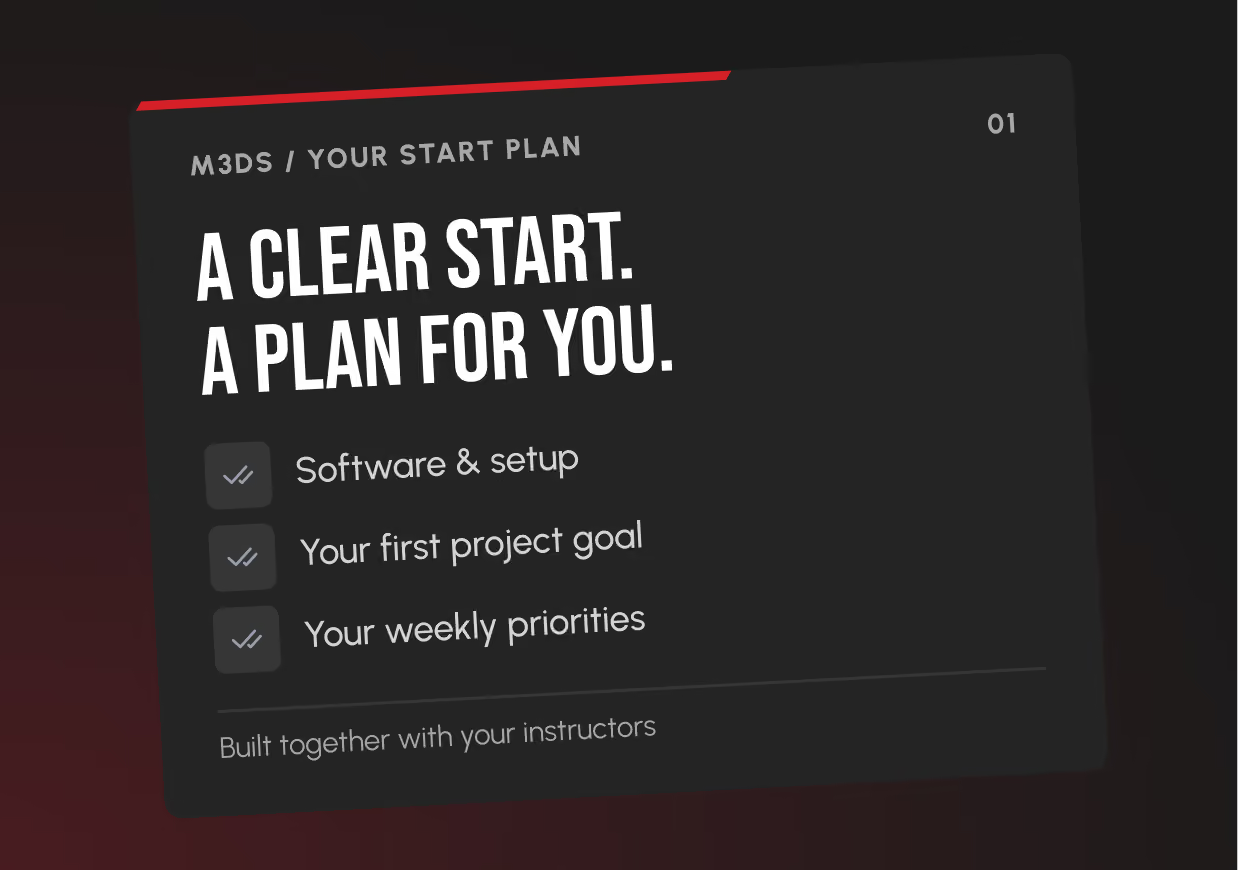
Set up Unreal Engine, discuss your experience with your mentor, and begin with small interactions. Plan a manageable project so you can focus on learning how the systems work.
Stay in direct communication with your instructors in your private Discord channel. Work through lessons, assignments, and project decisions together, with live 1-to-1 sessions for hands-on help when you get stuck.


M3DS helps you refine and present your student work. You leave with clear feedback, a finished project, and practical next steps for continued development.
Built for beginners who are ready to
learn by producing real work.
Build your 3D foundation.
Learn how studios create.
CREATE worlds and
characters.
Choose your path.
Finish your final project.
One curriculum.
Two ways to study.
20 hours/week
30 hours/week
Learn the tools inside a complete production workflow.
XGen
Painter
Designer
Toolbag
One program. Everything a beginner needs to finish.
Learn the tools inside a complete production workflow.
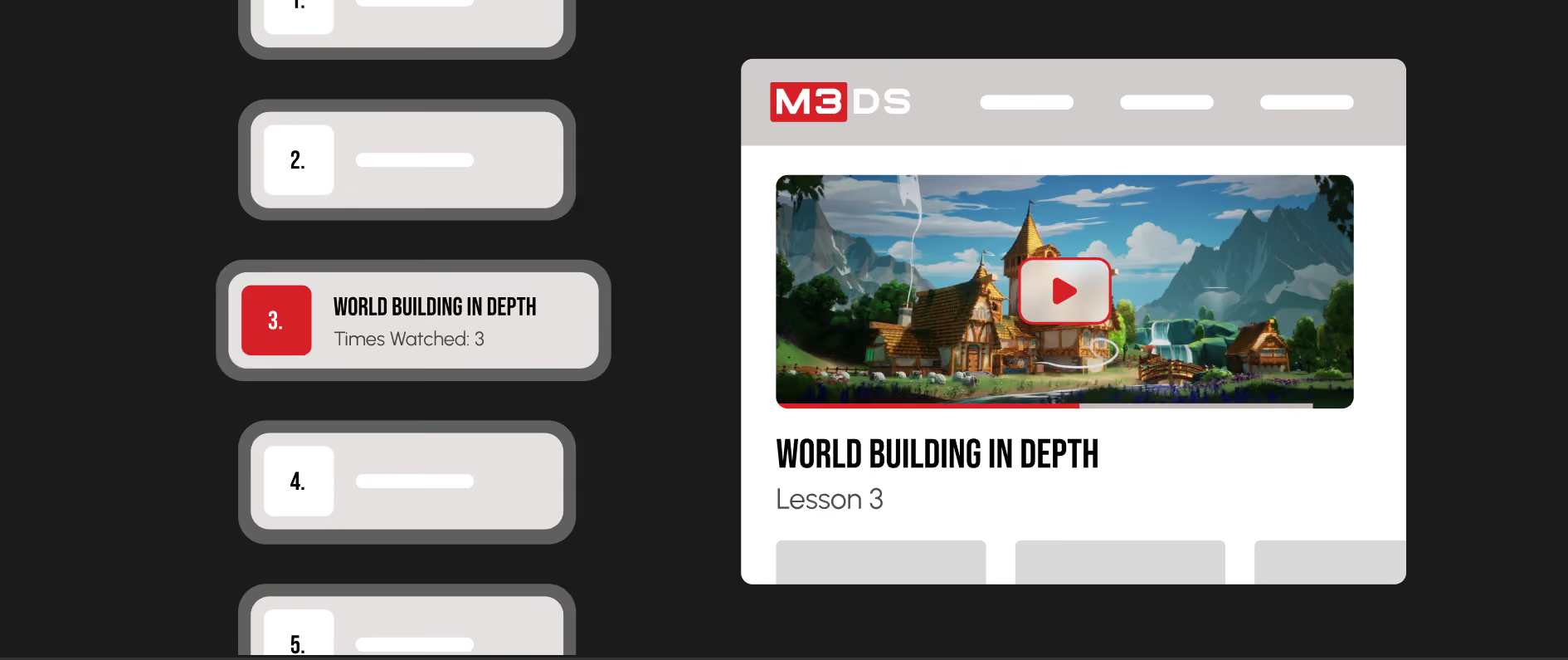
Practice through working interactions.
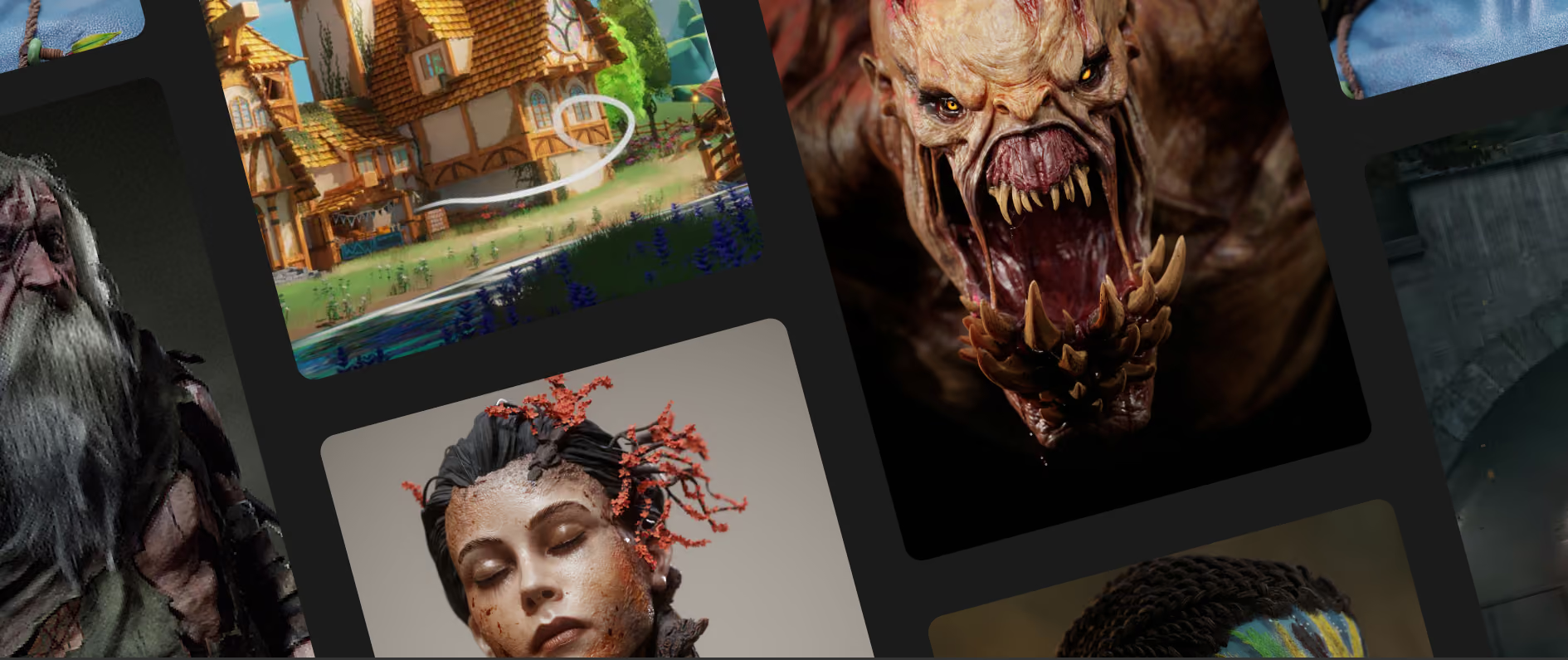
One playable mini-game project.
Daily personal 1-to-1mentorship
Work directly with your instructors everyday, with weekly planning, ongoing Discord communication, and live 1-to-1 help - all included.
Software access and setup
Get installation help plus educational accessor an approved free option for each tool. Exact access is confirmed before enrollment.
Portfolio presentation support
Select, polish, and present your strongest work with instructor guidance. Build a clear portfolio for the roles you want to pursue.
M3DS render - farm access
Use the Academy render farm for high-quality renders of eligible enrolled projects, without relying only on your own computer.
3D artist community
Learn inside the M3DS Discord communitywith hundreds of artists. Ask questions, share progress, and keep going when work gets hard.
Lifetime lesson access
Keep access to the program lessons and learning files, so you can return to the steps when you need them.
Server storage and backup
Keep program work supported by the Academy storage and backup system while you learn.
M3DS Certificate of Completion
Earn your certificate by completing the program requirements. Train with an Autodesk Authorized Training Center and Unreal Engine Academic Partner.
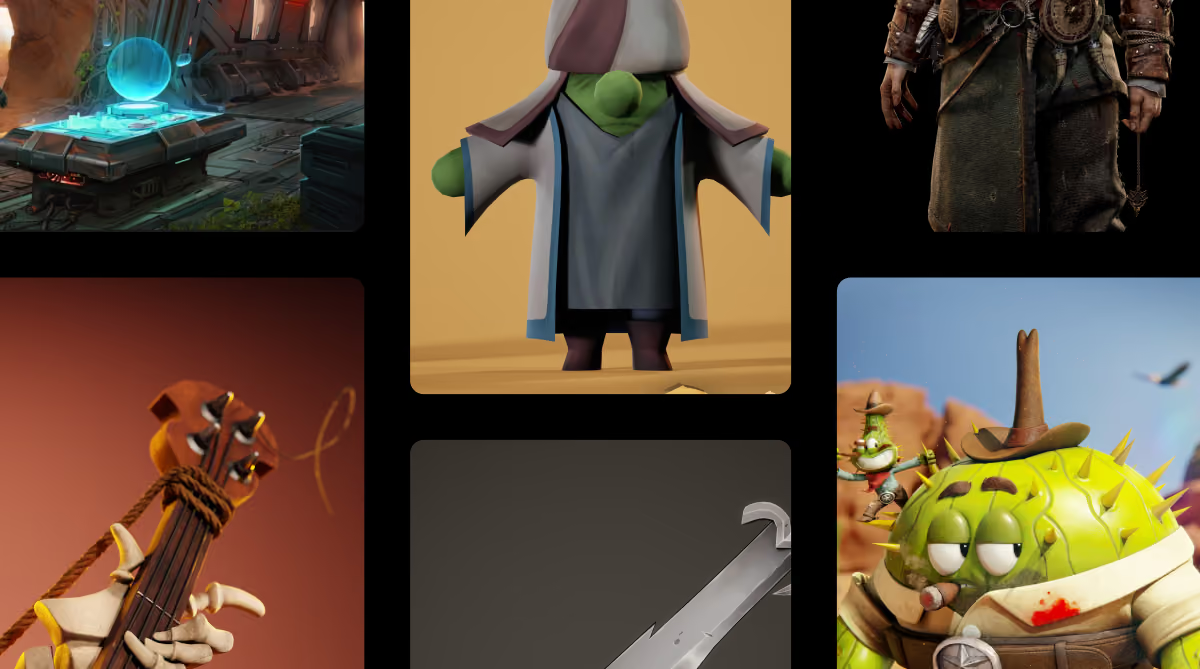
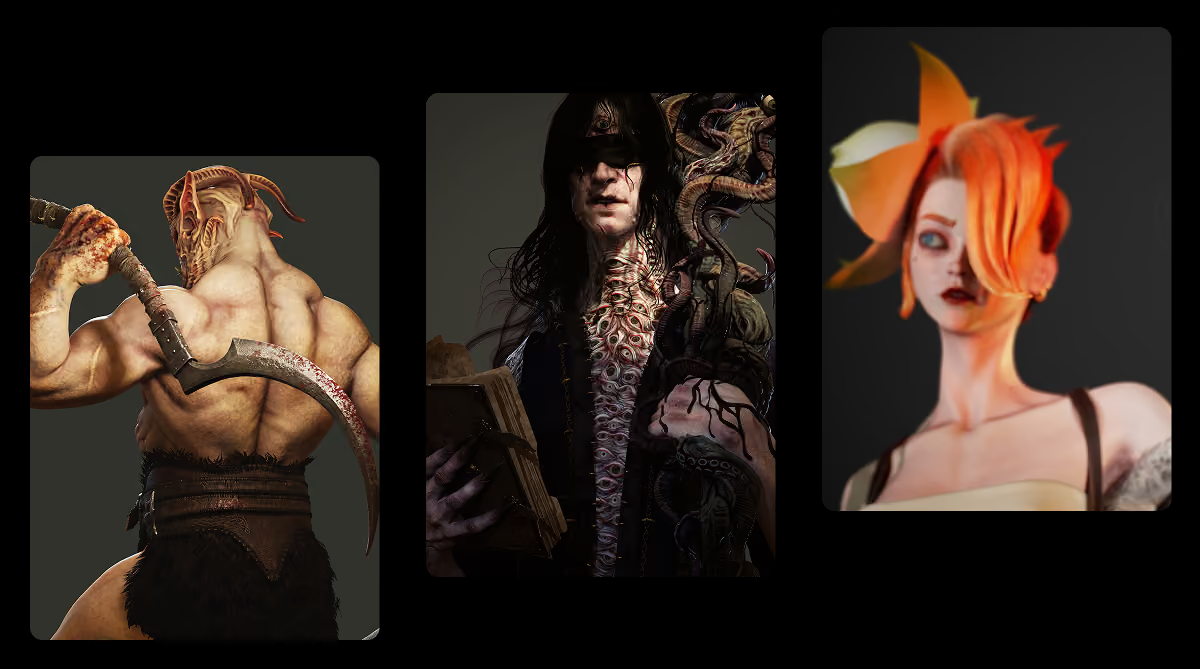
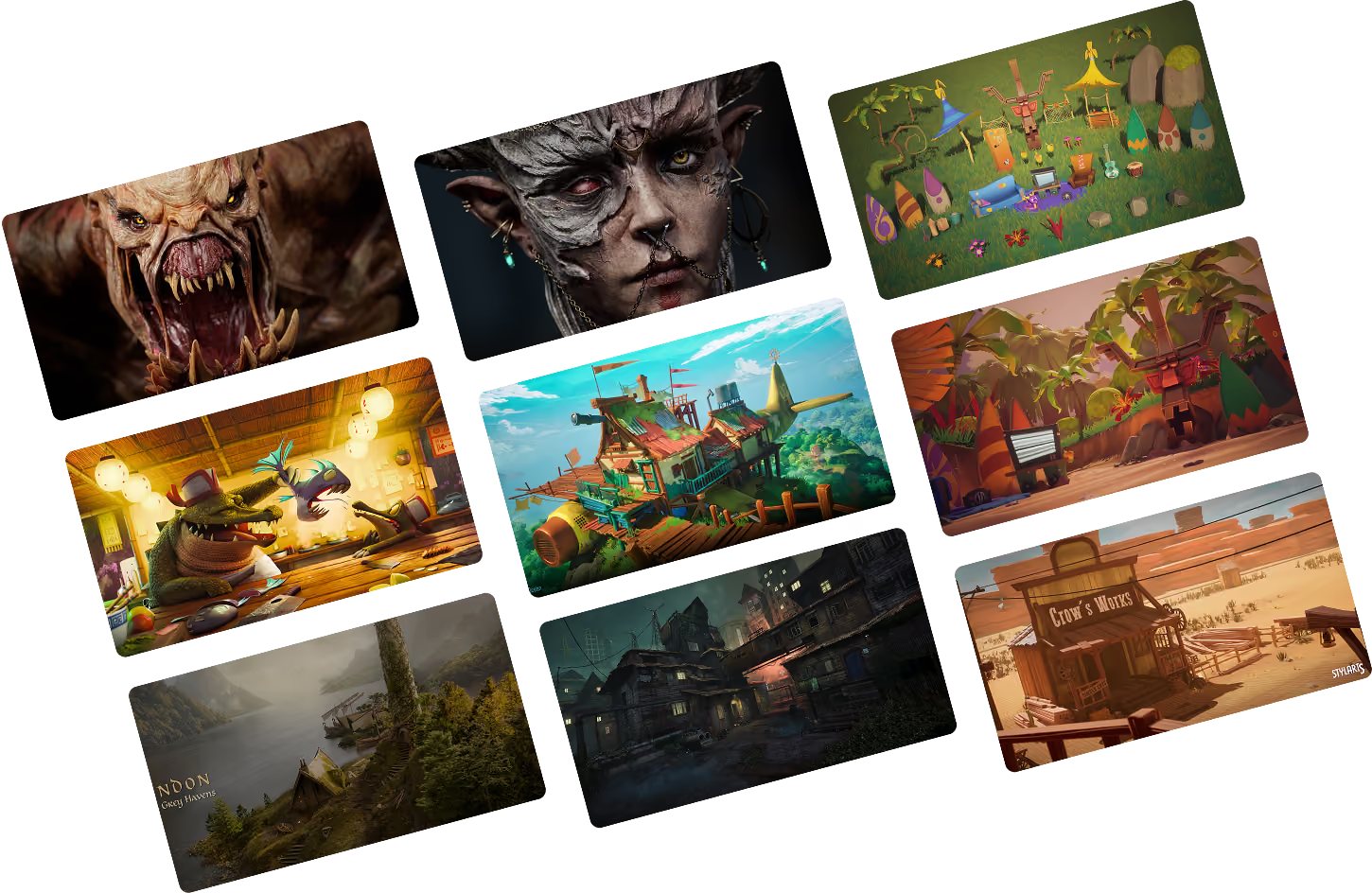
See What Our Students Create
Discover the incredible work crafted by our students — from 3D models and
animations to game environments and digital art.


WHat our students say

Nikola Temnikov

Bekim K.

Teodor Mihajlov

Mihail Danilovski

Jane Dzingov

Simon Pulo

Mario Stojanov

Aleksandra Jankova

Petar Cacanoski
Student SHowcase 2026

Master your creative craft.
Unreal Engine Partner

The Rookies Global School Rankings
#1 Ranked Online School

Master your creative craft.
oFFICIAL mAXON ZBrush Partner

Industry Recognized 3D Art Training
Autodesk Training Center
Recognized by Industry Leaders
Proven. Recognized. Trusted.
Featured In Leading News Outlets

Studios that have Hired our graduates
Our Graduates Have Worked At
Films and games our students worked on


We do not stop at graduation.
We stay until you get hired.
01
Build the work
02
Prepare to apply
03
Get hired

One complete investment.
Build a skill set designed to earn for years.
US$13,352
artists
US$70,000
US$936.25
Start with expert mentors.
Build toward your first 3D job.
Confirmed by Admissions
About Month 3
16 months
4 months
a stronger game-development portfolio
Choose the payment schedule that works for
you.
Prices shown here are rounded to whole dollars. Admissions confirms the exact payment amounts and dates before you enroll.
$3,745
$936.25
Ask Admissions
Ask Admissions
Ask Admissions
01
Choose a plan
02
See the exact dates
03
Apply and confirm availability
You see the exact dates and amounts.
Month
Month
Month
Get clear answers before you choose.
Do you guarantee that I will get a junior 3D job?
The program includes project critique, technical guidance, and clear next steps for continued game-development practice. Outcomes depend on each student’s work, experience, and opportunities.
Do I need 3D skills now?
No. You start with the basics. You still need a computer that can run the apps. You also need good internet and steady study time each week.
When can I start?
Start dates depend on available one-to-one mentorship capacity. Submit your application, then book an Admissions call. An Admissions Officer will discuss your goals and study plan and confirm the next available start before you enroll.
How much time do I need each week?
Plan for approximately four months at the standard pace. Your mentor helps you adjust weekly practice and project milestones around your starting level.
What will I make?
You follow a focused game-development path from Unreal Engine and Blueprint basics through gameplay systems, a complete mini-game, testing, packaging, and presentation. Your mentor adjusts exercises and critique to your starting level.
How does the daily mentorship work?
You work directly with expert instructors every day in your private Discord channel through ongoing personal 1-to-1 mentorship. Instructors are available across a 12-hour daily window, and individual guidance can extend to several hours a day while you work through lessons, homework, and projects. You also have weekly 1-to-1 planning and live personal sessions for hands-on help. Your instructors stay with the work, explain the process, and help you understand each next step.
Are the software and setup included?
Yes. M3DS helps you check your computer, install the required tools, and access educational licenses or free versions where available. The program uses Maya with XGen, ZBrush, Substance 3D Painter, Substance 3D Designer, Unreal Engine, Marmoset Toolbag, and PureRef.
Is render-farm access included?
Yes. Enrolled students can use the M3DS Academy render farm for high-quality project renders.
What certificate do I receive?
After completing the Game Development Fundamentals requirements, you receive an M3DS Academy Certificate of Completion.
How does the payment plan work?
Standard tuition is US$3,745. The standard installment plan is US$936.25 per month for 4 months. Admissions confirms the exact schedule before enrollment.
Can I change my study pace?
Talk with Admissions and your mentor if your weekly study time changes. They can show you the pace choices and help you plan your next steps.
What can this program prepare me for?
Game Development Fundamentals develops practical Unreal Engine and Blueprint foundations through a complete playable mini-game project with direct mentor feedback.
What happens after I finish the classes?
The program includes project critique, technical guidance, and clear next steps for continued game-development practice. Outcomes depend on each student’s work, experience, and opportunities.