

How Long Does It Take to Master Autodesk Maya?
Mastering Autodesk Maya, one of the most powerful 3D modeling, animation, and rendering software in the industry, is a journey that varies for every artist. The timeline depends on factors such as your prior experience, learning dedication, and the specific areas of Maya you want to specialize in, including 3D modeling, animation, texturing, rigging, or rendering.
In this comprehensive guide, we’ll explore the real timeline, learning phases, and strategies to help you master Autodesk Maya faster and more effectively.
What Is Autodesk Maya?
Autodesk Maya is widely used across industries such as film production, game development, architecture, and product design. Its robust toolkit covers every aspect of 3D creation, from sculpting and texturing to animation and rendering.
Professionals working in studios like Pixar, Ubisoft, and ILM rely on Maya due to its flexibility, scripting power (MEL and Python), and seamless integration with Unreal Engine and Unity.
Before estimating how long it takes to master Maya, it’s important to understand the breadth of skills involved. Maya isn’t a single tool; it’s a suite of interconnected systems, each with its own learning curve.
Learning Phases to Master Autodesk Maya
Mastering Autodesk Maya is a step-by-step journey that progresses from understanding the basics to achieving professional-level expertise. Each phase builds upon the previous one, ensuring steady growth in both technical and artistic skills.
Phase 1: Learning the Basics (0–3 Months)
For beginners, the first three months are crucial. This is the time to get comfortable with the interface, navigation tools, and basic modeling functions.
- Viewport navigation and camera controls
- Polygon and NURBS modeling
- Basic UV mapping
- Material assignment and shading basics
- Introductory lighting and rendering
- Simple animation and object transformations
During this phase, consistent practice is key. Beginners should complete small projects daily, such as modeling simple objects like chairs, tables, and vehicles to build muscle memory for Maya’s workflow.
At M3DS Academy, beginners can start anytime and learn at their own pace through pre-recorded lessons and personalized feedback. This flexible Autodesk Maya course structure allows students to learn effectively while receiving mentorship from industry professionals.
Recommended learning activities:
- Follow official Autodesk tutorials and YouTube channels.
- Join forums like CGSociety and Polycount for community feedback.
- Practice modeling one new object every day.
By the end of this stage, you’ll be able to navigate Maya comfortably and create basic 3D assets independently.
Phase 2: Intermediate Mastery (3–9 Months)
The next six months focus on developing technical depth and artistic finesse. This is when you move from understanding tools to using them creatively.
- Character modeling and topology optimization
- UV unwrapping for texturing in Substance Painter
- Advanced lighting using Arnold or Redshift
- Basic rigging for animation-ready assets
- Camera movement and simple keyframe animation
This stage demands structured practice and portfolio building. Work on intermediate-level projects such as stylized characters, architectural environments, or product prototypes.
Tips to accelerate progress:
- Work on personal projects and upload them on ArtStation or Sketchfab.
- Experiment with different rendering engines to understand realism and stylization.
- Study professional 3D artists’ workflows.
By nine months, most learners reach an intermediate level, capable of producing portfolio-quality 3D models and animations.
Phase 3: Professional-Level Proficiency (9–18 Months)
Reaching professional proficiency in Maya usually takes 9 to 18 months of focused, consistent learning. This phase involves mastering specialized areas that align with your career goals.
1. Advanced Modeling and Sculpting
You’ll refine your modeling techniques to achieve production-ready assets. This includes retopology, sculpting high-poly details, and baking maps. Integrating ZBrush and Substance 3D Designer into your workflow enhances the realism of your assets.
2. Rigging and Animation
For aspiring animators, this is the phase to master IK/FK rigging, skin weighting, constraints, and animation layers. Understanding Maya’s Graph Editor and Dope Sheet is essential for producing fluid, lifelike motion.
3. Lighting and Rendering
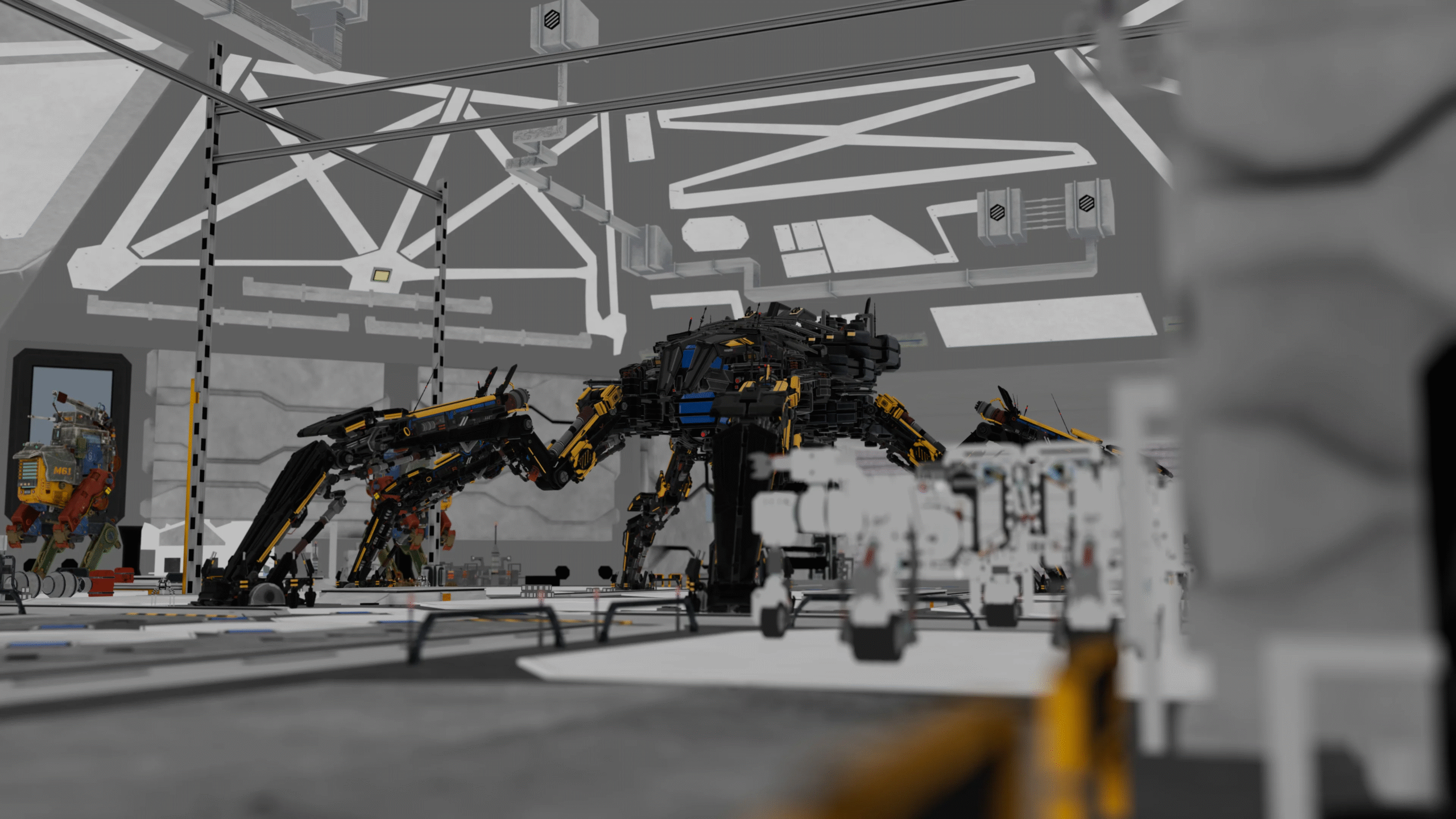
At this level, you’ll dive into physically accurate lighting, HDRI setups, depth of field, and render passes. You’ll also explore compositing workflows using Nuke or After Effects to polish final outputs.
4. Python and MEL Scripting
To streamline workflows, professionals learn Maya Embedded Language (MEL) or Python scripting. This allows automation of repetitive tasks, creation of custom tools, and optimization of scene performance, an essential skill for technical artists.
With mastery of these domains, you’ll be ready to work professionally in game design studios, film production, or VFX pipelines.
Related Articles:
- Animation with ZooTools Pro — Autodesk Maya
- Maya Keyframe Animation: Bouncing Ball Tutorial
- Autodesk Maya Walk Cycle Animation: Add Life & Personality
Mastering Autodesk Maya Takes Time, Practice, and Patience
Here’s a general timeline based on consistent learning, structured guidance, and practical application through real-world projects. This breakdown will help you understand what to expect at each stage of your Autodesk Maya learning journey.
However, mastery isn’t just about time; it’s about consistent practice, creative challenges, and real-world application. The best 3D artists never stop learning, as Maya constantly evolves with updates and new tools.
Best Learning Strategies to Master Autodesk Maya Faster
Learn Autodesk Maya faster by following a structured course, practicing daily, and engaging with 3D communities. Consistent practice and real-world projects help you master tools effectively.
1. Enroll in a Structured Course
A guided course ensures you don’t miss essential fundamentals. Programs like M3DS Academy’s Autodesk Maya Course offer lifetime access to materials, daily feedback, and real-world lessons from professionals actively working in the industry.
2. Practice Every Day
Dedicate at least 2–3 hours daily to hands-on practice. Repetition builds familiarity, and real improvement comes from continuous experimentation.
3. Join 3D Communities
Engage with online artist communities on Discord, Reddit, or ArtStation. Sharing your work, receiving feedback, and observing others’ workflows can significantly accelerate your progress.
At M3DS Academy, students connect through an active Discord community that encourages collaboration, peer learning, and artistic growth.
4. Learn the Full Pipeline
Don’t limit yourself to modeling. Explore the entire 3D pipeline, from sculpting and texturing to animation and rendering. Understanding how each step connects will make you a well-rounded artist.
5. Build a Strong Portfolio
A professional 3D artist’s value lies in their portfolio, not just their resume. Showcase your best projects, focusing on clean topology, realistic materials, and creative design.
Note: M3DS Academy is a professional training platform for 3D modeling, game design, and animation. With personalized mentorship and real-world projects, we help artists turn creativity into a career.
Is Autodesk Maya Hard to Learn?
Maya has a reputation for being complex, but the challenge lies in its depth, not difficulty. Once you understand its logic and interface, the process becomes intuitive. The key is consistent hands-on practice and learning by doing.
Many students start with zero experience and progress to professional levels within 12–18 months, especially when supported by structured mentorship, practical feedback, and clear learning paths.
Final Thoughts
Learning Autodesk Maya is a long-term investment in your artistic and professional growth. Whether you want to work in film production, game development, or animation, mastering Maya unlocks endless creative possibilities.
At M3DS Academy, you can start anytime, learn at your own pace, and receive continuous mentor feedback through our Autodesk Maya course, ensuring you gain not just technical skills but a clear understanding of real studio workflows.
Within one to two years of consistent effort, you can confidently create professional-quality 3D assets, environments, and animations ready for the global creative industry.