
Maya vs ZBrush: When to Use Each in a 3D Workflow
If you're getting started with 3D art, two software names you're likely to come across are Autodesk Maya and Maxon ZBrush. Both are powerful 3D applications, but they are designed around different approaches to creating and developing digital assets.
Maya is widely used for structured 3D modeling and broader production tasks, while ZBrush is particularly known for digital sculpting and creating highly detailed forms.
So, when should you use Maya, and when is ZBrush the better choice?
The answer depends on the type of asset you're creating and the stage of the 3D workflow you're working on. In many cases, the two applications can also be used together rather than treated as competing options.
Autodesk Maya
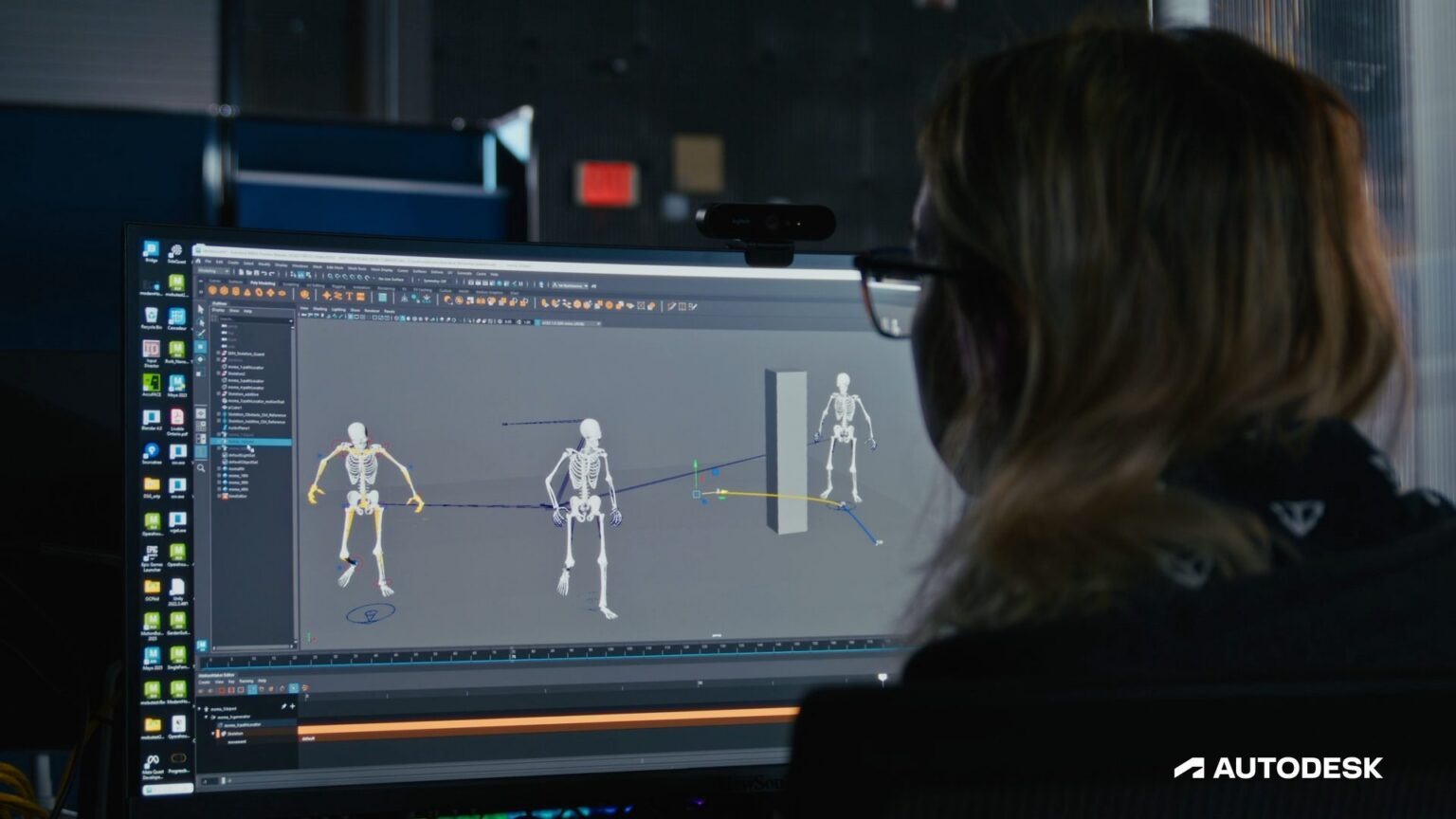
Autodesk Maya is a professional 3D application that brings several production tools into one environment. Its capabilities include modeling, animation, rigging, simulation, rendering, and scene management. For beginners, Maya provides a structured way to learn how 3D geometry is built and edited.
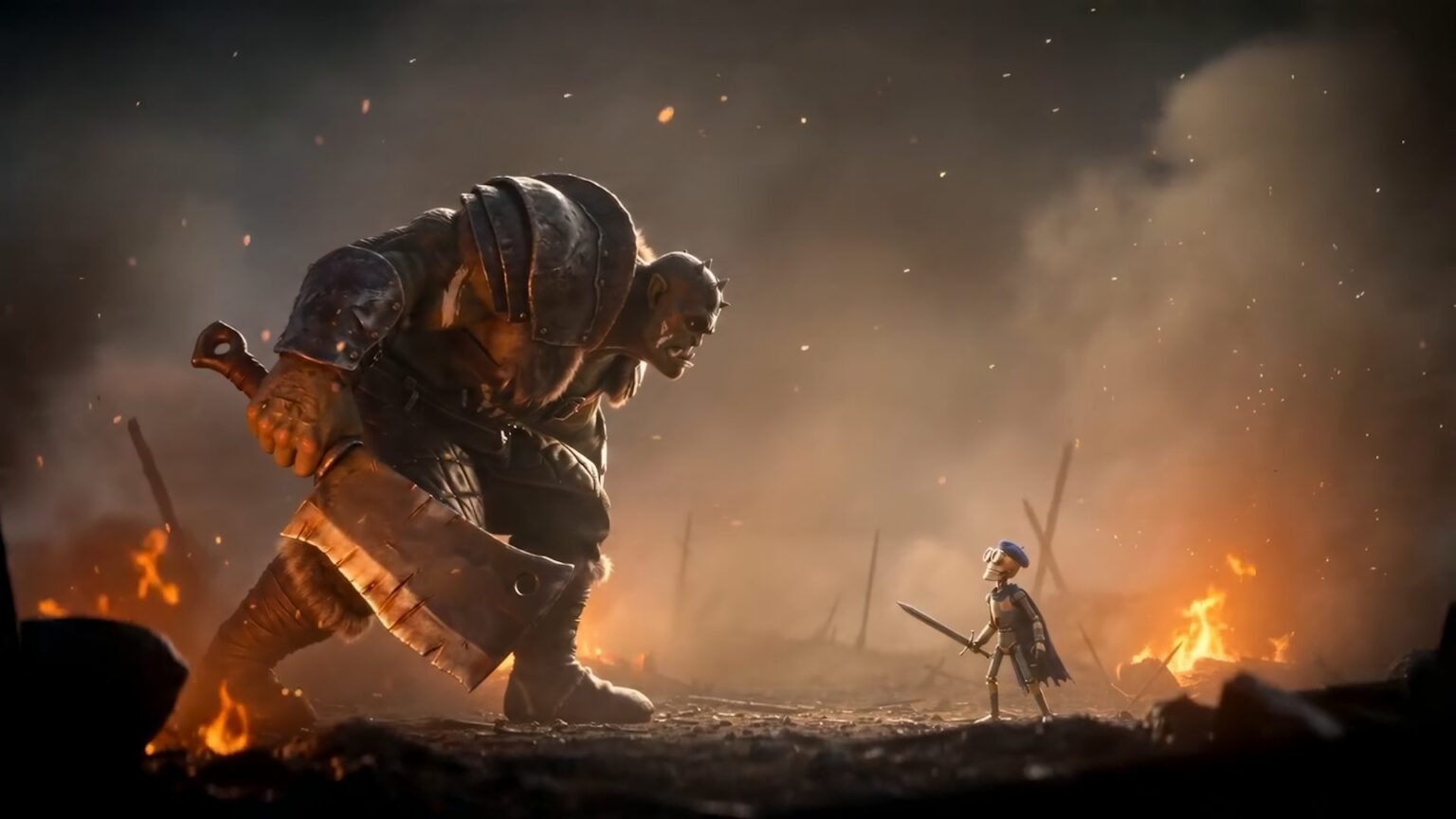
Credit: www.autodesk.com
When to Use Maya
- Structured Modeling: Maya allows artists to construct models through controlled polygon editing, making it possible to shape geometry step by step.
- Topology Control: Artists can directly manage the arrangement of vertices, edges, and faces when developing a mesh.
- Base Mesh Creation: Maya can also be used to create the initial mesh of an asset before moving it into another application. For example, a character artist might establish the basic proportions and structure of a character in Maya before taking the model into ZBrush for sculpting.
- Broader Production Tasks: Maya goes beyond modeling. Once you develop the fundamentals, you can continue into areas such as rigging, animation, rendering, and scene preparation.
For example, if you're building a game prop from reference, Maya gives you a controlled environment for establishing its dimensions, geometry, and overall construction before moving the asset into later production stages.
Thinking about learning Maya? Find out how much time it takes to build skills that actually matter.
Maxon ZBrush
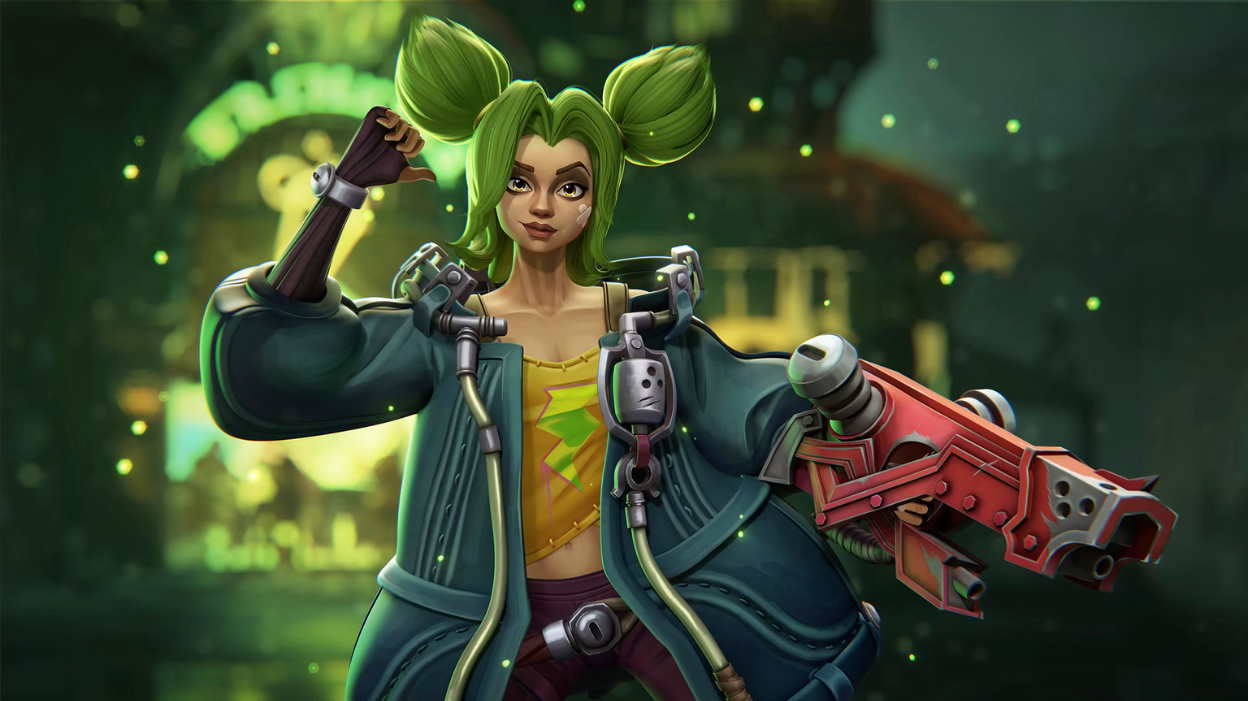
Maxon ZBrush is a digital sculpting and 3D modeling application built around a brush-based workflow. Instead of primarily constructing forms through individual polygon components, artists can directly manipulate the surface of a digital model.
This approach is particularly useful for organic sculpting and high-detail form development, although ZBrush also includes dedicated hard-surface and polygon modeling tools.
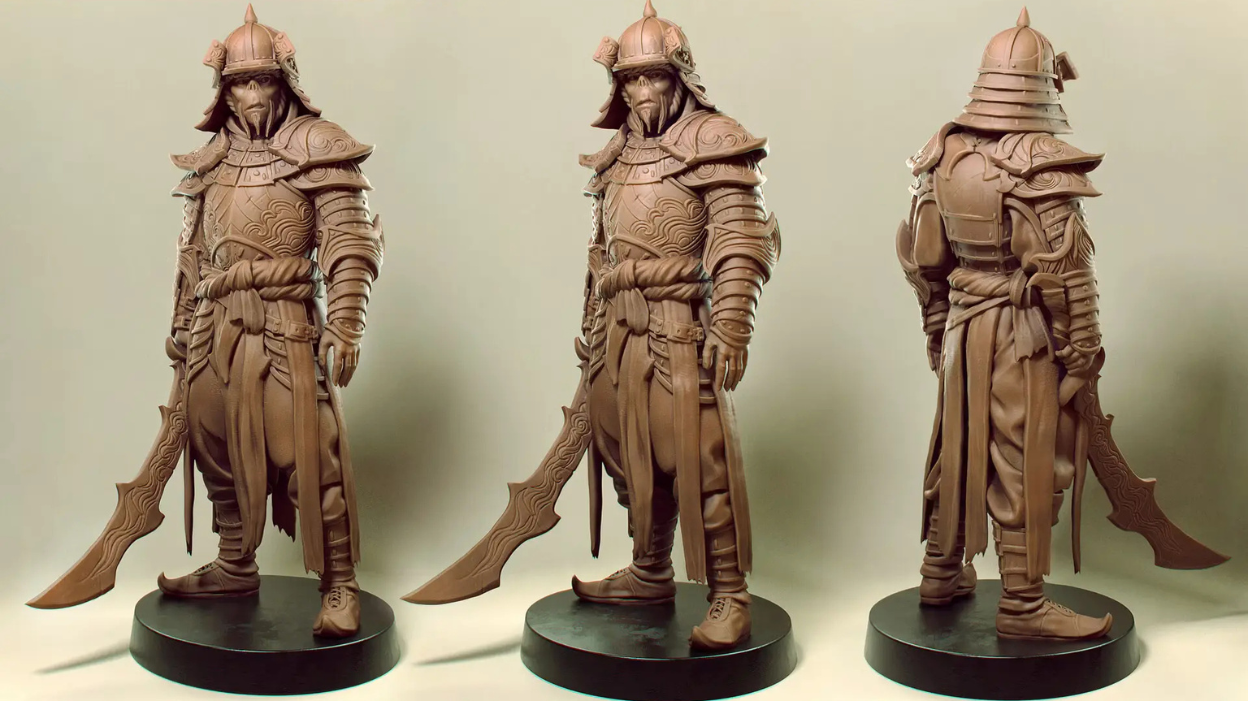
Credit: maxon.net/en/gallery
When to Use ZBrush
- Digital Sculpting: ZBrush allows artists to manipulate a model's surface directly with sculpting brushes rather than relying only on conventional mesh editing.
- Organic Form Development: Its sculpting workflow provides direct control when shaping forms with irregular or flowing surfaces.
- Detailed Surface Work: Once the primary forms are established, artists can add secondary and tertiary details such as wrinkles, pores, skin folds, and other sculpted features.
- High-Resolution Work: ZBrush can handle highly detailed sculpts with substantial geometric information, allowing artists to develop intricate models for later stages of a production pipeline.
For instance, after establishing a character's basic proportions, you could use ZBrush to develop the anatomy, facial structure, clothing folds, and smaller surface details that give the sculpt its final level of definition.
Credit: maxon.net/en/gallery
Autodesk Maya vs ZBrush: What's the Main Difference?
Category
Maya
ZBrush
Core Approach
Polygon-based modeling
Digital sculpting
Main Interaction
Editing mesh components
Manipulating surfaces with brushes
Geometry Priority
Mesh structure and topology
Sculpted form and geometric detail
Workflow Orientation
Structured construction
Iterative sculpting
Typical Use
Building and controlling the structure of an asset
Developing organic forms and sculpted details
Best Used When
You need controlled modeling, topology, and structured asset construction
You need detailed sculpting, organic forms, and high-resolution surface work
Broader Toolset
Modeling, animation, rigging, rendering, and more
Sculpting, mesh editing, and detailing
Important Information: Maya is excellent for building and controlling the structure of a 3D asset, while ZBrush is excellent for sculpting and refining its forms and details. This doesn't mean Maya can't create detailed models or that ZBrush can't be part of a complete modeling workflow. Both programs are capable of much more.
How Maya and ZBrush Fit Into a 3D Workflow
Step 1: Learn the Basics of 3D
Before focusing on specific software, get comfortable with concepts such as three-dimensional space, proportions, scale, reference images, and basic forms. These fundamentals apply to both modeling and sculpting.
Step 2: Choose Your Starting Software
If you want to build a foundation in polygon modeling, start with Maya. If you're more interested in character sculpting, anatomy, or organic forms, ZBrush can be your starting point.
Choosing one application first gives you enough time to become familiar with its interface and core tools without splitting your attention.
Step 3: Practice the Core Workflow
Maya learners can practice creating and editing meshes, working with topology, and constructing simple assets.
ZBrush learners can focus on shaping primary forms, using brushes, studying proportions, and gradually developing more detailed sculpts.
The goal is to become comfortable with the fundamentals rather than trying to learn every feature immediately.
Step 4: Complete Small Projects
Apply your skills to simple projects instead of working only through isolated exercises. You might create a basic prop in Maya or a simple organic sculpt in ZBrush.
Completing projects helps you see how individual techniques contribute to a finished asset.
Step 5: Learn the Second Application
After developing confidence with your first software, begin learning the second. Maya can add structured modeling and mesh control to a ZBrush-focused workflow, while ZBrush can add sculpting and detailed form development to a Maya-based workflow.
Step 6: Combine Maya and ZBrush
Once you're familiar with both applications, practice using them together on the same project. For example, you can create or prepare a base mesh in Maya, develop the sculpt in ZBrush, and move between the applications as needed during production.
This gives you experience with a more flexible asset-creation process.
Related Articles:
Why Learning 3D Modeling Is the Best Creative Career Move in 2026?
Best 3D Modeling Online Courses for Beginners
3D Modelling Online Course vs YouTube Tutorials – What’s Better?
Credit: www.autodesk.com
Build Your 3D Skills with M3DS Academy
If you're looking for structured training rather than trying to piece everything together from random tutorials, M3DS Academy offers 100% online training with 1-on-1 mentorship for aspiring 3D and game artists.
Our training covers both Autodesk Maya and Maxon ZBrush, giving you opportunities to apply your software skills through 3D art projects while developing work for your portfolio. Our mentors provide feedback throughout the process, helping you identify areas that need more attention.
Ready to build your Maya and ZBrush skills with expert guidance? Explore our programs and choose the learning path that fits your goals.