

What Is an Animation Pipeline? Complete Beginner Guide
Animation has become one of the most exciting and lucrative fields in the creative industries, from movies and TV shows to video games and virtual reality experiences. If you are a beginner aspiring to enter this industry, understanding the animation pipeline is crucial.
This guide breaks down the animation production pipeline in a simple, structured way, helping you understand its importance and the steps involved in creating professional-quality animations.
What Is an Animation Pipeline?
An animation pipeline is a step-by-step workflow that ensures the creation of animated content is efficient and organized. It provides a clear framework for artists and technical teams to work together, maintain consistency, and meet deadlines. While pipelines vary slightly across studios, the basic stages remain consistent.
The pipeline helps teams manage complex projects by breaking the work into stages, each with specific responsibilities. This prevents confusion, saves time, and reduces the chances of errors.
Why the Animation Pipeline Is Important
- Organization: The pipeline keeps production organized by clearly defining tasks and responsibilities.
- Efficiency: It ensures every team member knows what to do and when, reducing wasted time.
- Quality Control: Each stage is checked before moving to the next, preventing mistakes from piling up.
- Collaboration: Large projects often involve multiple departments; the pipeline ensures smooth communication.
Without a well-defined pipeline, animation projects can become chaotic, time-consuming, and expensive.
Complete Animation Pipeline: From Idea to Final Output
It covers every stage of production, guiding projects from initial concepts and story planning to final rendering and compositing, ensuring an efficient workflow and professional-quality animations.
Pre-Production: Blueprint for Animation
Pre-production is the foundation of any animation project. This phase focuses on planning, designing, and preparing all the elements needed before the actual animation work begins.
1. Concept and Idea Development
Every animation project begins with an idea or a concept. This could be a short film, a game animation, or a commercial.
- Story Outline: A summary of the plot is written to guide the animation’s structure.
- Character Ideas: Early sketches of characters are created to define their appearance and personality.
- Environment Concepts: The world or setting where the animation takes place is designed.
2. Scriptwriting
Once the concept is defined, the next step is writing the script. The script includes dialogues, actions, scene descriptions, and camera movements.
- Scene Breakdown: The script is divided into scenes with actions and timing.
- Dialogues and Sound Effects: Text and sounds are prepared for synchronization.
3. Storyboarding
Storyboards are visual representations of the script, similar to a comic strip. They show key frames, character positions, camera angles, and important actions.
- Key Frames: Main poses or moments that define the sequence.
- Camera Plans: Camera movements and angles are planned.
- Scene Timing: Rough timing is created to maintain pacing.
4. Animatics
Animatics are simplified, timed versions of storyboards with rough motion and sound. They help teams adjust timing before production begins.
5. Design and Asset Preparation
Before entering production, all necessary assets are designed and created, including characters, props, backgrounds, and textures.
- Character Design Sheets: Detailed character poses and expressions.
- Environment and Prop Designs: Backgrounds and objects are finalized.
- Color Palettes: Colors are selected for consistency.
Production: Bringing Ideas to Life
The production stage is where the animation actually comes to life. It involves creating scenes using assets and plans from pre-production.
1. Modeling
Modeling involves creating digital representations of characters, props, and environments.
- Character Modeling: Creating the final 3D version of characters.
- Environment Modeling: Creating digital sets and backgrounds.
- Prop Modeling: Creating smaller interactive objects.
2. Texturing
Texturing adds color, surface details, and materials to 3D models.
- Material Creation: Applying realistic materials.
- Texture Mapping: Adding surface details.
- UV Unwrapping: Preparing models for accurate texture placement.
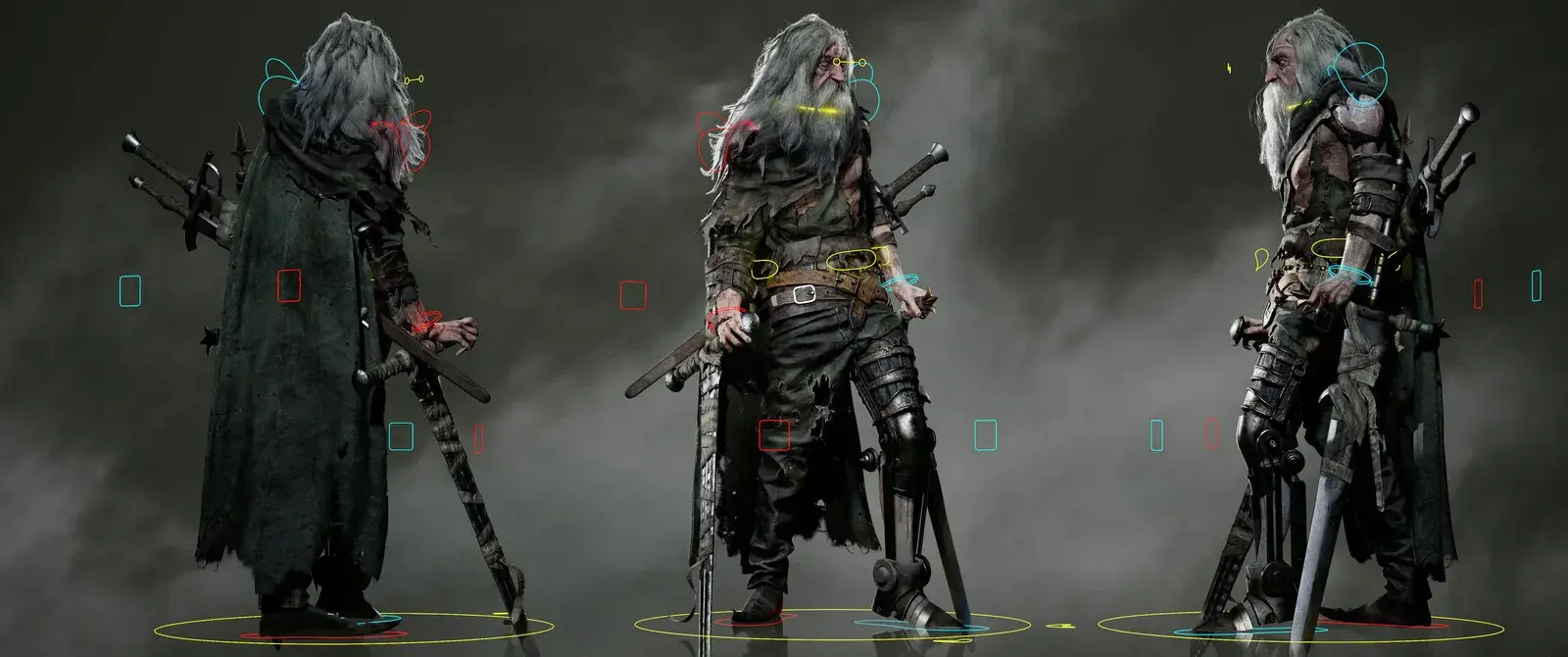
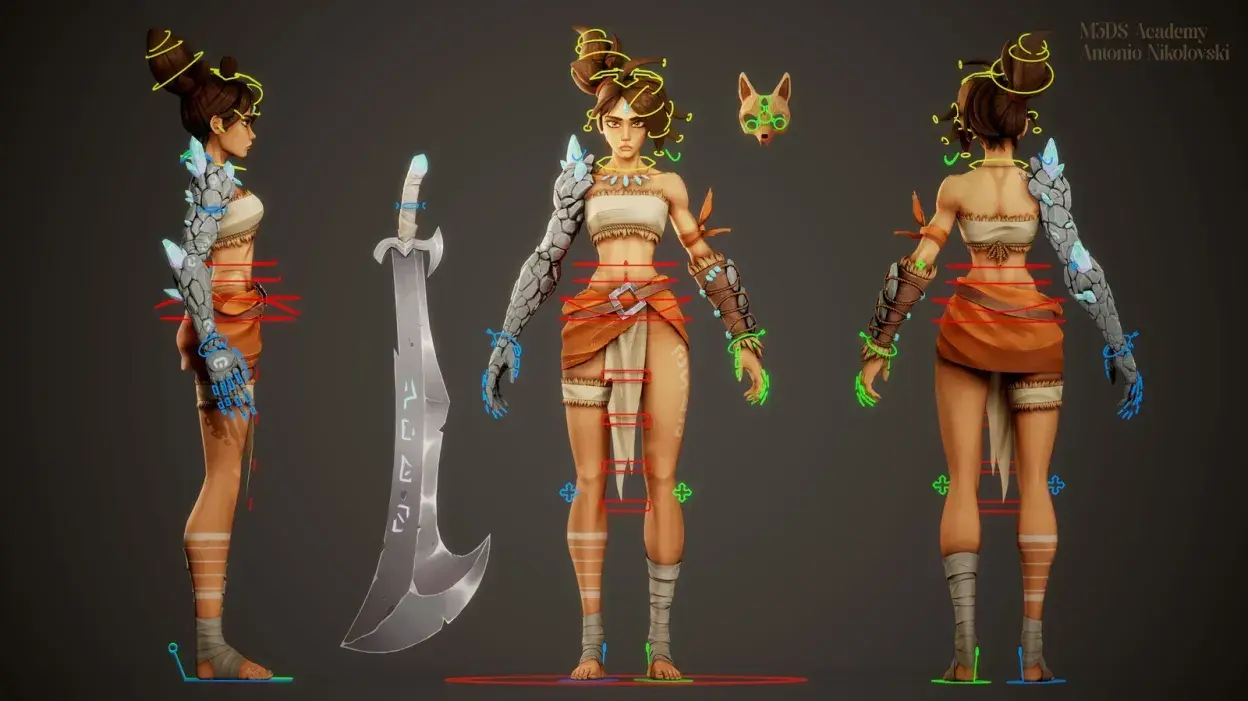
3. Rigging
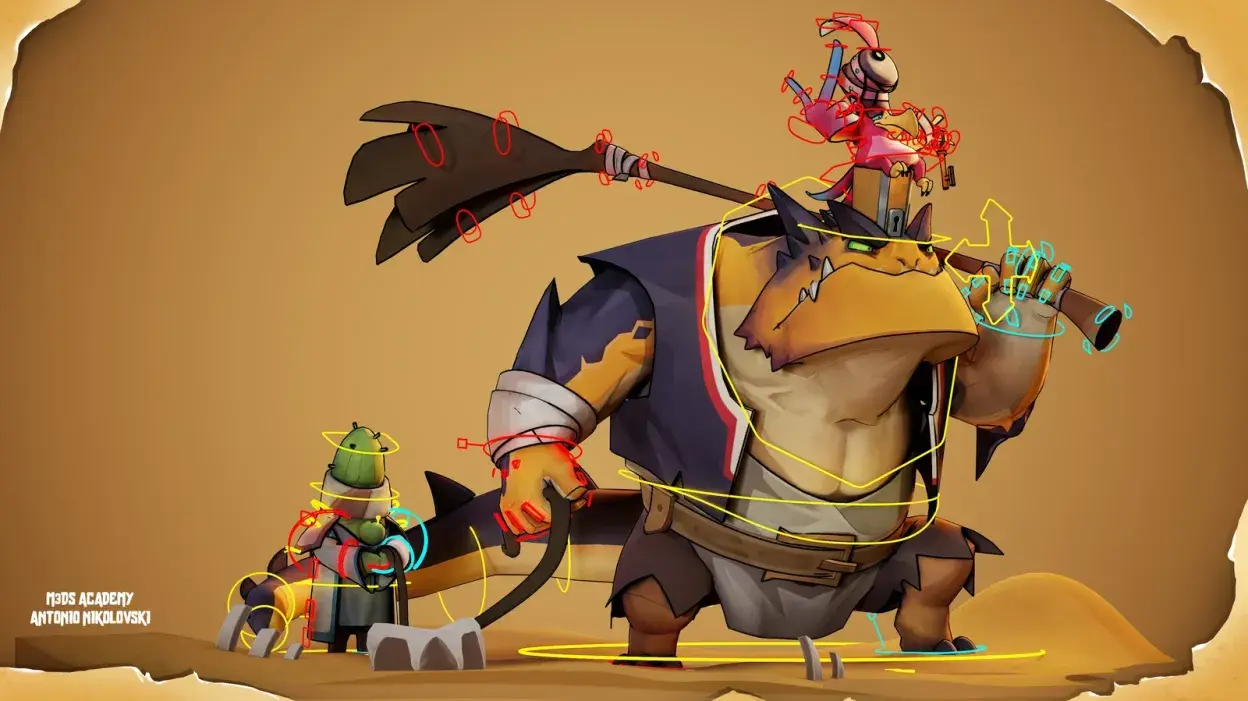
Rigging creates a skeleton for characters or objects so they can move naturally. A rig includes bones, controls, and constraints.
4. Animation
Animation creates movement using rigged characters and assets.
- Keyframe Animation: Setting important poses.
- In-Betweening: Creating smooth transitions.
- Facial Animation: Creating expressions and lip-syncing.
5. Lighting and Rendering
Lighting creates mood and realism, while rendering generates final images or sequences.
- Scene Lighting: Positioning light sources.
- Shadow and Reflection Setup: Improving realism.
- Rendering Settings: Configuring final output.
Post-Production: Polishing and Finalizing
Post-production is the final stage where animation is polished, edited, and prepared for release.
1. Compositing
Compositing combines rendered elements into a final image or video.
- Layer Integration: Combining shadows, reflections, and effects.
- Color Correction: Adjusting colors.
- Effects Addition: Adding visual effects.
2. Sound and Music
Sound effects, dialogue, and music are added during post-production.
- Voice Over Integration: Synchronizing dialogue.
- Sound Effects: Adding environmental sounds.
- Background Music: Supporting mood and pacing.
3. Editing and Final Output
Editing finalizes the animation and prepares it for distribution.
- Scene Sequencing: Arranging scenes.
- Transitions and Cuts: Creating smooth flow.
- Exporting: Saving final formats.
Learn Animation Pipeline and 3D Skills with M3DS Academy
Turn your imagination into stunning 3D worlds and animations! At M3DS Academy, we provide online courses in 3D art, animation, and game development designed for beginners and aspiring professionals.
Learn the complete animation pipeline, including pre-production, 3D modeling, texturing, rigging, character animation, lighting, rendering, and post-production.
With daily one-on-one mentorship from experienced industry professionals, students gain hands-on guidance and work on real projects to build strong, portfolio-ready skills.
Best Tools for Animation Pipeline
The animation pipeline is the backbone of professional animation. Understanding each stage from pre-production to post-production helps beginners organize, plan, and execute projects efficiently.
By mastering the pipeline, you focus more on creativity while ensuring high-quality results, whether for films, TV, or games.