
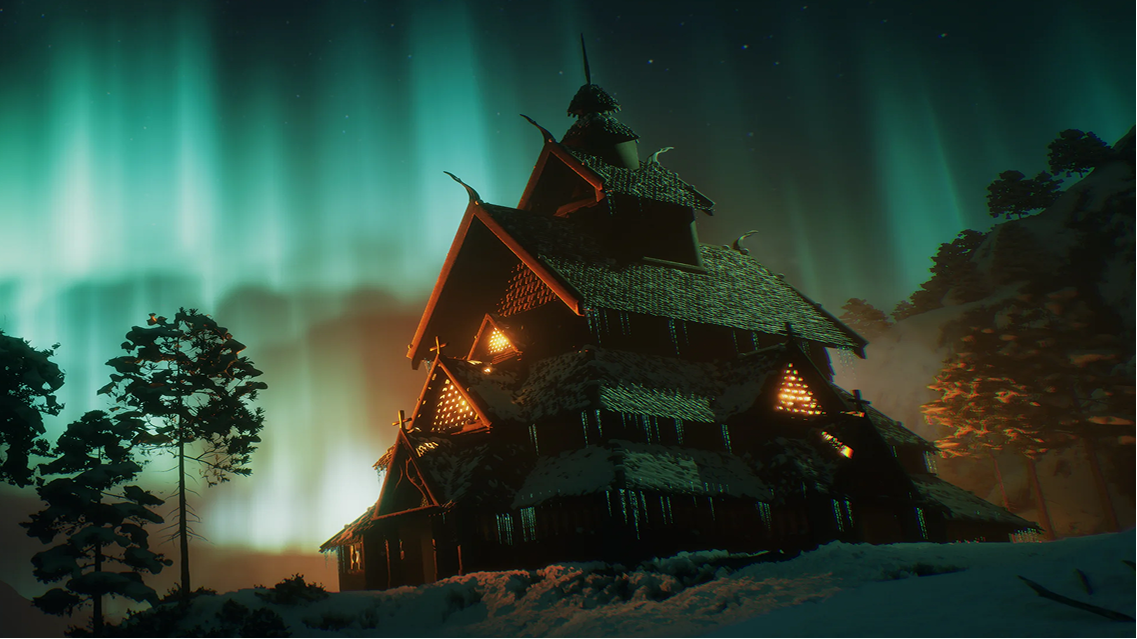

When learning 3D art, beginners often wonder whether to start with 3D modeling or sculpting. Understanding what each technique does and when to use it is more important than learning a long list of tools.
While polygon modeling gives artists direct control over geometry and topology, digital sculpting offers a more intuitive way to shape and refine forms. Both techniques can be used for organic and hard-surface assets, depending on the desired result.
You don't need to learn both techniques at the same time. Start by studying the overall shape and proportions of a simple object. Practice the approach that best suits the task, review the result, and identify what needs improvement before moving on to finer details.
This helps you build a stronger foundation and understand how each technique contributes to creating a finished 3D asset.
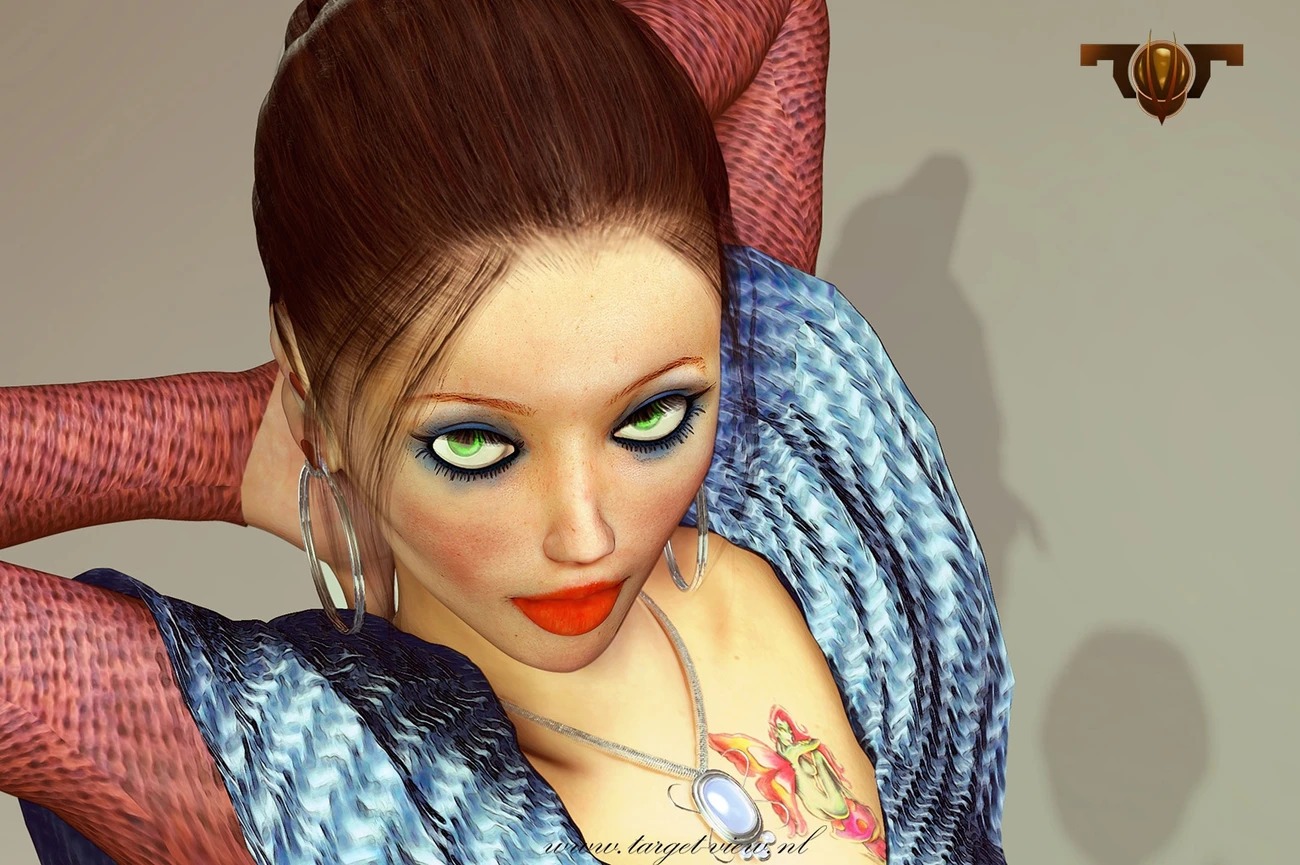
Credit: www.autodesk.com
How to Choose Between 3D Modeling and Sculpting
Start With the Shape Problem
Before choosing a technique, consider the type of shape you want to create. Some objects require precise edges and consistent proportions, while others need more freedom to develop natural forms.
For example, when creating a simple game prop, look at its silhouette and proportions from different angles. Check whether the shape communicates what the object is meant to be. Identifying problems early helps you decide which parts need adjustment before adding details.
Use Modeling for Structure
3D modeling involves creating objects by working with vertices, edges, and faces. It gives artists control over an object's geometry, proportions, and overall structure. This makes it useful for hard-surface assets, props, and objects that require clean, controlled shapes.
Try modeling a simple crate or mechanical prop. Pay attention to how the geometry is arranged, a concept known as topology. Check whether the edges and surfaces support the shape you want to create and whether the model is suitable for its intended use.
Use Sculpting for Form and Surface
Digital sculpting allows artists to shape a model much like working with clay. It is particularly useful for developing organic forms, including characters, creatures, and facial features.
Try sculpting a basic character head. Start with the overall proportions and major forms before working on details such as the nose, eyes, and mouth. If the face does not look convincing from different angles, adjust its underlying shapes before refining the surface.
Move Between the Two When the Asset Requires It
Modeling and sculpting do not have to be separate approaches. Artists often use both techniques together to achieve their artistic goals and meet technical requirements.
For example, a game character might begin with a base mesh, which is then sculpted to develop anatomy and smaller details. The artist may later refine the geometry to prepare the asset for the intended production workflow. A hard-surface prop, however, may require little or no sculpting.
The key is to understand what the asset needs at each stage. Reviewing your work and making adjustments helps you decide whether to continue with the current technique or switch to another approach.
Related Articles:
3D Artist Roadmap: Beginner to Professional
Best Software Skills to Learn for 3D Modeling Jobs
Why Learning 3D Modeling Is the Best Creative Career Move in 2026?
What Beginners Should Learn First
Beginners interested in creating props, environments, or mechanical objects may benefit from starting with polygon modeling. Those interested in characters, creatures, or organic forms may find digital sculpting a more natural starting point.
However, learning basic polygon modeling is valuable regardless of specialization. Understanding geometry, topology, and how 3D objects are constructed provides useful knowledge that can support more advanced workflows.
As your projects become more complex, learning both techniques can help you approach different artistic and technical challenges.
3D Modeling vs Sculpting: Key Differences
Although both techniques are used to create 3D assets, they differ in how artists build and refine shapes.
Feature
3D Modeling
Digital Sculpting
Main focus
Geometry and structure
Form and surface detail
Common uses
Props, weapons, and mechanical objects
Characters, creatures, and organic forms
Working method
Adjusting vertices, edges, and faces
Shaping surfaces with sculpting tools
Important skills
Proportions, topology, and edge control
Anatomy, silhouette, and form
Example software
Autodesk Maya
ZBrush
These differences can help beginners decide where to start. However, the choice depends on the asset, and many production workflows use both techniques.

Credit: maxon.net/en/gallery
How M3DS Academy Approaches 3D Art Learning
At M3DS Academy, our students are our portfolio. We emphasize practical projects that allow students to apply what they learn, review their decisions, and improve their work.
We help students develop essential 3D art skills, including 3D modeling, sculpting, topology, and texturing. Through one-on-one mentoring, we provide individual feedback to help students identify areas for improvement and refine their techniques as they progress.
If you want to build your 3D art skills from the ground up, our CG Fundamentals program introduces essential 3D art concepts and workflows.
Understanding the difference between 3D modeling and sculpting gives beginners a clearer starting point for developing their 3D art skills. As they gain experience, they can build on these fundamentals to create increasingly complex assets for games and other creative projects.
FAQs
Q1. What is topology, and why does it matter in 3D art?
Topology refers to how vertices, edges, and faces are arranged in a 3D model. Suitable topology helps make models easier to edit and can be important for animation, deformation, and real-time applications.
Q2. How can beginners build a strong 3D art portfolio?
Start with a few well-finished projects that demonstrate your skills and attention to detail. Present each asset clearly, include relevant views, and show important stages of the process when they help explain your decisions. Focus on quality and consistency rather than the number of projects.
Q3. What mistakes should beginners avoid when creating 3D assets?
Common mistakes include adding details before establishing good proportions, ignoring references, overlooking topology, and neglecting presentation. Reviewing work at different stages can help artists identify these problems earlier.