
Learning 3D art takes time, practice, and patience. Some beginners learn 3D modeling basics within a few weeks, while developing the skills to create polished, game-ready assets can take several months or longer. The timeline depends on your starting point, the software you use, how consistently you practice, and the type of 3D art you want to create.
Instead of focusing only on how many months it takes to learn 3D art, set small goals, complete practical projects, and review your results. This approach gives you a clearer way to plan your learning and decide what to tackle next.
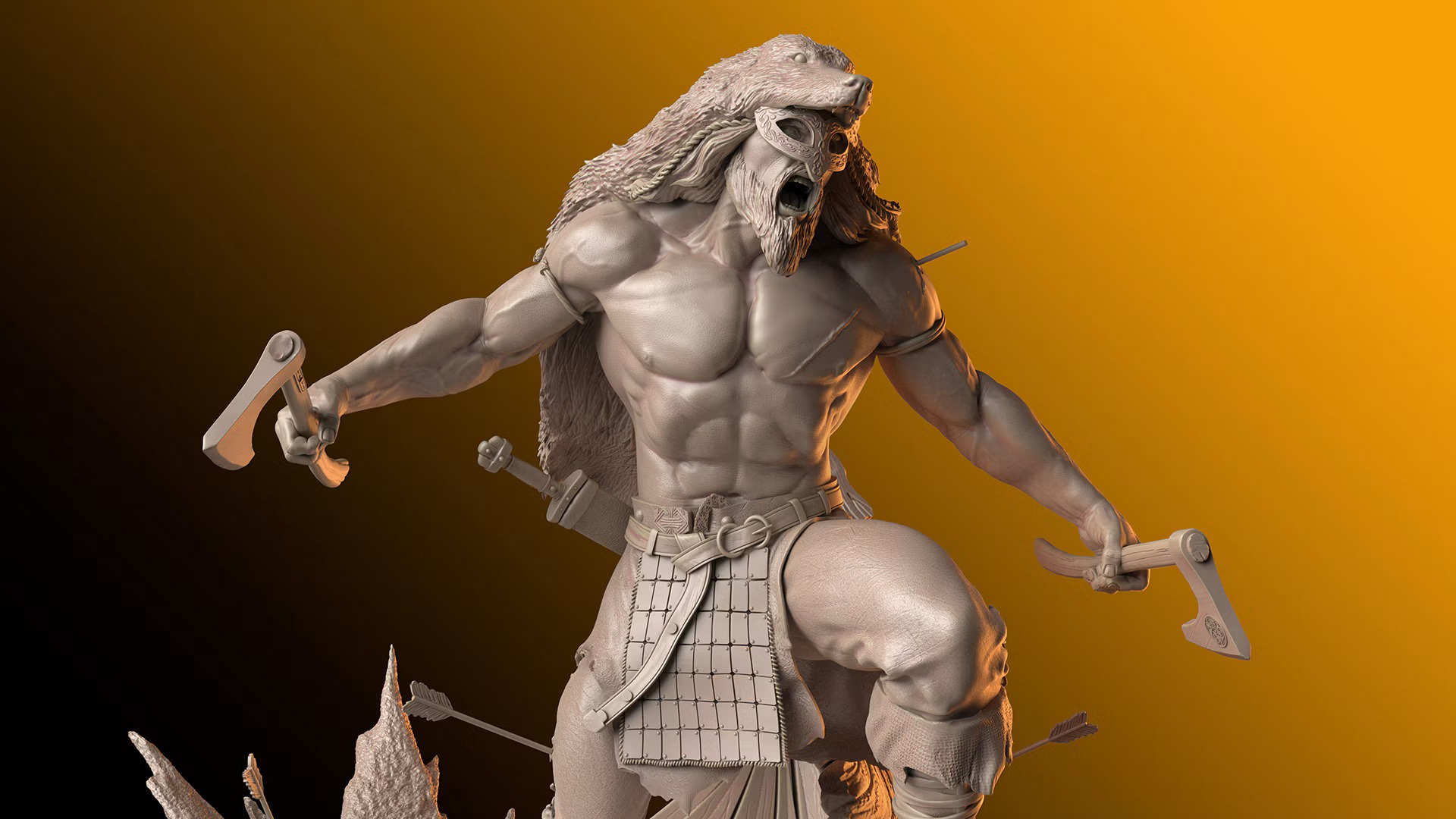
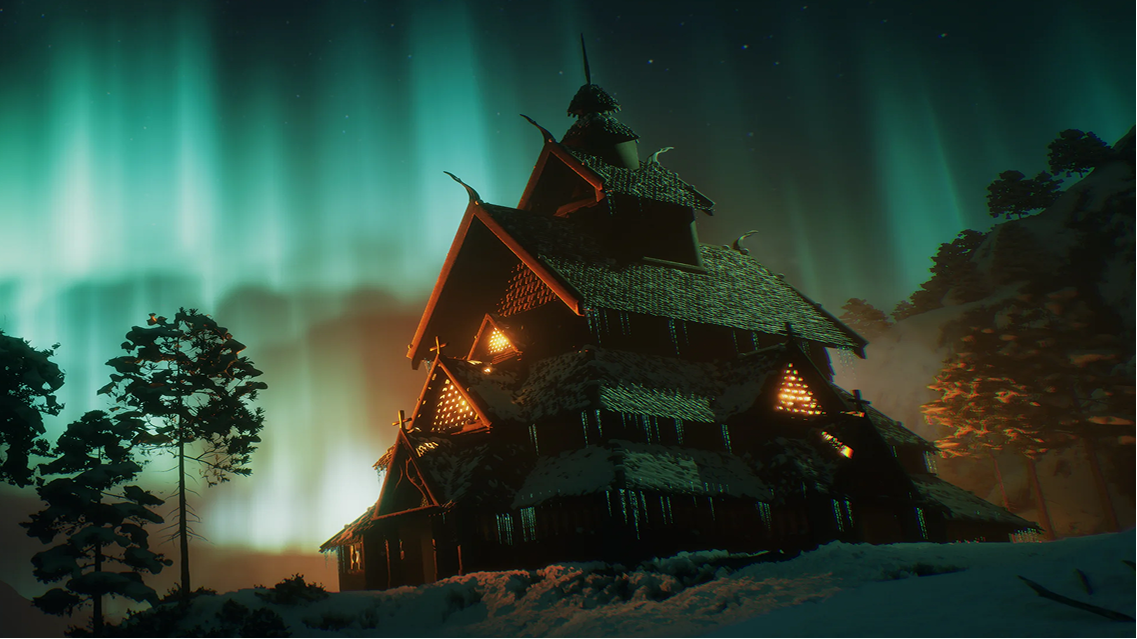
Credit: maxon.net/en/gallery
How Long Does It Take to Learn 3D Art?
Your learning timeline depends on the skills you want to develop and the complexity of the projects you plan to create. The following estimates provide a starting point for beginners who practice regularly.
Learning stage
Estimated timeline
Main focus
Learning the basics
1–3 months
Software navigation, simple modeling, and basic materials
Creating beginner projects
3–6 months
Completing simple assets and understanding proportions
Developing technical skills
6–12 months
Topology, UV mapping, texturing, and more complex projects
Building a professional portfolio
12 months or longer
Specialization, presentation, and portfolio-quality work
The following estimates are based on regular practice and are intended as general examples rather than fixed milestones. Students who spend more time learning and practicing may progress faster, while those balancing learning with work or other commitments may need more time.
Learning to operate 3D software is also different from creating production-ready assets. Professional work may require additional knowledge of optimization, material creation, real-time rendering, or techniques specific to your chosen field.
How to Track Your Progress While Learning 3D Art
Set a Clear First Milestone
A broad goal such as learning 3D art can feel overwhelming. A specific milestone makes it easier to begin and gives you a manageable first task.
Start with a small project, such as a wooden crate, a simple table, or another everyday object. Focus on its overall shape, proportions, and basic surface details rather than trying to make it perfect.
Once the model is complete, compare it with your reference. Are the proportions accurate? Are the main shapes recognizable? Can you explain which parts need improvement?
Use your observations to choose one or two skills to practice in your next exercise. This gives your learning a clear direction without requiring you to plan every stage in advance.
Measure Progress Through Completed Projects
Once you have completed a few projects, compare them to see how your technical skills develop. Use each new piece to practice a technique that was difficult in your previous work.
For example, you could concentrate on clean geometry in one modeling exercise, improve the surface details in another, and work on materials and textures in a third.
Save earlier versions of your projects so you can review changes in proportions, topology, detail, and presentation. These comparisons can reveal improvements that may be difficult to notice when you focus only on your latest work.
Use Feedback to Improve Faster
Learning independently allows you to work at your own pace, but it can be difficult to recognize technical mistakes when you are still developing your skills. An outside perspective can help you understand problems you may have overlooked.
Ask an experienced artist or instructor to review a specific part of your work. For example, find out whether your topology suits the intended asset, whether its proportions match the reference, or whether the textures support the desired style.
After receiving feedback, revise the relevant parts and examine the differences. Understanding why a correction works is more useful than applying a suggestion without knowing its purpose.
Feedback can make your practice more focused, although your overall learning timeline will still depend on your effort and the complexity of your goals.
Judge Readiness by Evidence, Not Elapsed Months
The skills needed to create a simple prop differ from those required to build a game-ready character or a detailed environment. Before moving to a more demanding project, consider whether you can handle the main tasks involved.
Ask yourself:
- Can I create the asset without following every step of a tutorial?
- Can I explain the main decisions behind its shape, topology, and materials?
- Can I identify problems and make meaningful improvements?
- Can I present the finished work clearly from useful angles?
You do not need to answer yes to every question before starting something new. Use your answers to identify gaps and decide whether your next project should reinforce an existing skill or introduce a more challenging technique.
Related Articles:
3D Artist Roadmap: Beginner to Professional
Best 3D Modeling Online Courses for Beginners
Best Software Skills to Learn for 3D Modeling Jobs
Choose a 3D Art Direction as Your Skills Develop
As you become familiar with the fundamentals, you may discover that certain types of projects interest you more than others. Exploring a few directions can help you decide where to invest your time.
- Environment Specialization: Focus on creating detailed environments using props, composition, materials, lighting, and scene-building techniques.
- Character Specialization: Develop your understanding of anatomy, sculpting, proportions, and surface details to create compelling 3D characters.
- Hard Surface Specialization: Learn to create detailed props, weapons, vehicles, and other hard-surface assets using modeling, sculpting, and texturing techniques.
- Game Development Specialization: Develop skills in game development workflows, including real-time environments, gameplay mechanics, and working with game engines.
You do not need to commit to a permanent specialization immediately. Try a few small projects, then choose a direction based on the work you enjoy and the skills you want to develop further.
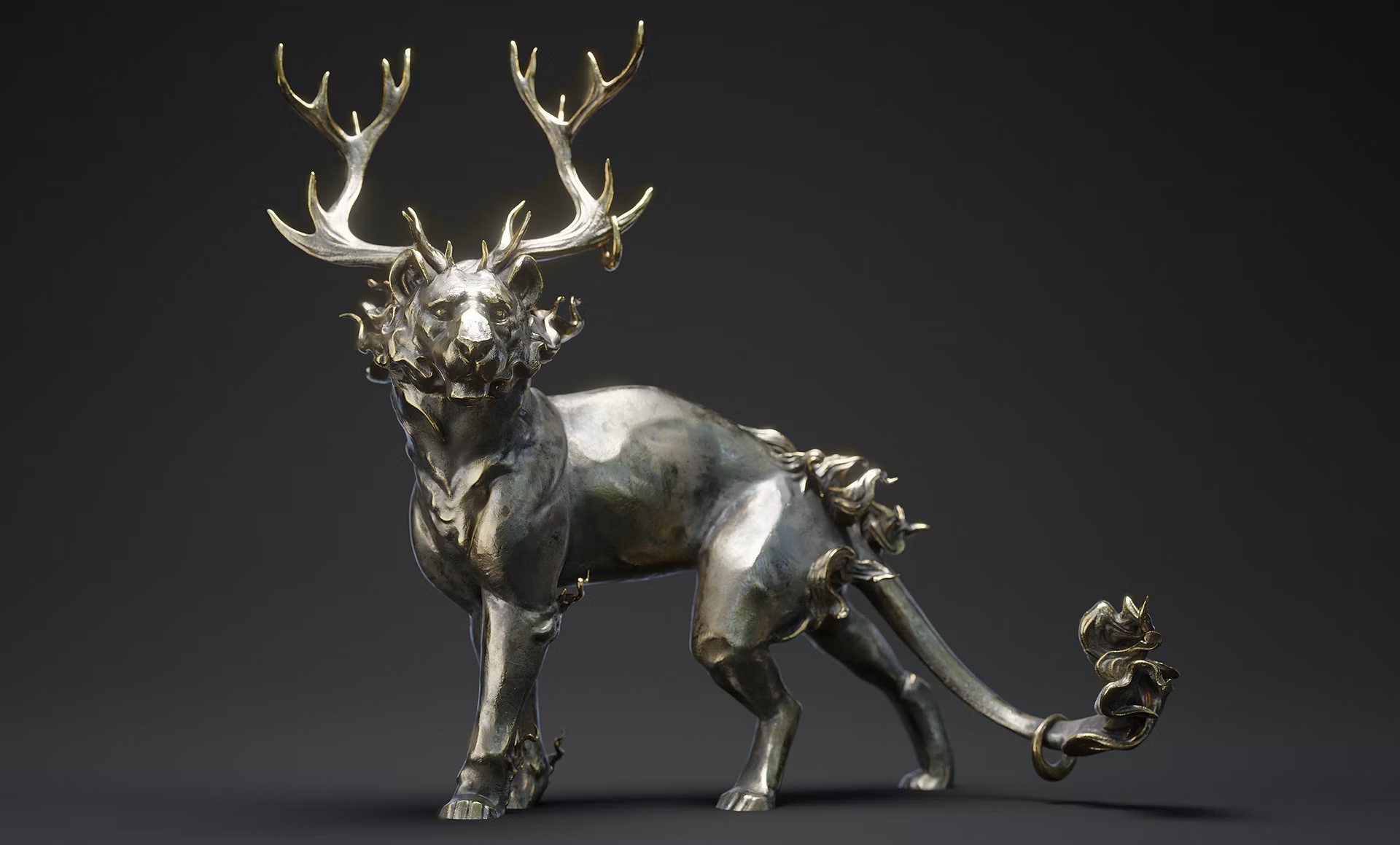
Credit: maxon.net/en/gallery
How M3DS Academy Helps You Build 3D Art Skills
Knowing what to learn next can be difficult when you are moving from basic exercises to more complex 3D projects. You might understand individual techniques but feel unsure about how to combine them into a finished asset or which skills to strengthen before taking on a bigger challenge.
At M3DS Academy, we provide a structured learning path built around practical projects and one-on-one mentoring. Our CG Fundamentals program introduces beginners to modeling, sculpting, topology, UVs, texturing, materials, and real-time workflows. These foundational skills help students understand the different stages involved in creating 3D art.
Through one-on-one mentoring, students receive guidance on their projects and the specific challenges they encounter as they progress. This support helps them work through technical difficulties and understand how to apply their skills to practical assignments.
At M3DS Academy, the students are our portfolio. We emphasize the work students create as they develop their abilities and prepare for their next steps in 3D art.
Ready to start building your 3D art skills? Explore our CG Fundamentals program and begin developing the foundation for your own projects.