What Is Baking in 3D Modeling and Sculpting and Why Is It Important?
Creating a highly detailed 3D model is only half the journey. The real challenge begins when you need that model to work efficiently in a game, animation, virtual production, or real-time application. High-polygon models look incredible, but they are often too heavy to use directly.
This is where baking becomes one of the most valuable techniques in the 3D workflow.
If you’ve ever wondered how modern video games feature highly detailed characters, realistic environments, and cinematic assets without sacrificing performance, the answer often lies in baking.
In this guide, you’ll learn what baking is, how it works, why it matters, the different types of maps involved, and why every aspiring 3D artist should master this essential skill.
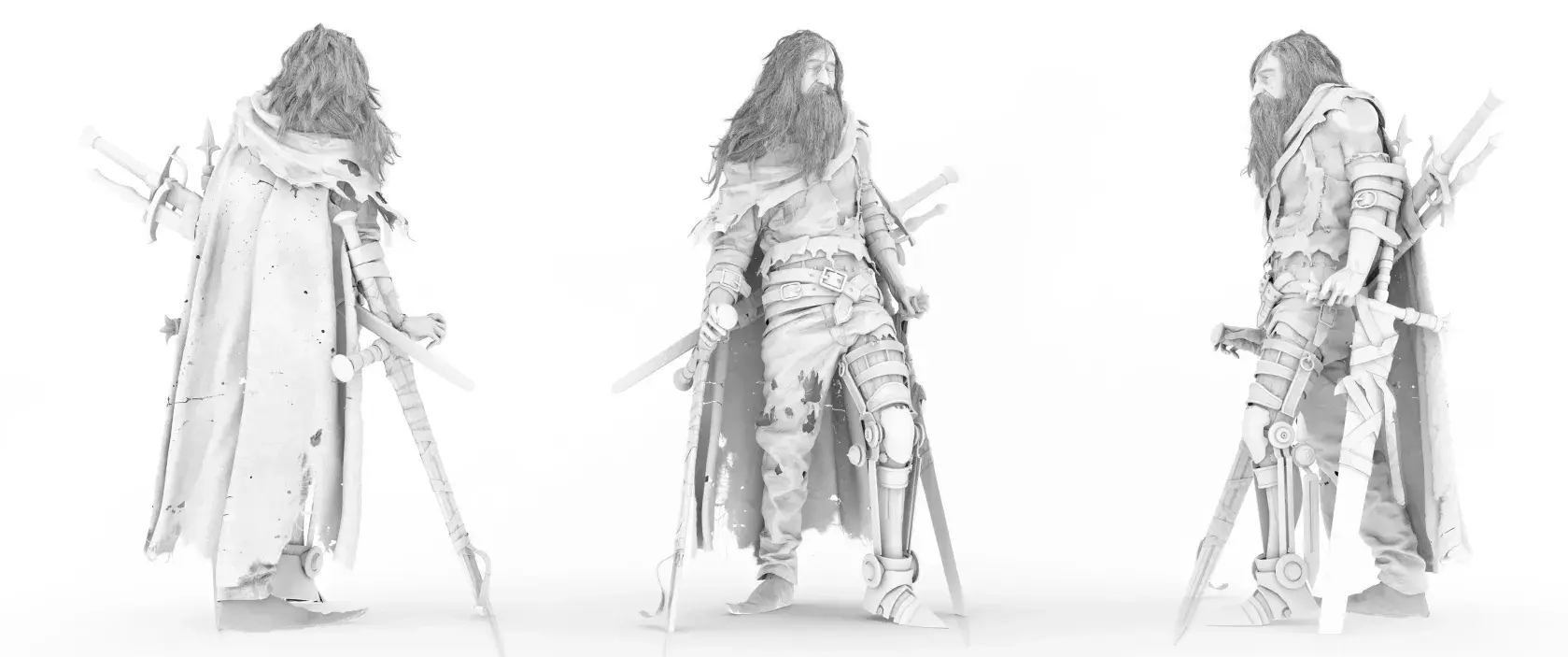
What Is Baking in 3D Modeling and Sculpting?
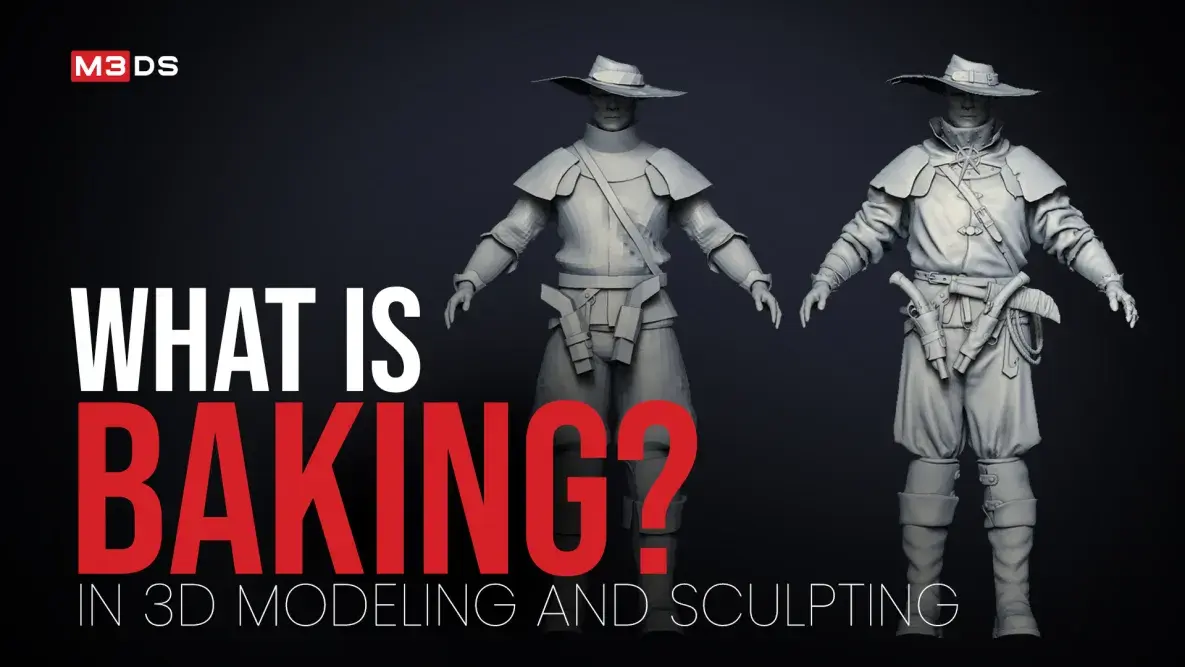
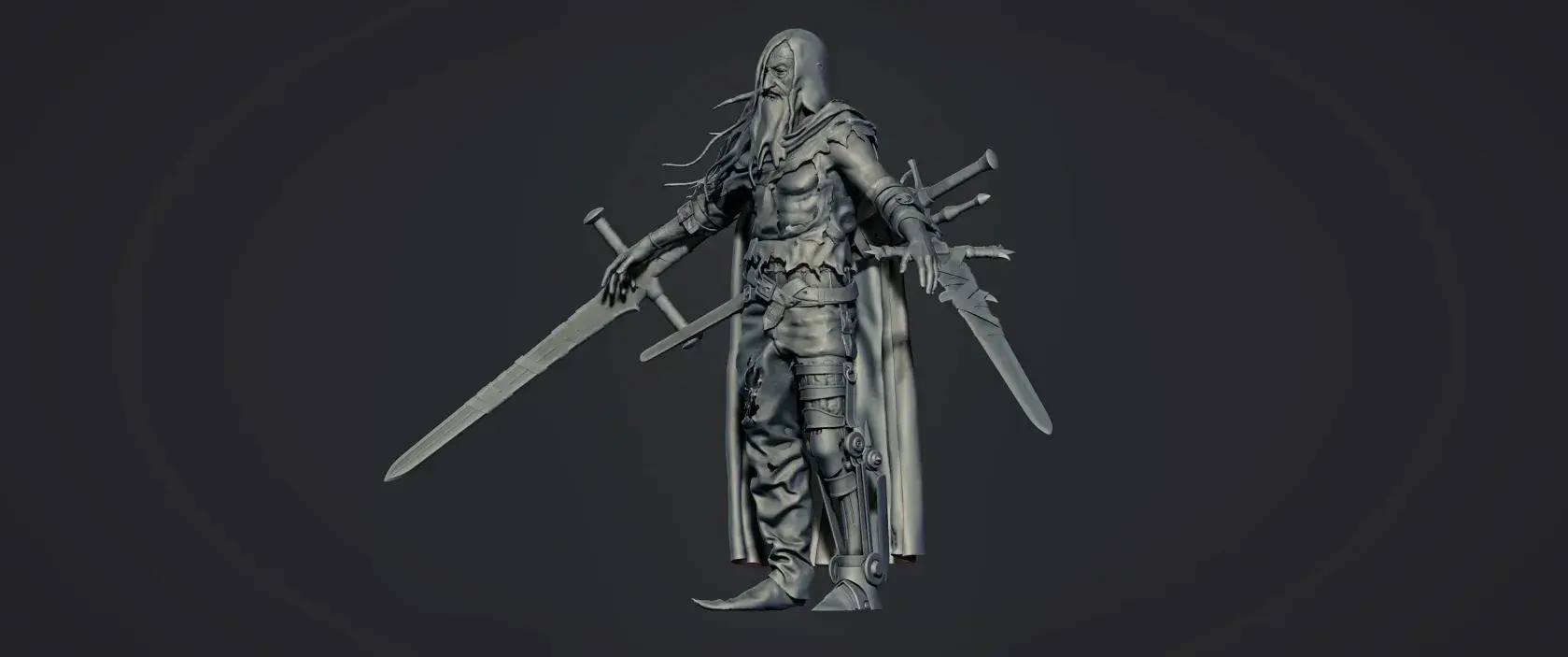
Baking is the process of transferring visual information from one 3D model to another, typically from a high-poly model to a low-poly model.
Instead of displaying millions of polygons in real time, artists capture details such as surface depth, lighting, textures, and material information into image files known as maps.
These baked maps allow the low-poly model to appear almost as detailed as the original sculpt while remaining lightweight enough for games, animations, VR, AR, and interactive applications.
Think of baking as taking a “snapshot” of your model’s fine details and storing them in textures that your rendering engine can read efficiently.
Why is Baking Important in the 3D Workflow?
Baking is more than a technical process; it improves performance, preserves visual quality, simplifies texturing, and helps artists create efficient, production-ready assets for modern 3D workflows.
Improves Real-Time Performance
High-polygon models are expensive to render, especially in applications where every frame must be generated in real time. Baking allows artists to transfer fine surface details into texture maps, making it possible to use lightweight models without sacrificing visual quality.
This optimization is essential for:
- Video games
- Virtual Reality (VR)
- Augmented Reality (AR)
- Mobile applications
- Interactive experiences
Without baking, many real-time projects would struggle to achieve smooth performance across different devices.
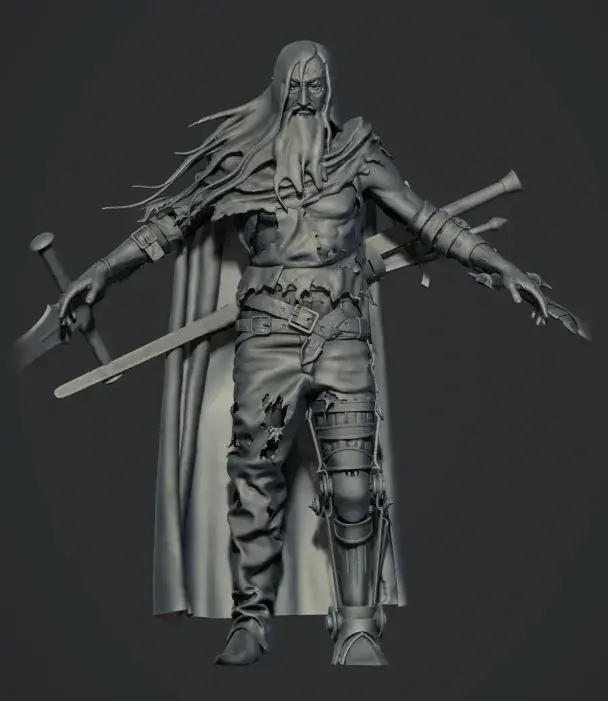

Preserves High-Resolution Details
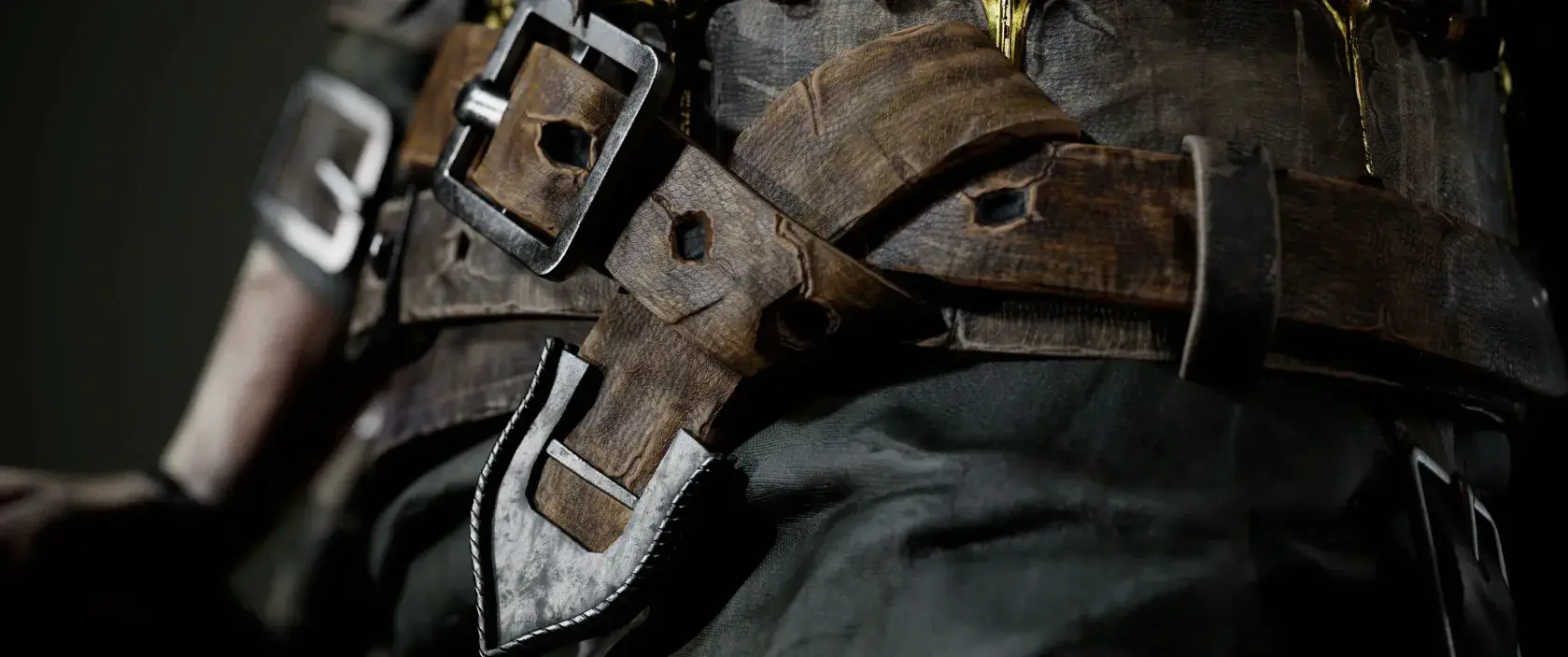
Modern sculpting software enables artists to create intricate details that bring 3D assets to life, including:
- Skin pores
- Fabric stitching
- Stone cracks
- Wood grain
- Surface scratches
- Mechanical engravings
Rather than recreating these details on every version of a model, baking transfers them into texture maps that preserve the appearance of the original sculpt. This allows artists to maintain rich visual detail while keeping assets practical for production.
Enhances Texture Painting
Baking does more than preserve sculpted details; it also lays the foundation for professional texturing.
Maps such as Ambient Occlusion, Curvature, Position, and ID Maps help artists apply smart materials, edge wear, dirt, scratches, and weathering effects inside texturing software like Substance 3D Painter. Instead of painting every detail manually, artists can use these baked maps to create realistic textures faster and with greater consistency.
This not only improves efficiency but also helps achieve more believable and polished results.
Streamlines Production Workflows
Once baking maps have been created, they can be reused throughout the texturing and rendering process. This reduces repetitive work and allows artists to focus on refining materials, lighting, and presentation rather than recreating fine surface details.
In collaborative environments, baked maps also help maintain consistency across assets, making it easier for multiple artists to work together while following the same production standards.
How Does the Baking Process Work?
While workflows may vary between projects and software, baking generally involves creating a high-poly model, preparing a low-poly version with clean UVs, and baking texture maps.
Step 1: Create the High-Poly Model
Artists first sculpt or model a highly detailed version of the asset. This version contains every tiny detail that should appear in the final result.
Step 2: Build the Low-Poly Model
Next, a simplified version of the same object is created. The low-poly model keeps the overall shape while dramatically reducing the polygon count. This version is intended for real-time rendering.
Step 3: Unwrap the UVs
Before baking, the low-poly model must have properly organized UV coordinates. UV mapping tells the software exactly where each baked texture should be placed on the model. Clean UVs help prevent stretching, seams, and texture distortion.
Step 4: Bake the Maps
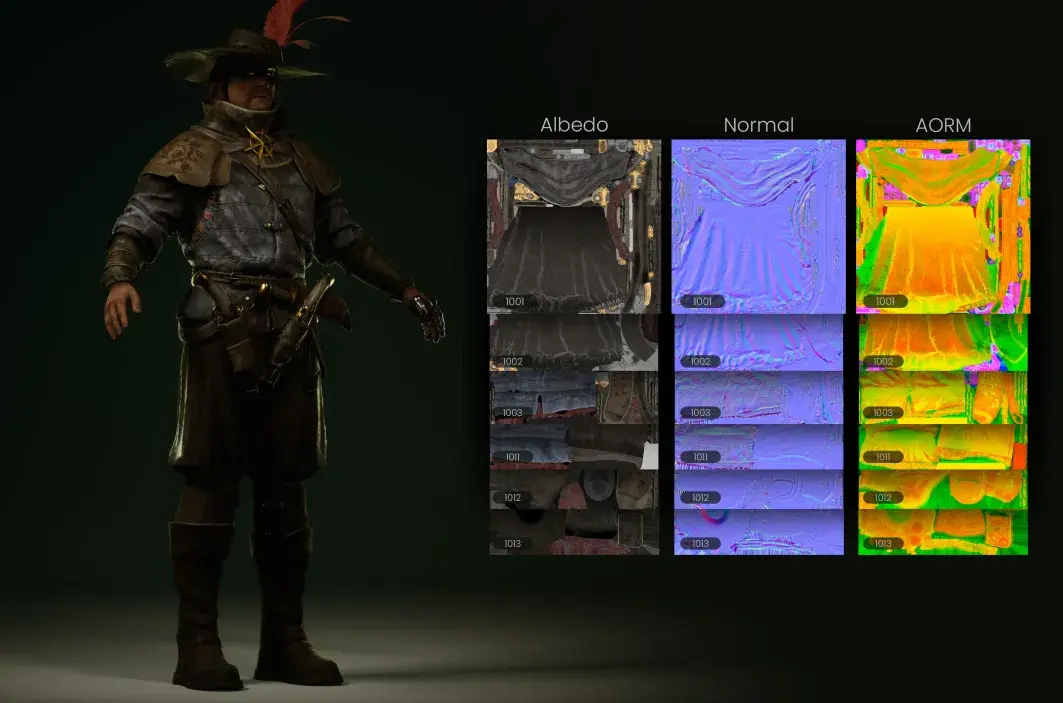
Using baking software, information from the high-poly model is projected onto the low-poly version. The software compares both meshes and generates texture maps that store the transferred details.
Step 5: Apply the Maps
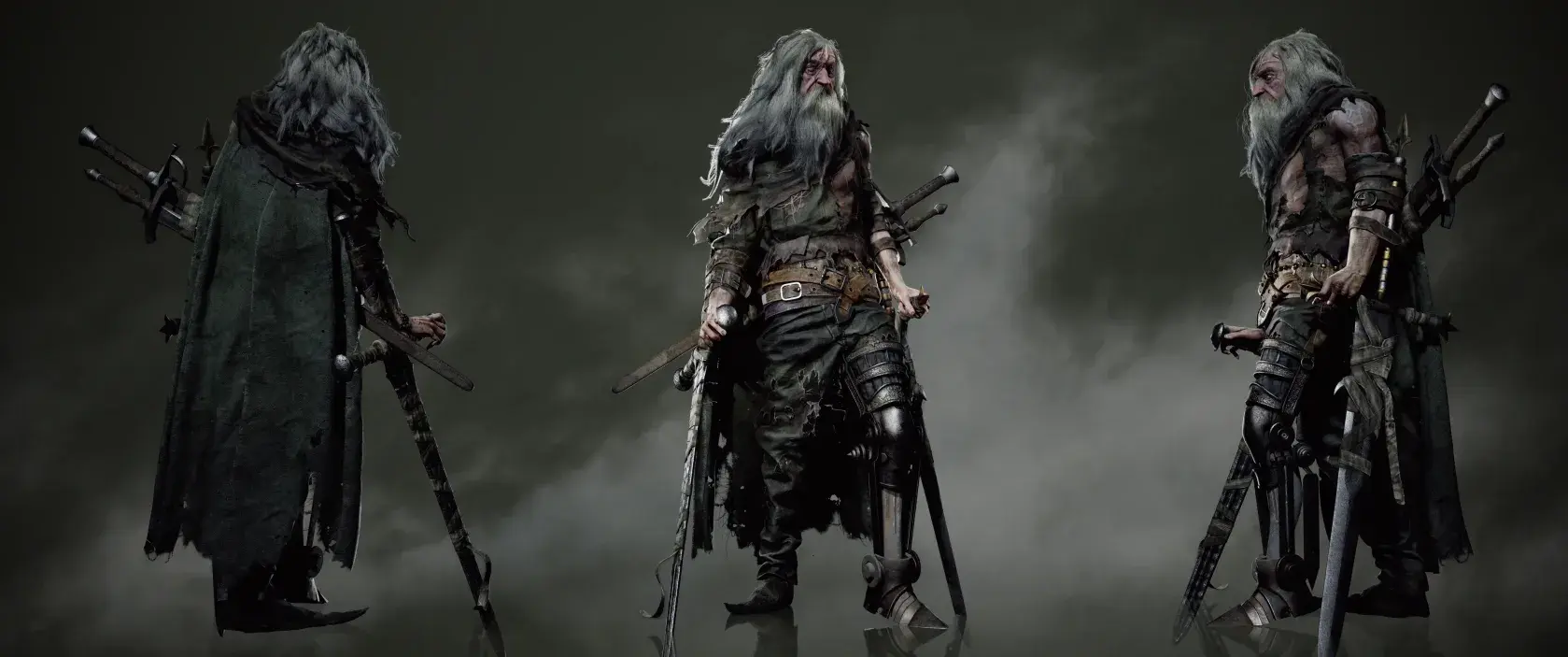
Finally, the baked maps are connected to materials inside software such as Maya, Unreal Engine, or Unity. Once applied, the low-poly model recreates the appearance of the original high-detail sculpt while remaining efficient enough for games, animations, and other real-time applications.
Just starting your 3D journey? Follow our 3D Artist Roadmap: Beginner to Professional to discover the skills, software, and milestones that can help you build a successful career.
Common Types of Baking Maps
From Normal Maps that simulate surface details to Ambient Occlusion and ID Maps that improve texturing, each baking map plays a unique role in creating realistic and optimized 3D assets.
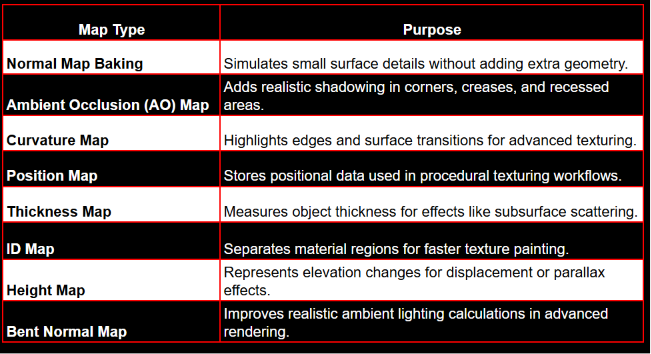
Each map serves a different purpose, and many projects combine several of them to achieve the final visual result.
Where Is Baking Used?
Baking has become a standard practice across many industries that rely on 3D assets.
- Video Game Development: Games require assets that look detailed while maintaining high frame rates. Baking helps developers create immersive characters, weapons, vehicles, buildings, and environments that perform efficiently across different platforms.
- Film and Animation: Although film productions often use high-resolution models, baked textures help streamline rendering workflows, improve asset management, and maintain consistency throughout large productions.
- Product Visualization: Manufacturers and designers use baking to create photorealistic product renders while keeping files manageable for presentations, marketing materials, and online configurators.
- Architecture and Interior Design: Architectural visualization benefits from baked lighting, texture detail, and material information, allowing designers to produce realistic walkthroughs without overwhelming hardware resources.
- Virtual and Augmented Reality: VR and AR demand exceptionally high performance because scenes must render smoothly in real time. Baked assets help maintain visual quality while meeting the strict performance requirements of immersive experiences.
You May Also Like:
Best 3D Modeling Online Courses for Beginners
Common Baking Mistakes to Avoid
Beginners often encounter a few recurring problems during the baking process.
These include:
- Overlapping UV islands
- Incorrect cage settings
- Low-quality topology
- Inconsistent smoothing groups
- Missing or flipped normals
- Using unnecessarily high texture resolutions
- Ignoring artifacts until the final rendering stage
Learning to recognize and fix these issues early will significantly improve your workflow and final results.
Software Commonly Used for Baking
Several professional tools support baking as part of the production pipeline.
- Autodesk Maya
- ZBrush
- Substance 3D Painter
- Unreal Engine
- Unity
- Marmoset Toolbag
- Blender
Each application offers different baking features, but the underlying principles remain the same.
Not sure which software is right for your workflow? Explore our detailed comparison of Maya, Blender, and 3ds Max to find the best fit for your creative goals and career.

Learn Professional Baking Techniques at M3DS Academy
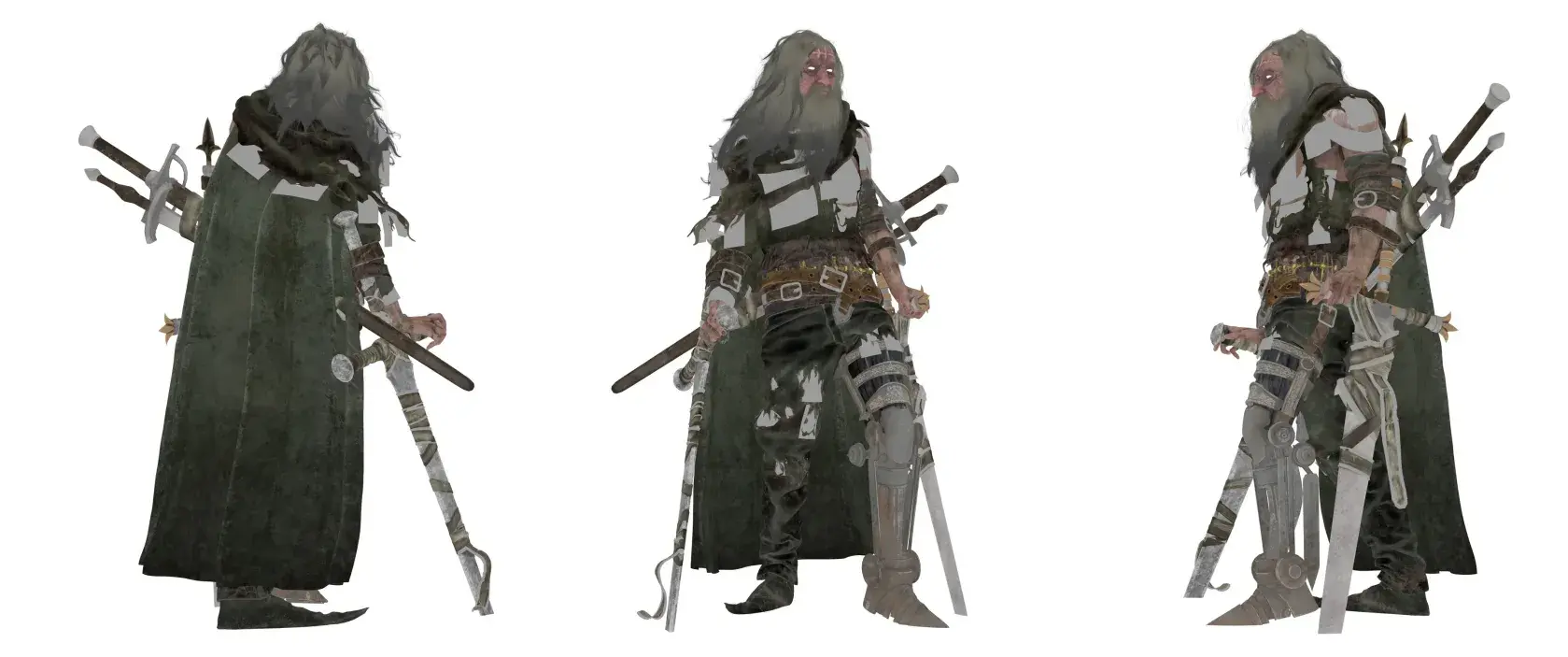
Mastering baking is one of the key milestones in becoming a professional 3D artist. While tutorials can introduce the basics, developing studio-ready skills requires structured learning and consistent practice. At M3DS Academy, we teach baking as part of a complete production pipeline used by professional game and entertainment studios.
Through hands-on projects, students learn to create optimized, production-ready assets using industry-standard software such as Autodesk Maya, ZBrush, Substance 3D Painter, and Unreal Engine. Beyond software training, we offer specialized courses in 3D environment art, 3D character art, game development, and comprehensive academy programs designed to help students develop both technical expertise and strong portfolios.
Through hands-on projects and mentorship from experienced professionals, we prepare aspiring artists with the practical skills and confidence needed to meet the expectations of today’s game and entertainment studios.
Why Every 3D Artist Should Master Baking
Baking bridges the gap between artistic detail and real-time performance, making it one of the most essential techniques in modern 3D production.
Whether you’re creating game assets, cinematic characters, architectural visualizations, or immersive VR experiences, understanding baking enables you to build visually rich models that are efficient, scalable, and ready for professional use
Ready to master baking and build industry-ready 3D skills? Apply Now at M3DS Academy.