
Imagine spending hours creating a detailed hard-surface asset. The proportions look right, the bevels are clean, and the small mechanical details are finally coming together. Then you decide the entire object needs to be slightly wider.
If changing that one decision means rebuilding several parts of your model, your workflow is working against you.
This is exactly where non-destructive modeling becomes useful. For artists creating detailed 3D and hard-surface assets, having a workflow that can accommodate changes can make the modeling process easier to manage as a project develops.
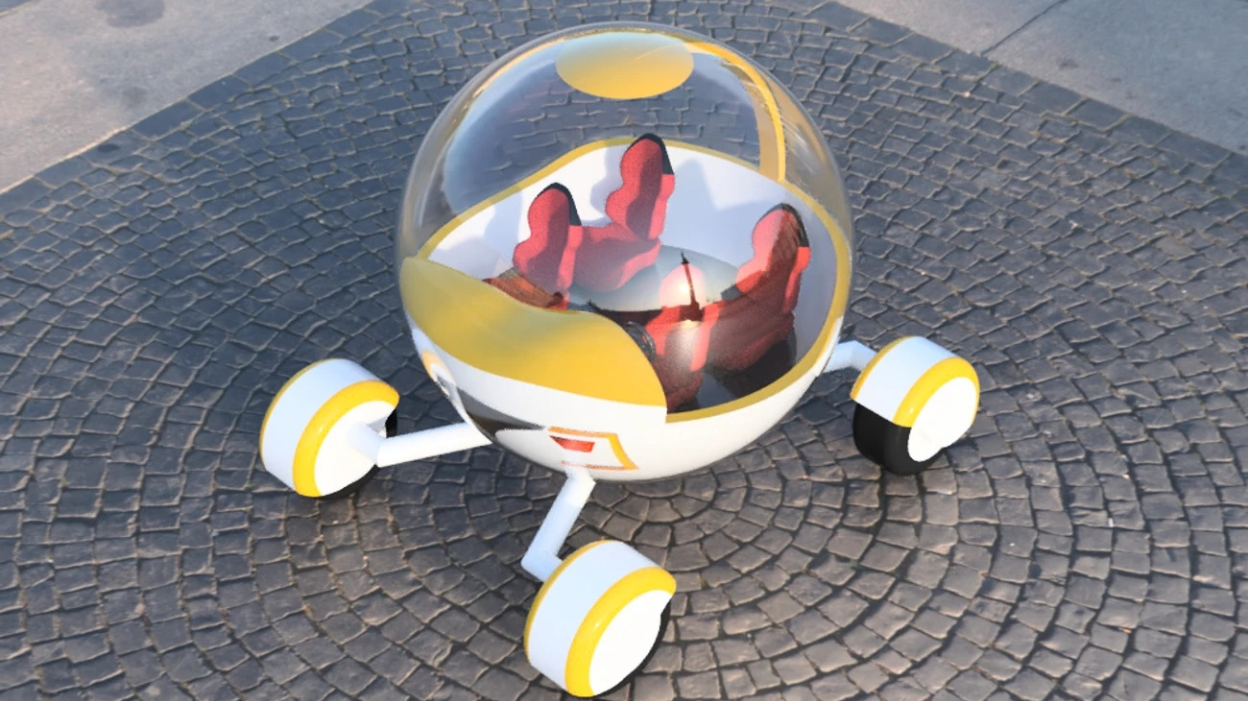
Credit: www.autodesk.com
What Is Non-Destructive Modeling?
Non-destructive modeling is a workflow that keeps important modeling operations editable or reversible, allowing artists to change earlier decisions without having to rebuild large parts of the asset.
The exact method depends on the software, but the principle remains the same: keep important decisions adjustable for as long as possible.
For example, imagine you are creating a hard-surface sci-fi crate. You add a bevel to the edges, but later realize the edges should be sharper. In a destructive workflow, you may need to undo several operations, rebuild geometry, or manually correct the mesh.
In a non-destructive workflow, the bevel can remain adjustable. You can change its width, segments, or other settings without rebuilding the entire asset.
This does not mean every part of a model must remain editable forever. Some operations eventually need to be finalized. The goal is to delay irreversible decisions until they are actually necessary.
Want to turn high-detail 3D sculpts into game-ready assets? Learn how baking transfers essential details from high-poly models to optimized geometry.
How Does Non-Destructive Modeling Work?
Modifier-Based Workflows
Modifiers are one of the clearest examples of non-destructive modeling. Instead of manually changing geometry, you apply a procedural operation that can be adjusted later.
Common examples include:
- Bevel operations
- Subdivision
- Mirror workflows
- Symmetry
- Deformation
- Boolean operations
The advantage is simple: the operation remains available for editing rather than becoming permanently baked into the mesh immediately.
Construction History
In software such as Autodesk Maya, construction history can allow artists to revisit certain modeling operations after they have been applied.
This can be particularly useful when building complex assets because an earlier operation may need to be adjusted after another part of the model changes.
Maya also includes tools and workflows that support procedural and editable modeling decisions, making it possible to keep parts of an asset flexible during production.
Instancing and Reusable Elements
Non-destructive thinking is not limited to modifiers.
Using instances or reusable components can also reduce unnecessary manual work. If an environment contains dozens of similar objects, creating each one independently makes revisions slower.
A reusable component can allow an artist to make a broader change without manually rebuilding every copy.
Separate Modeling Stages
Another useful practice is separating the major stages of the asset.
For example:
Blockout → Primary Forms → Secondary Details → Refinement → Finalization
This gives you a clear structure for making revisions. If the proportions are wrong, you can correct them before spending hours on small surface details.
Why Is Non-Destructive Modeling Important?
1. It Gives Artists More Control Over the Modeling Process
Non-destructive modeling changes the way artists interact with their assets. Instead of treating the mesh as the only thing that matters, artists can also control the operations that produce the final result.
This gives you more freedom to shape the asset while keeping important modeling decisions accessible during production. You can focus on how the model should be built rather than being limited by changes that have already been permanently applied.
2. It Helps Preserve the Relationship Between Different Modeling Stages
A 3D asset is usually developed in stages, starting with primary forms and gradually adding more detail.
When these stages remain connected in a structured way, artists can keep secondary elements aligned with the larger forms. This is particularly useful for hard-surface assets, where panels, cutouts, bevels, and other details often depend on the underlying shape.
It also encourages artists to build with the next stage in mind instead of treating every modeling decision as an isolated edit.
3. It Makes Technical Problems Easier to Trace
Complex models can contain many operations that influence the final shape. When everything is permanently combined into the mesh, finding the source of an unexpected result can take time.
A non-destructive setup can make the construction process easier to inspect. If something looks incorrect, artists can examine the operations involved and identify where the problem originates instead of searching through the entire mesh.
This can make troubleshooting more systematic, particularly when working with detailed assets that contain multiple modeling operations.
You May Also Like:
Why Game Environment Artists Are in High Demand
The Best Online School in the US for 3D Artists & Game Developers
Why Learning 3D Modeling Is the Best Creative Career Move in 2026?
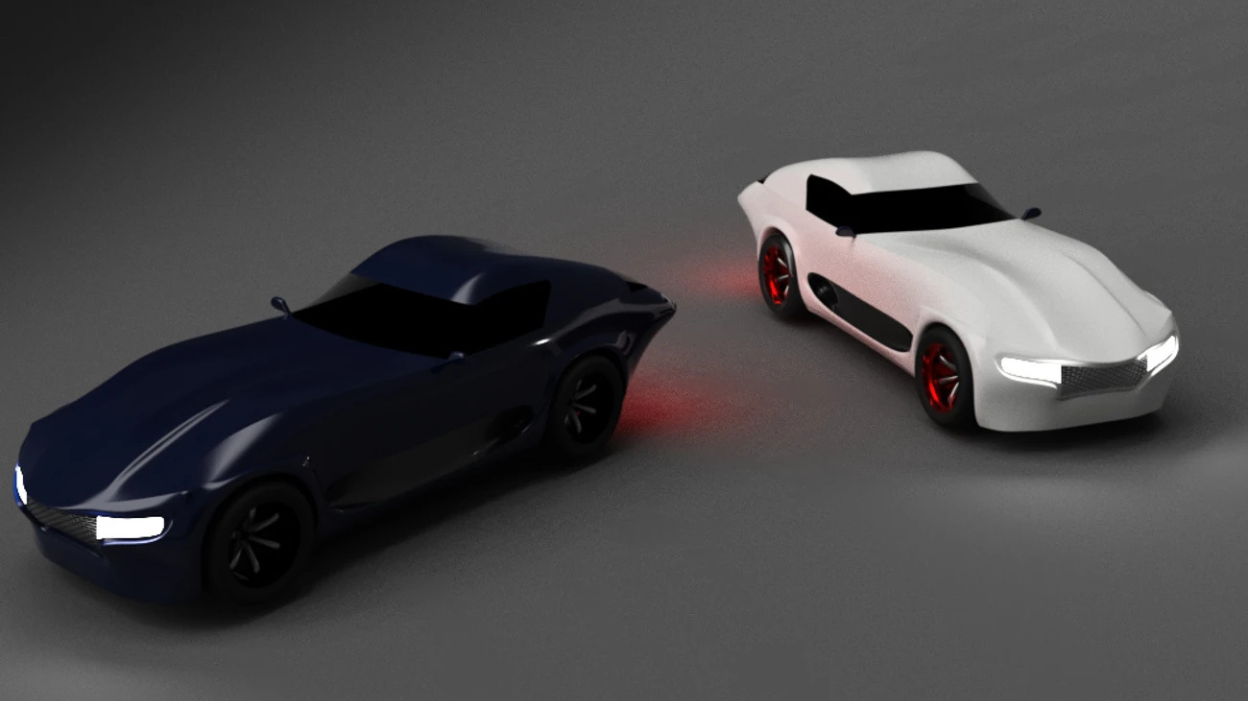
Credit: www.autodesk.com
How M3DS Academy Helps Artists Build Better Modeling Workflows
At M3DS Academy, we help aspiring 3D artists build practical modeling skills through hands-on projects and 1-on-1 mentorship. For artists who want to specialize in hard-surface asset creation, our Hard Surface Art Specialization Course focuses on creating production-ready props, weapons, and vehicles.
Students work on detailed portfolio projects while developing skills in hard-surface modeling, asset construction, and professional 3D workflows. Our practical approach helps them build the confidence to create refined, professional-quality assets.
If you're serious about building a career in 3D game art, developing a strong modeling foundation and learning how to approach assets systematically can make a real difference.
When Should You Use a Non-Destructive Workflow?
Non-destructive techniques are particularly useful when working on:
- Hard-surface assets
- Modular environment pieces
- Repeating architectural elements
- Props that require multiple variations
- Models that are likely to receive revisions
- Procedural or parameter-driven assets
- Early and middle stages of production
For a simple one-off object, a fully non-destructive setup may sometimes create unnecessary complexity. The workflow should serve the project rather than become a rule you follow mechanically.
A good artist learns to balance flexibility with simplicity.
Ready to take your modeling skills further? Start your 3D journey with us.